Once the Parts Depot has been created the Depot locations can be added to this. An example is if the Parts Depot is a stores in Manchester then the depot locations would be within this i.e Shelf 1, Shelf 2.
Note: it is important to get then naming convention of the Depot location correct. For example if you have 250 shelves in area A, naming should begin at A001, A002, A003...., not A1, A2, A3 as this will cause issues in alphanumerical order.
PROCEDURE
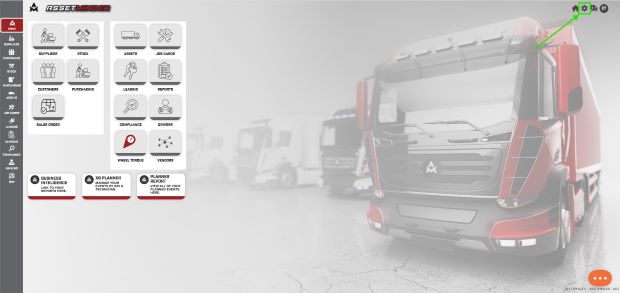
1. Click the Administrator Settings icon on the home screen.
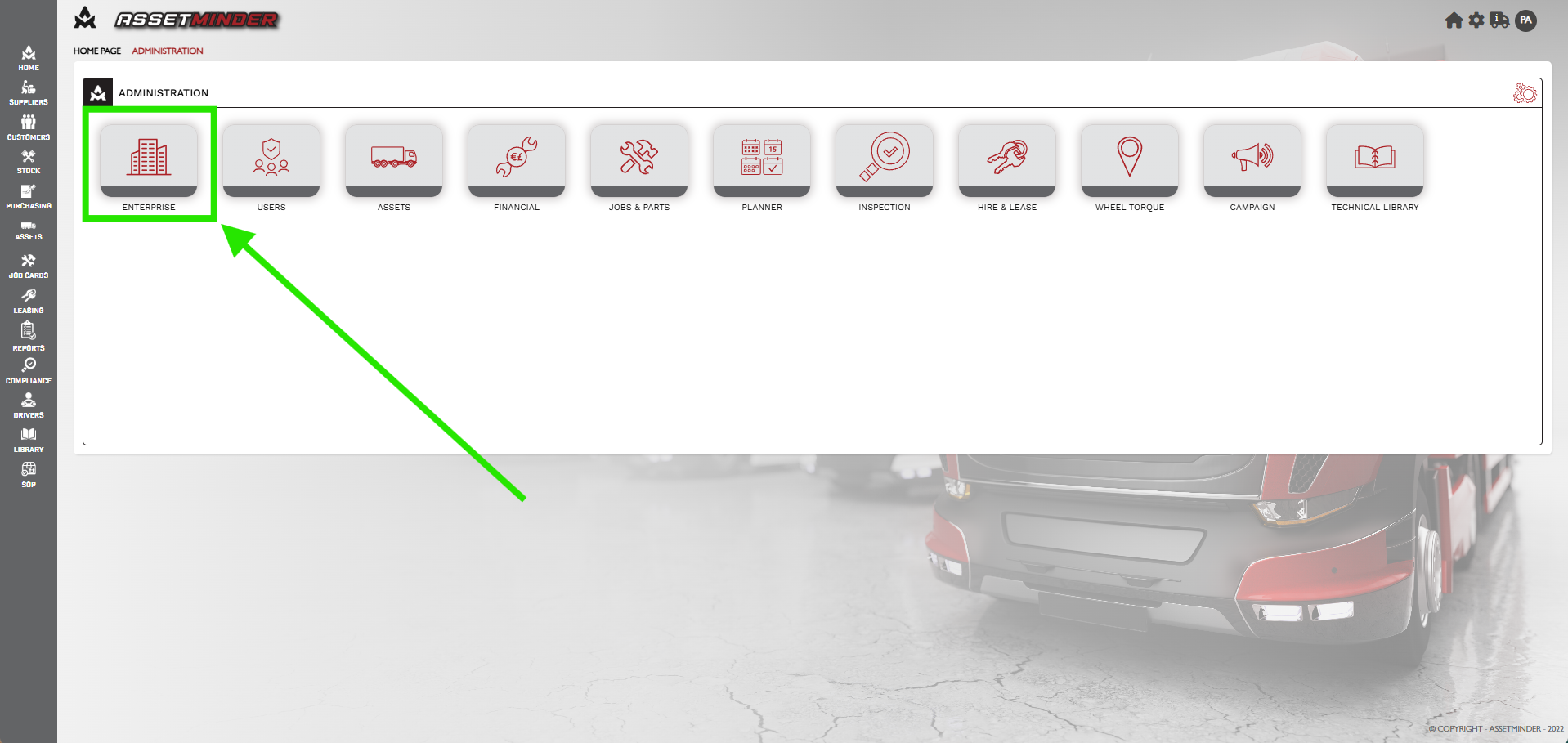
2. Click on ENTERPRISE.
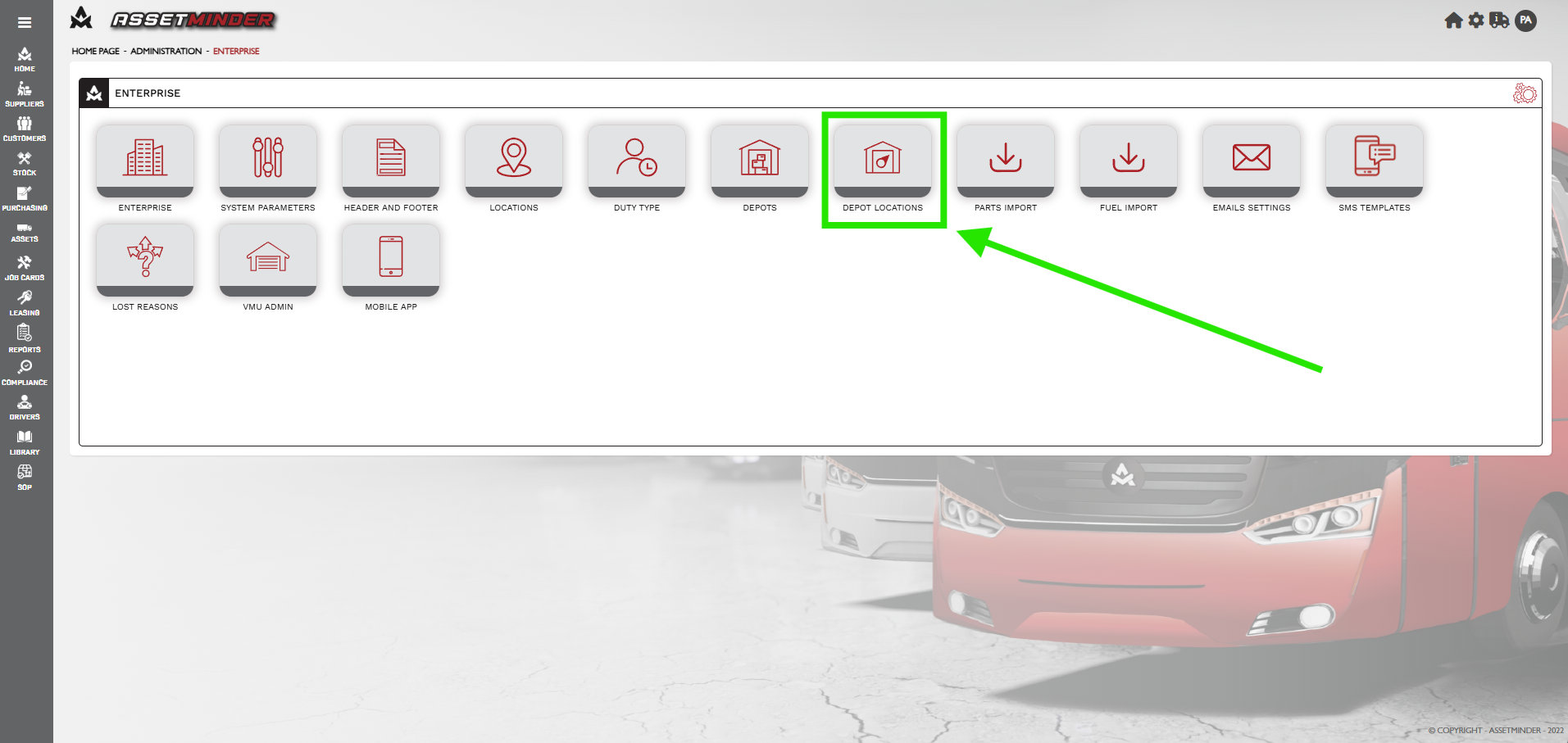
3. Click on Depot Locations
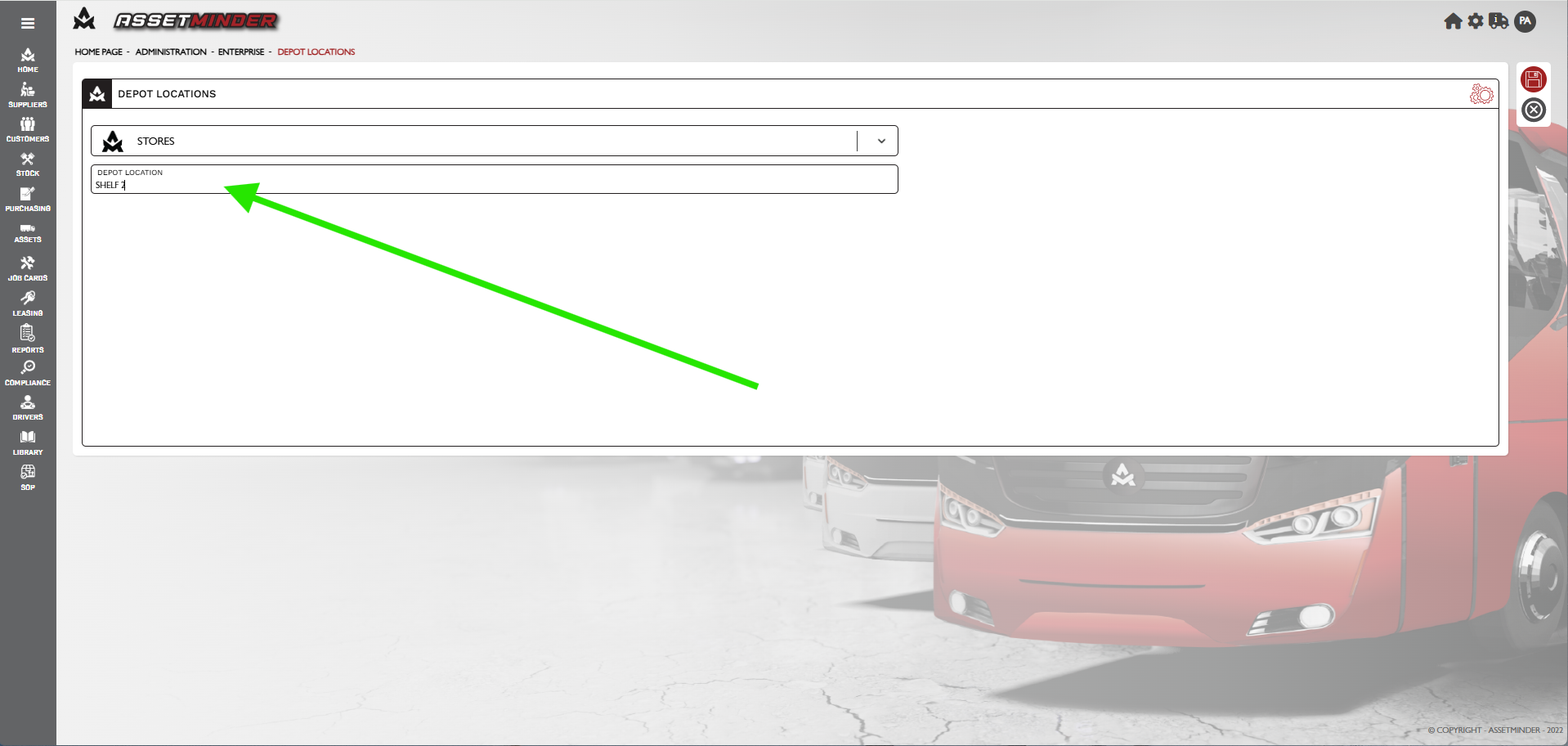
4. Select a Depot from the Dropdown.
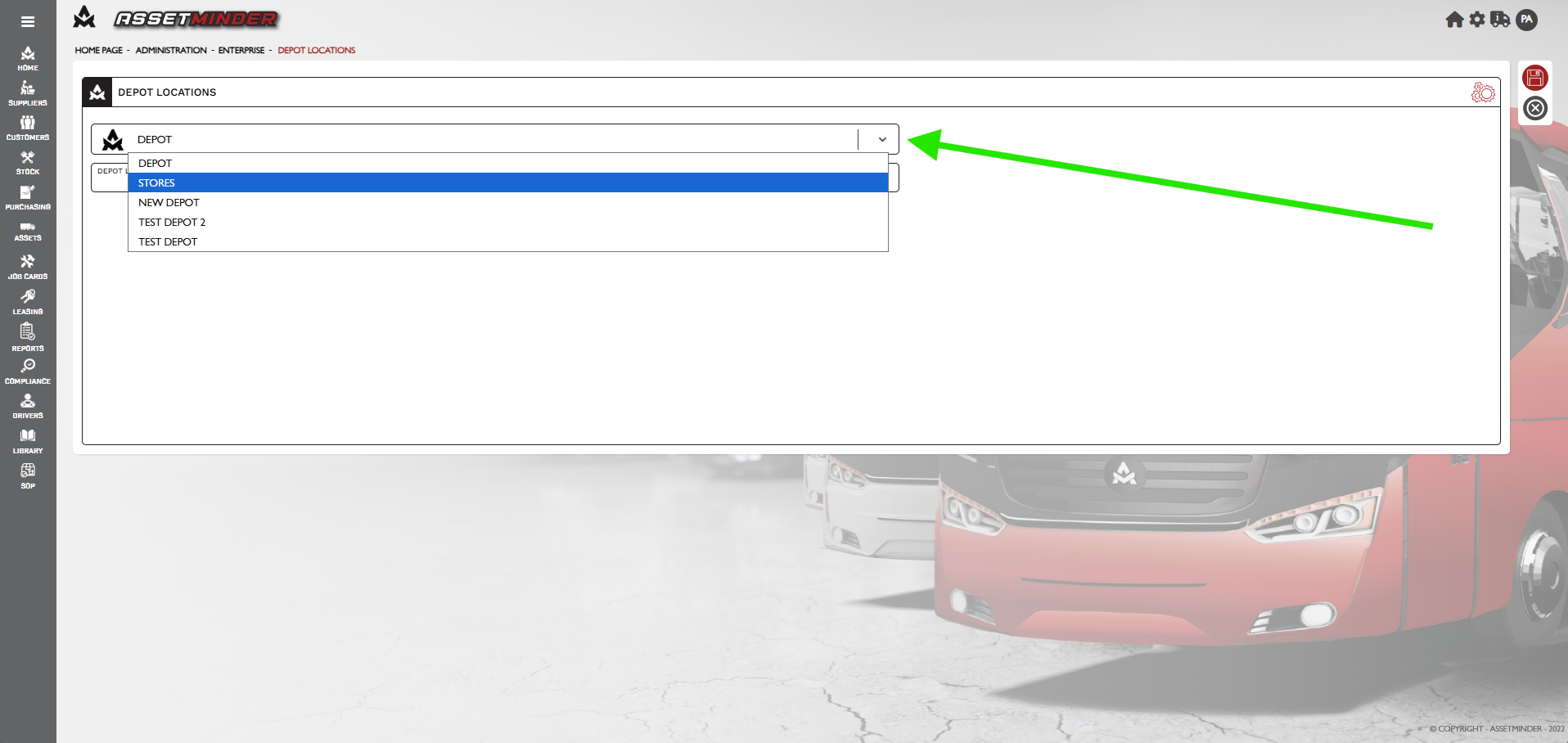
5. Name the Depot Location.
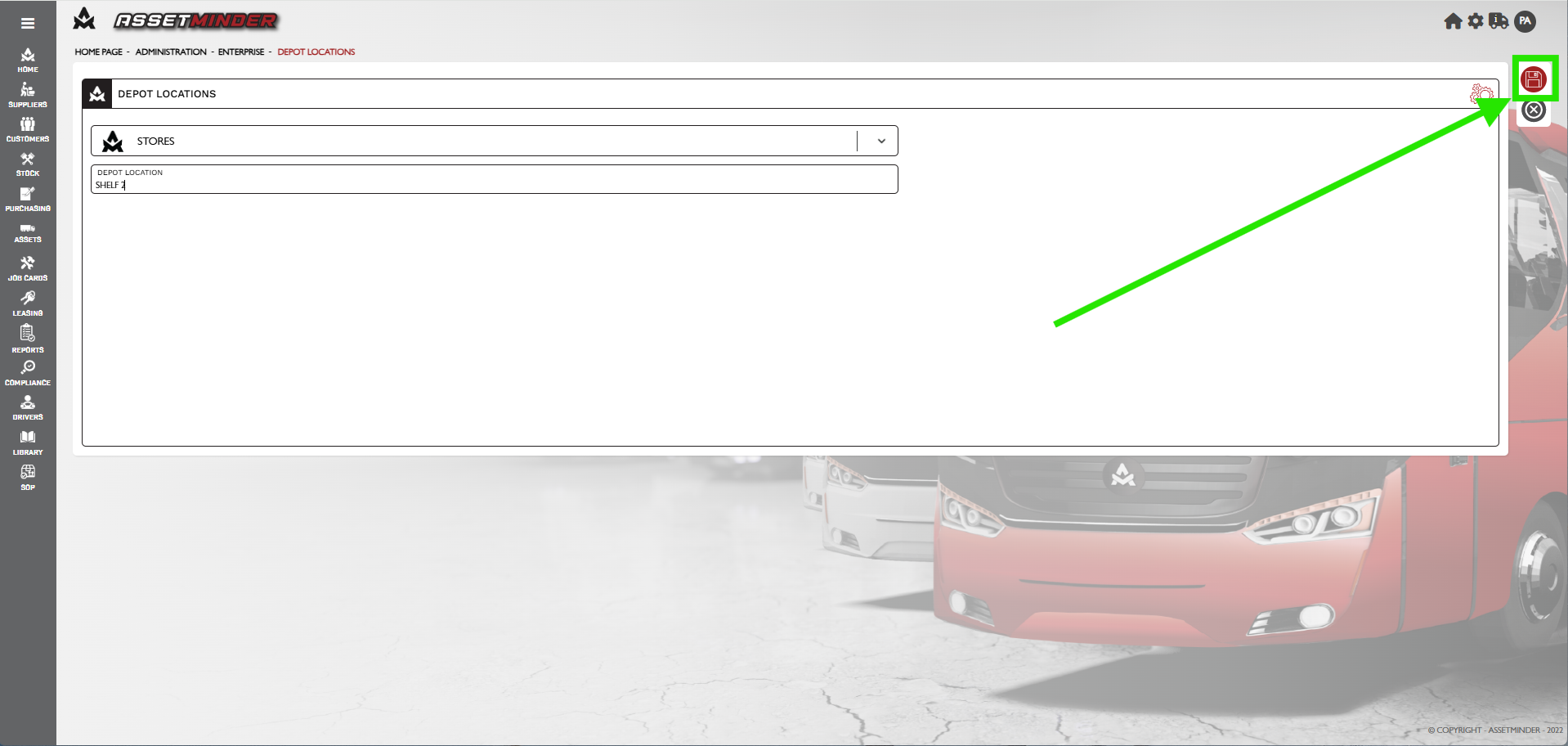
6. Click Save.
7. Repeat to add more Depot Locations. Remember to have a naming convention see not above.
Paul Murray
Comments