Overview
Once labour has been added to a job card, it cannot be re-assigned to another user. Instead, the original labour line must be deleted and a new labour line added for the other user.
Procedure
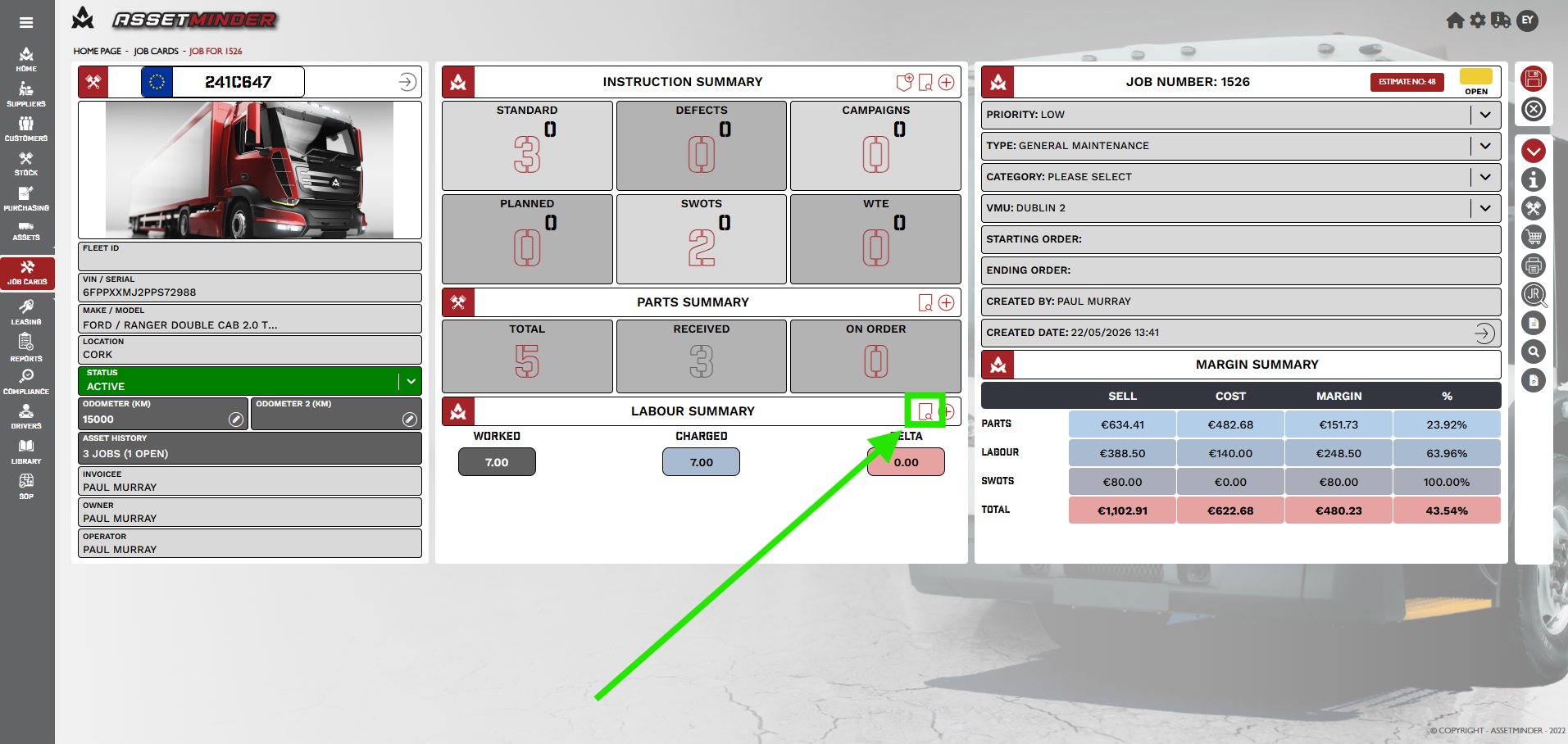
1. Open the Job Card and click on the Labour review button.
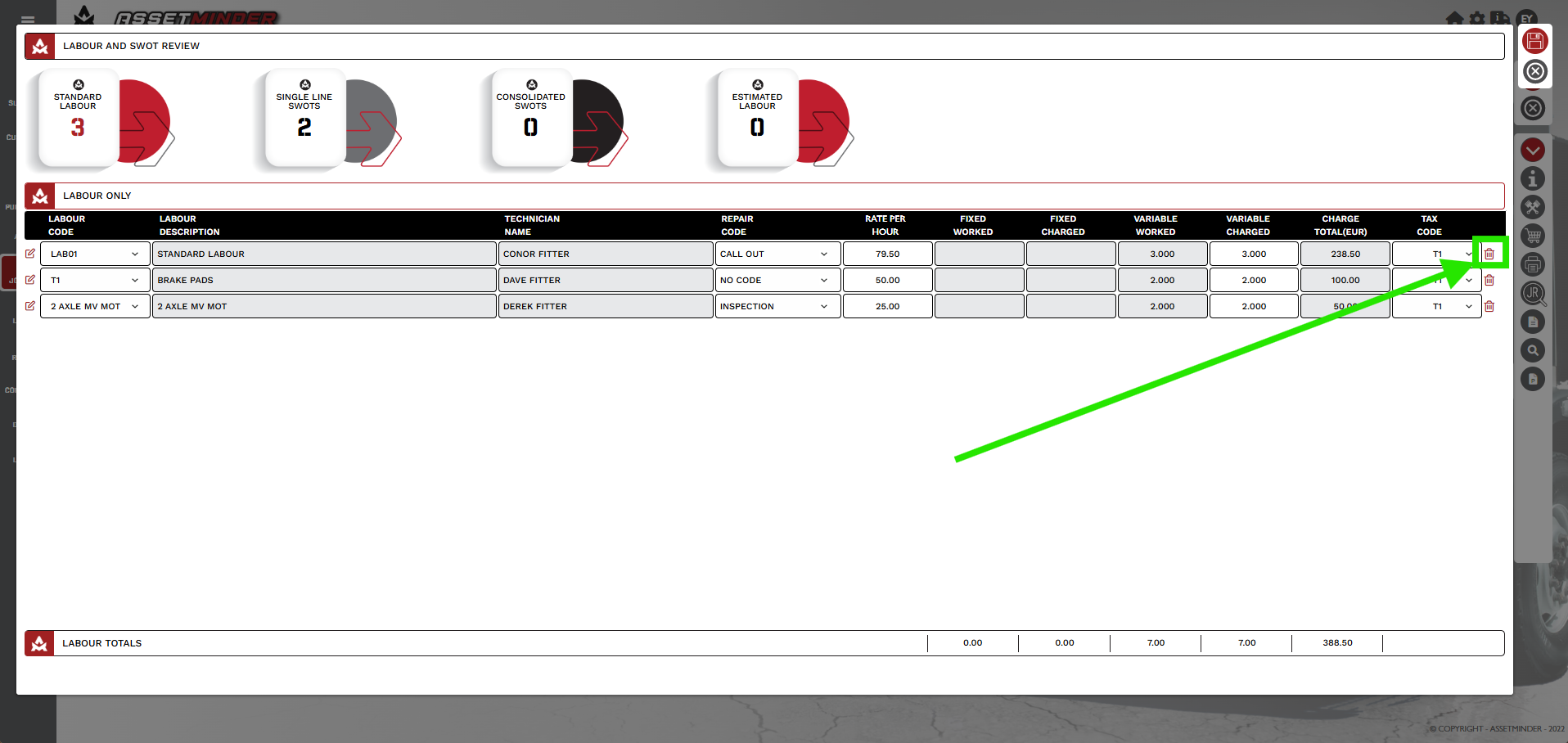
2. To delete a labour line Click on the Bin icon.
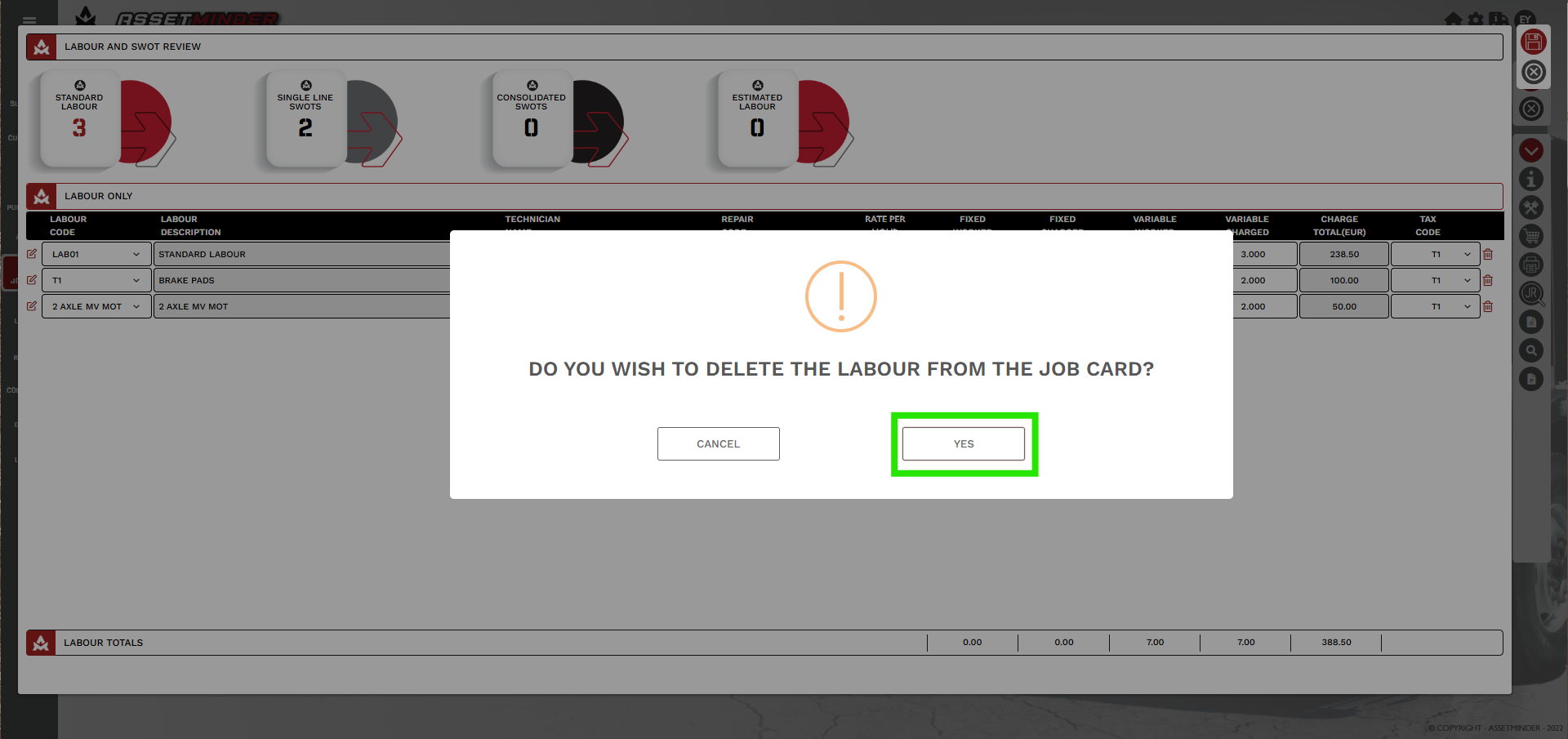
3. A warning will appear. Click Yes to confirm deletion.
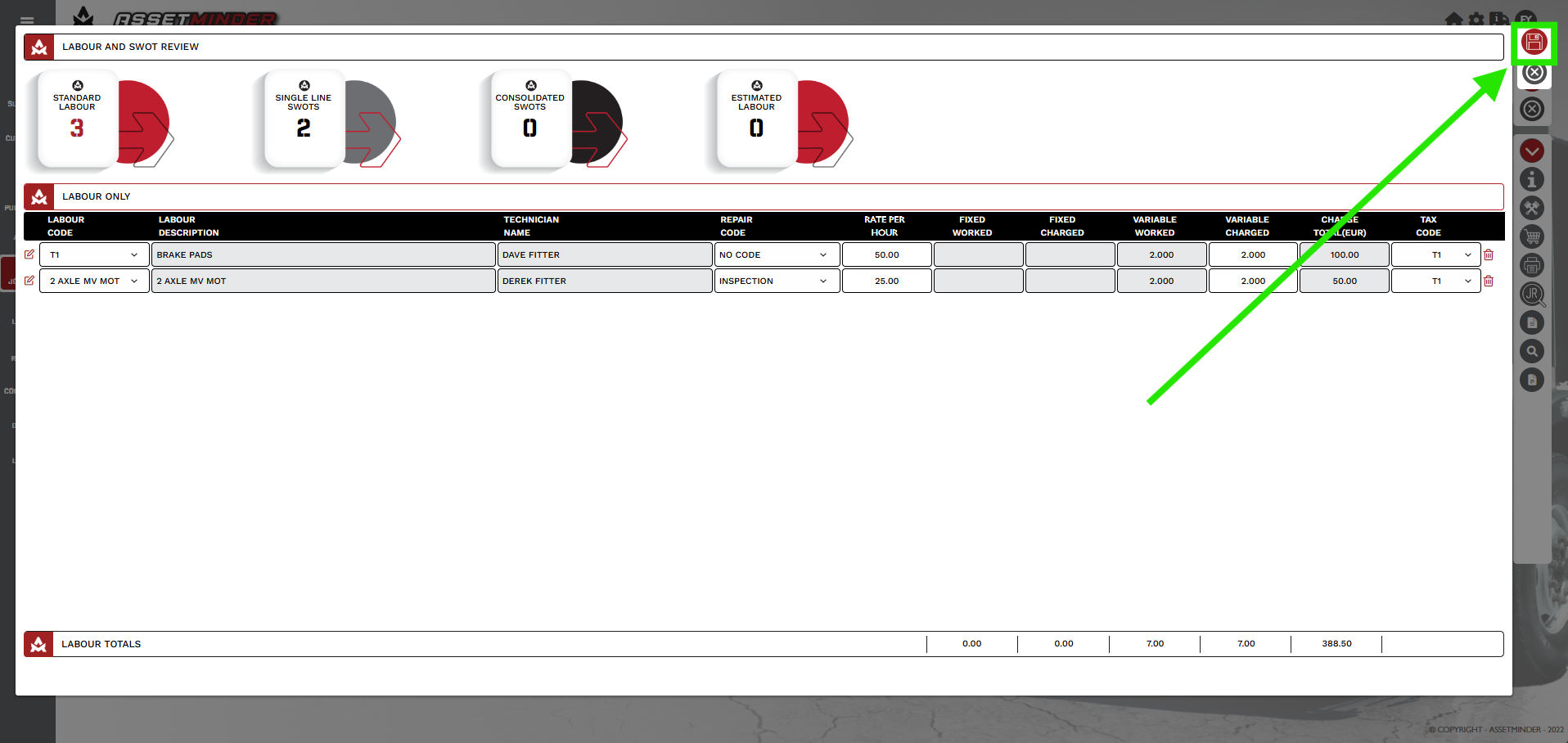
4. Click the save button.
5. To reassign labour follow the Add Labour to a Job Card and assign to a new user.
Paul Murray
Comments