Procedure
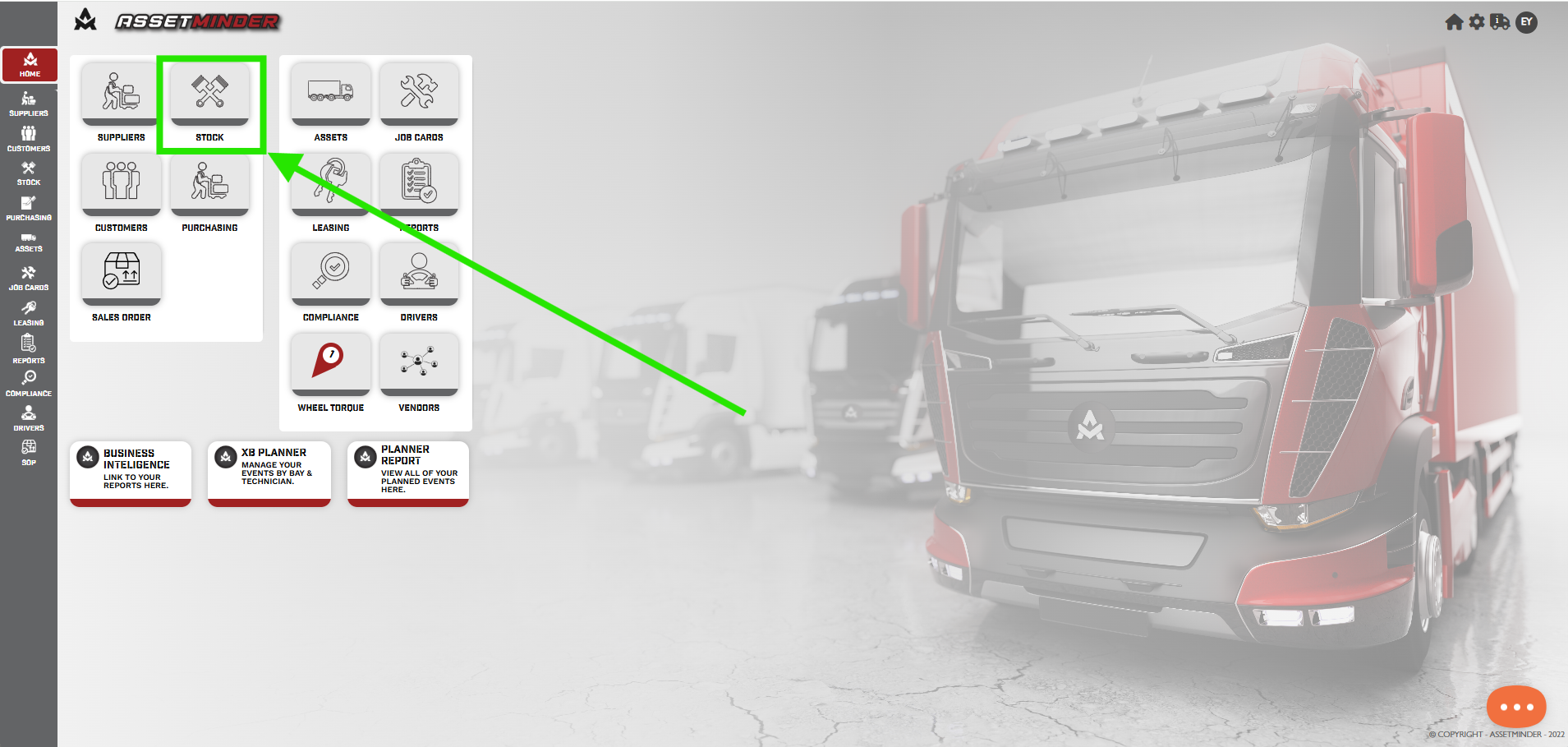
1. Go to Stock
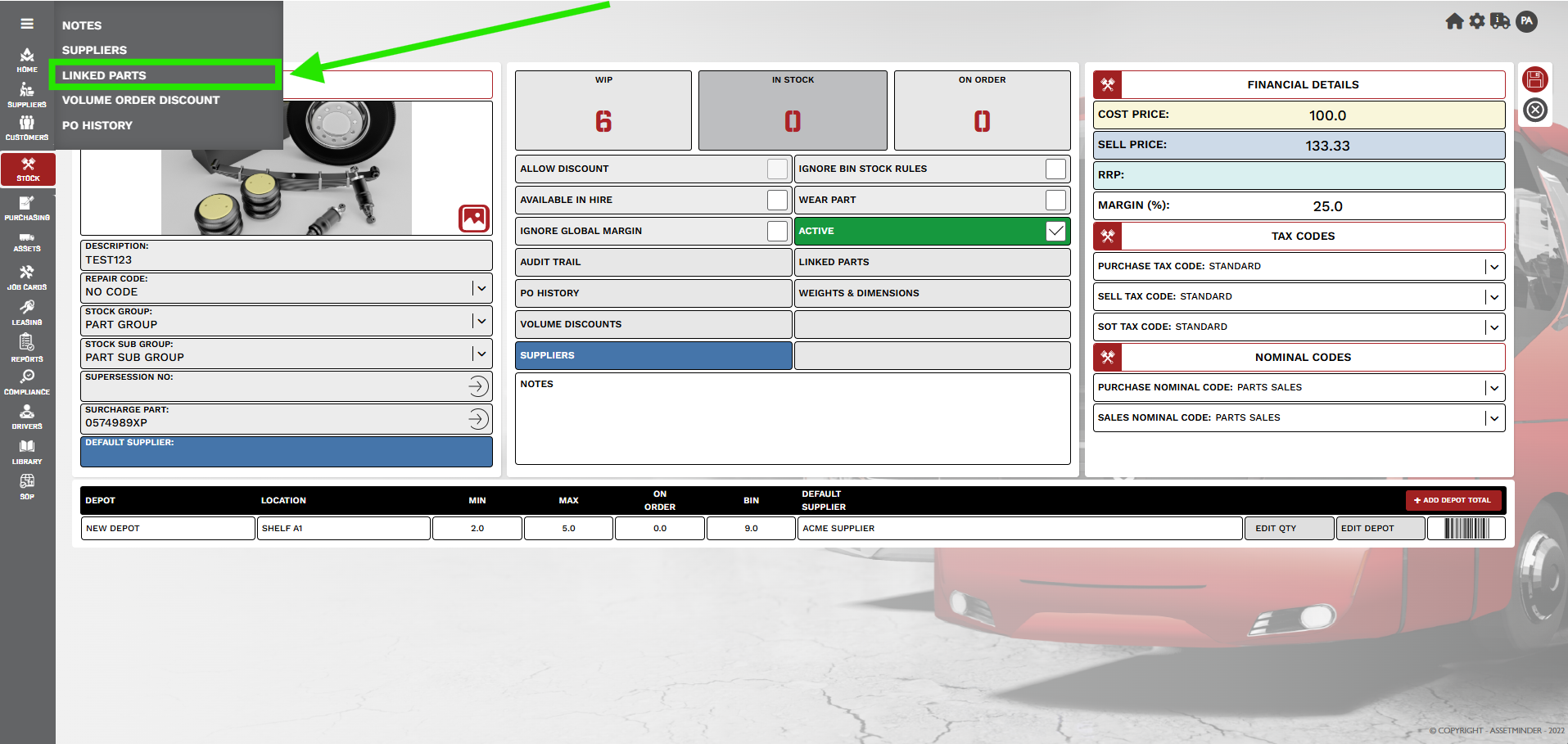
2. Select the main part and open. Open the Hamburger menu. Select Linked Parts.
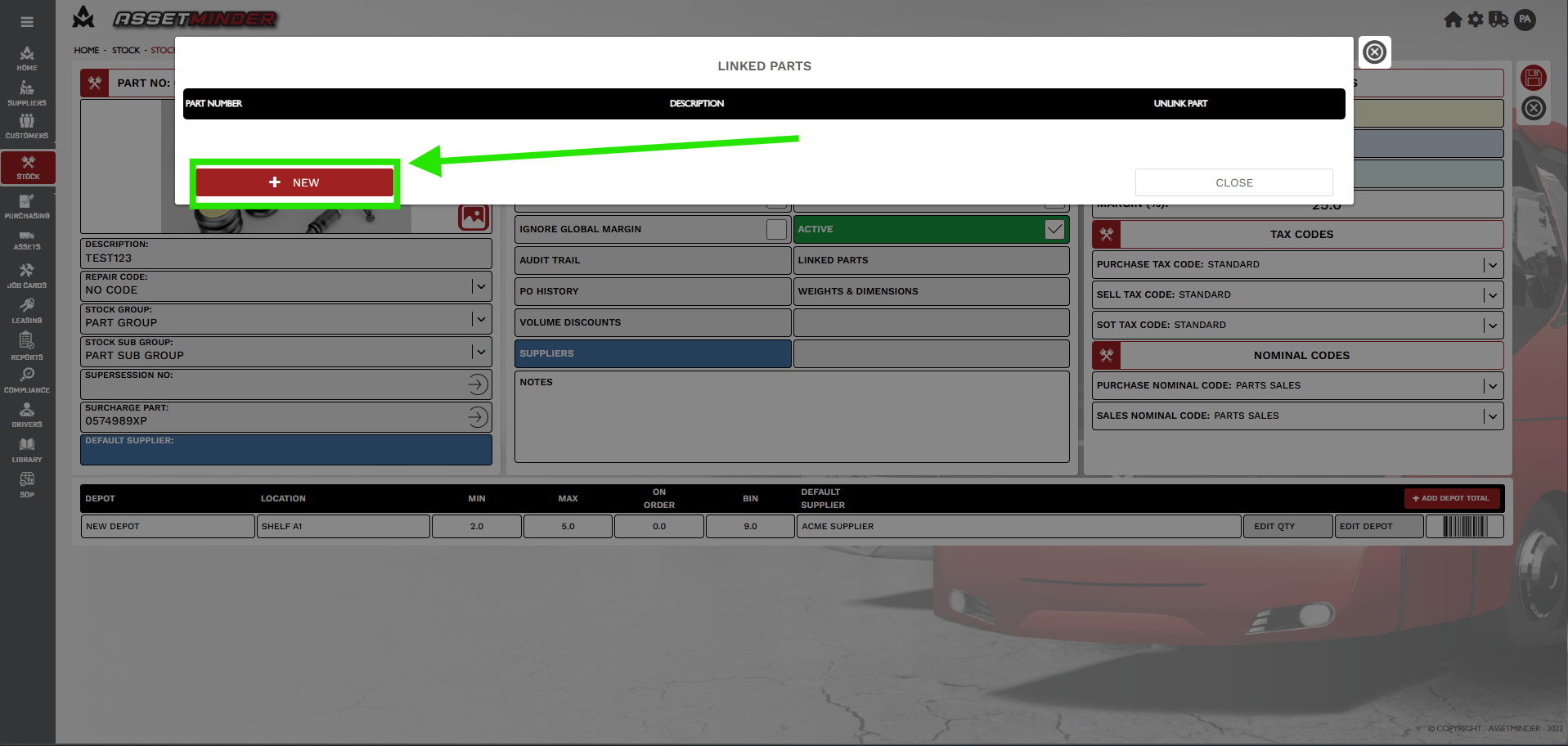
3. A dialogue will open. Select New.
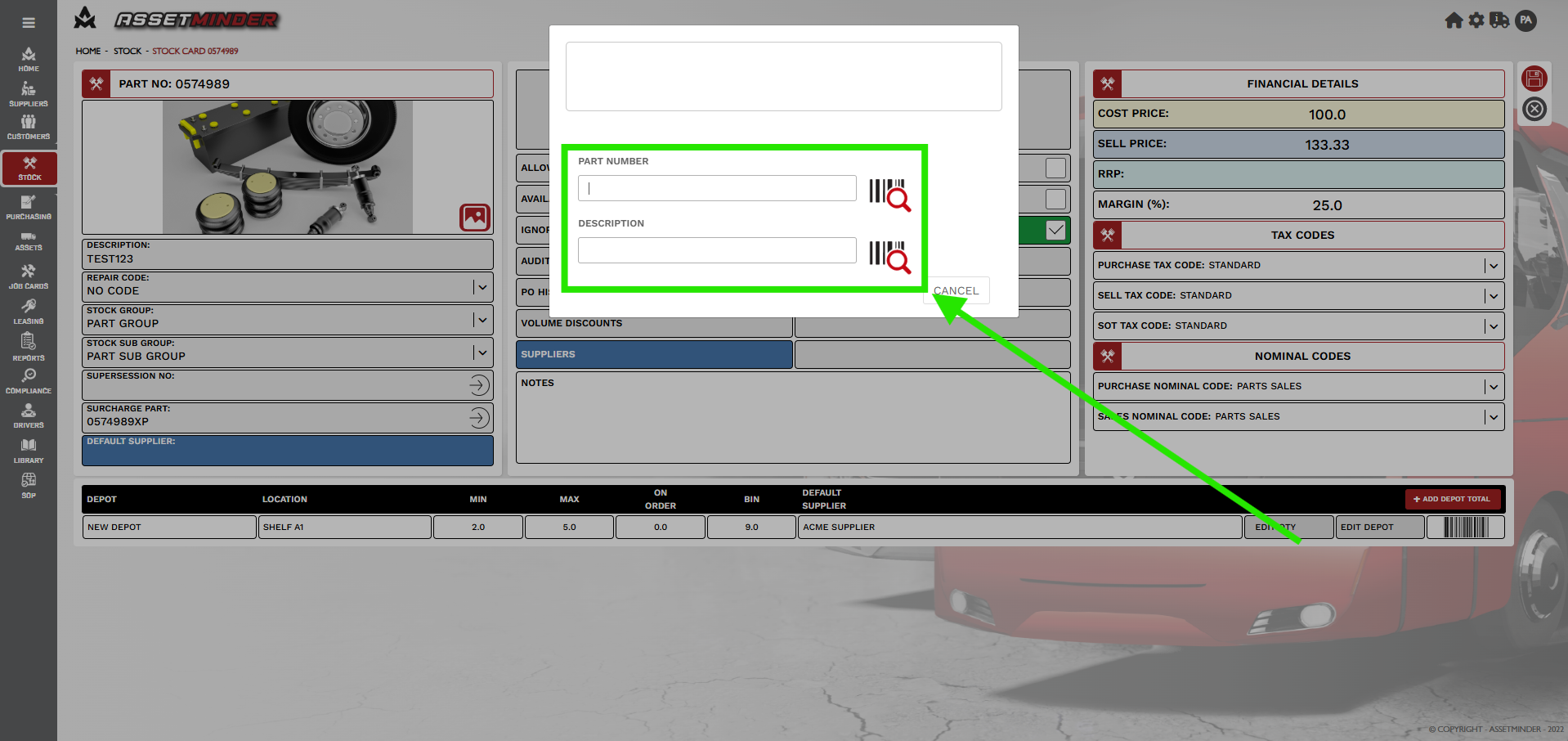
4. Search or enter the part number of the linked item. Click on the part and it will be added.
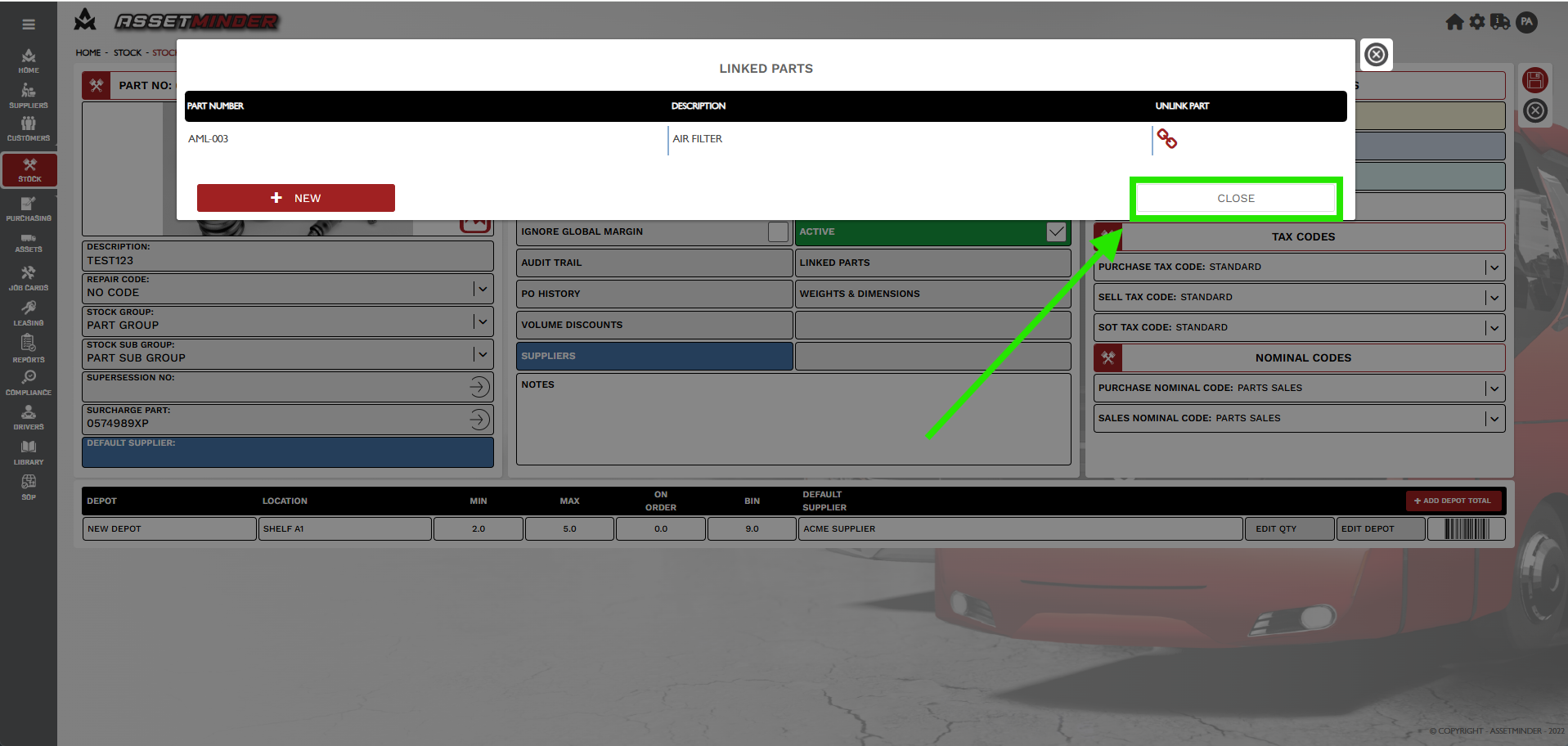
5. Repeat is additional parts are required. Clock Close when all linked parts are added.
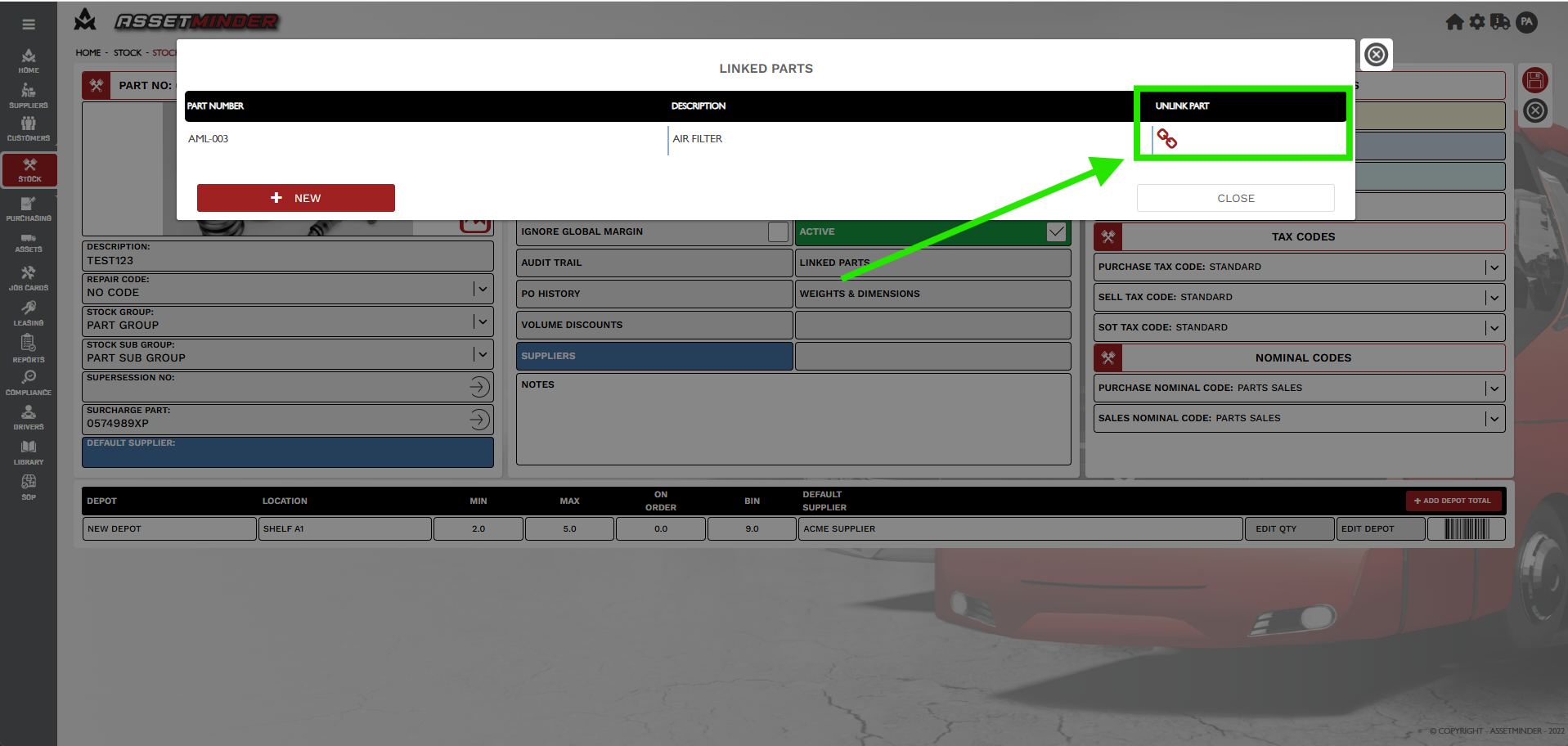
6. Parts can be unlinked by clicking on UNLINK PART.
Paul Murray
Comments