VIP users are special account that allows access to certain features of assetminder.
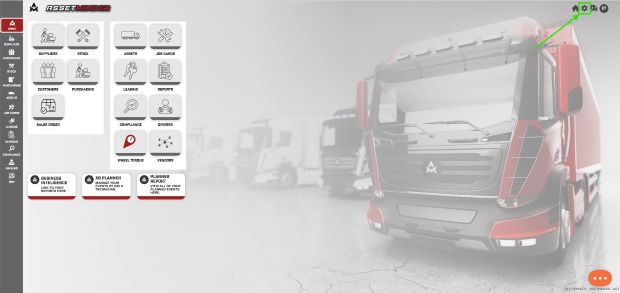
1. Click the Administrator Settings icon on the home screen
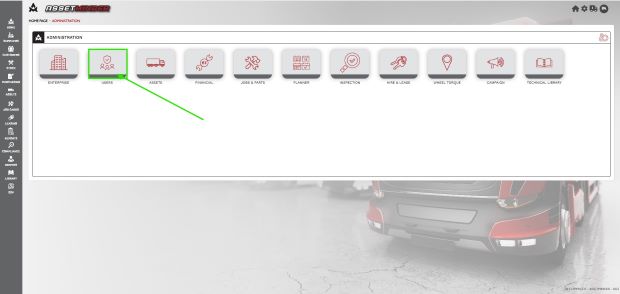
2. Select Users from the admin list
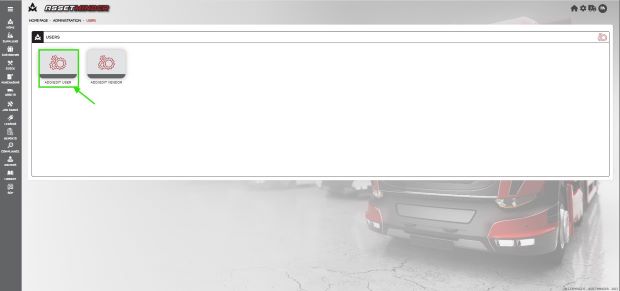
3. Click New User to add the new user
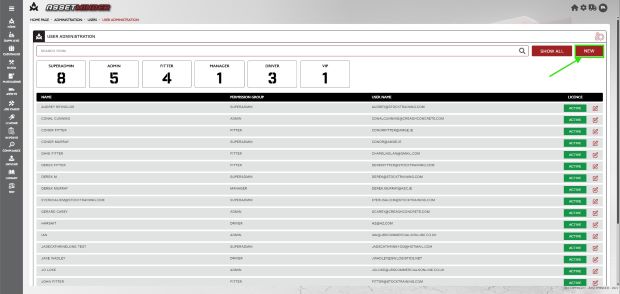
4. Click NEW to add the new user
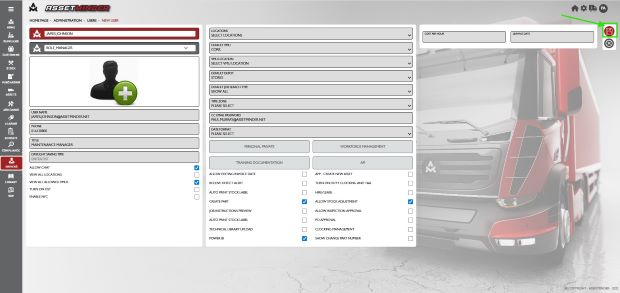
5. Add the new VIP user details to the user record
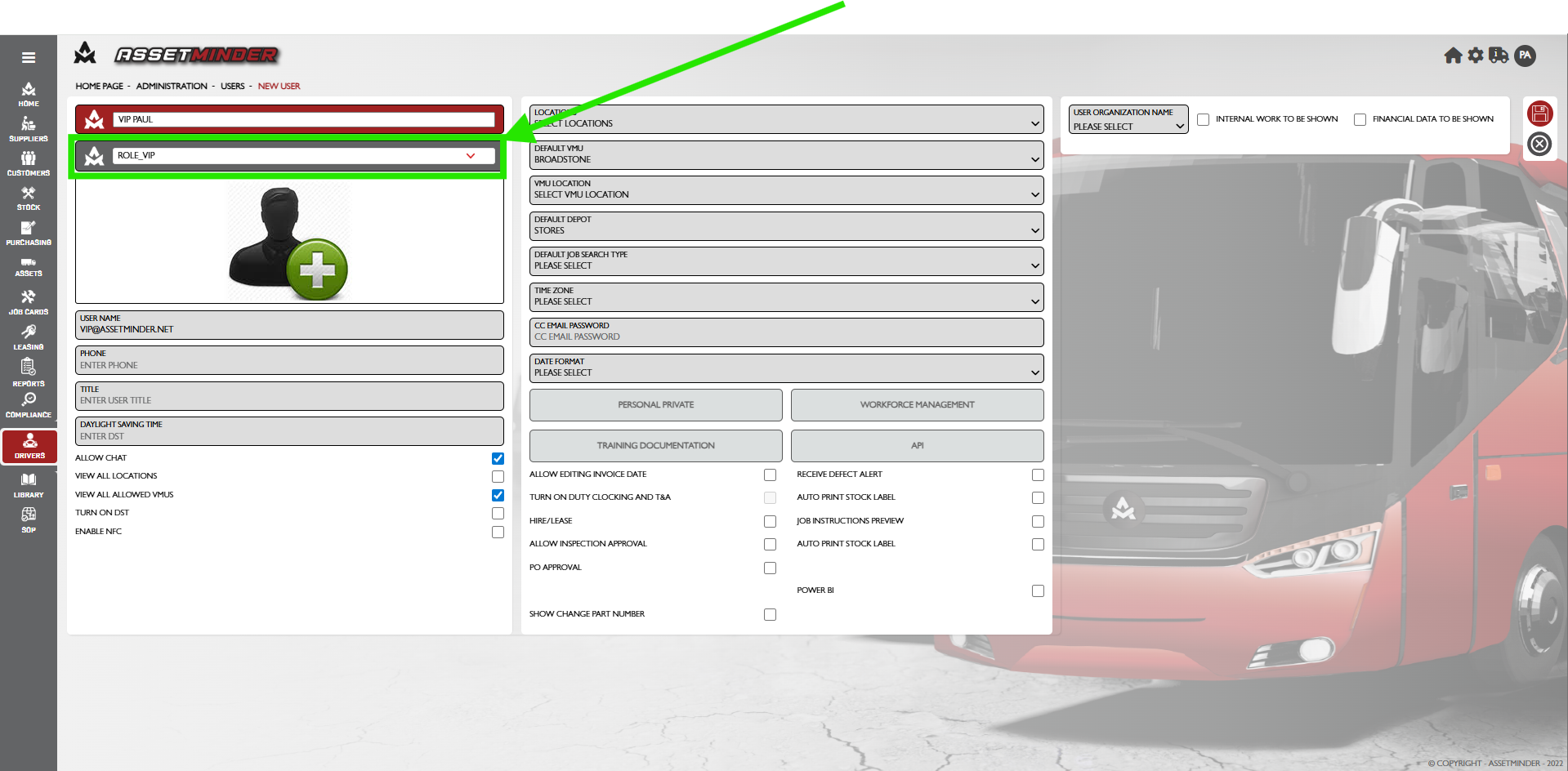
- Permissions group - Set to ROLE_VIP. This defines the user role in the organisation and determines how much of the system they have access too. To give more access to more features, grant the user a role with more access. The roles are set by Assetminder.
- User Name - The user name is used to log into Assetminder and serves as the email address for receiving password resets. If an email address is not available for a new user, the user name must still follow the standard email format (e.g., "johndoe@companyname.com") without any spaces.
- CC email Password - Allow to add additional email to retrieve password.
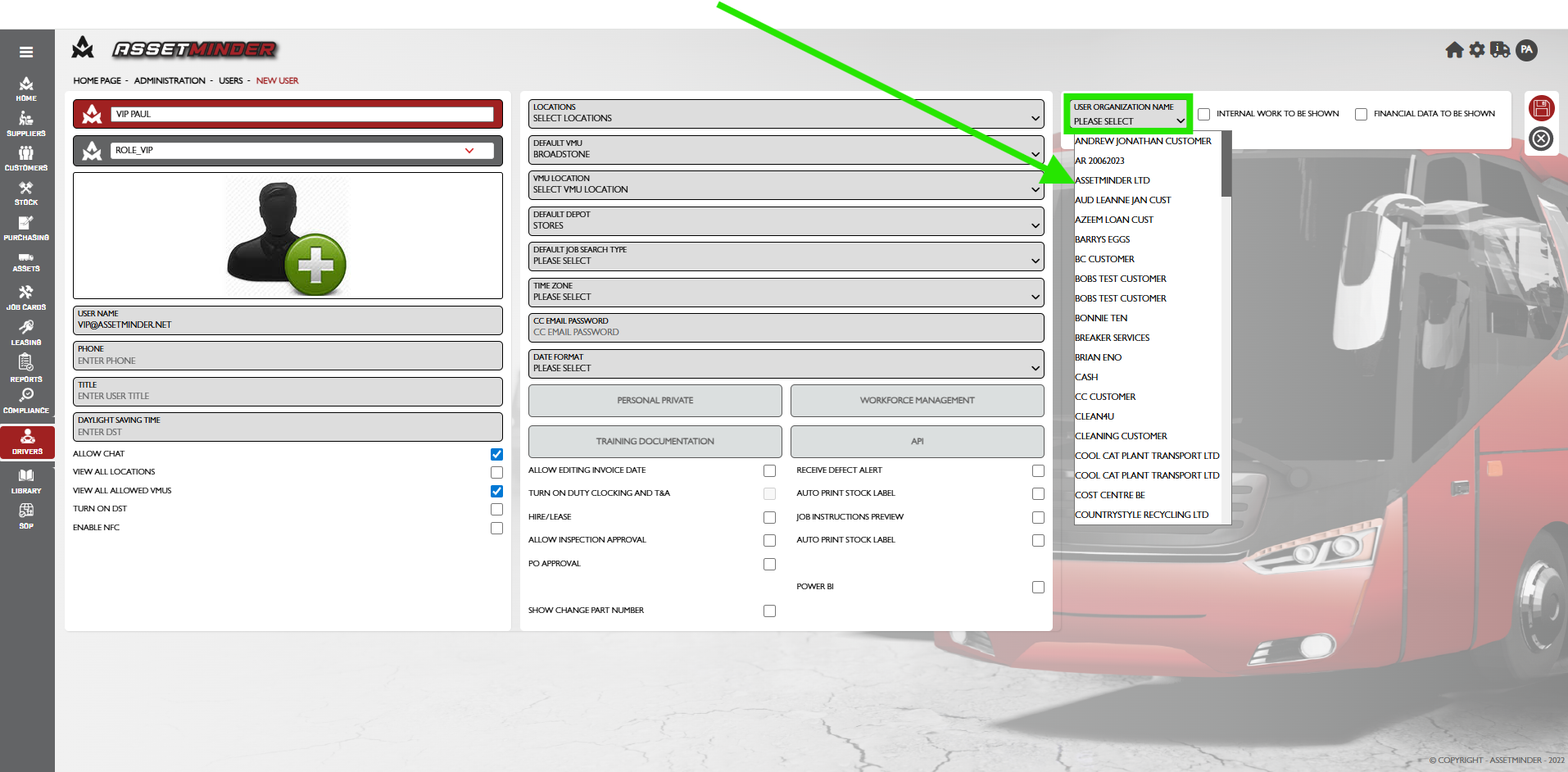
- User Organization Name - Select the name of the organization the VIP user is from.
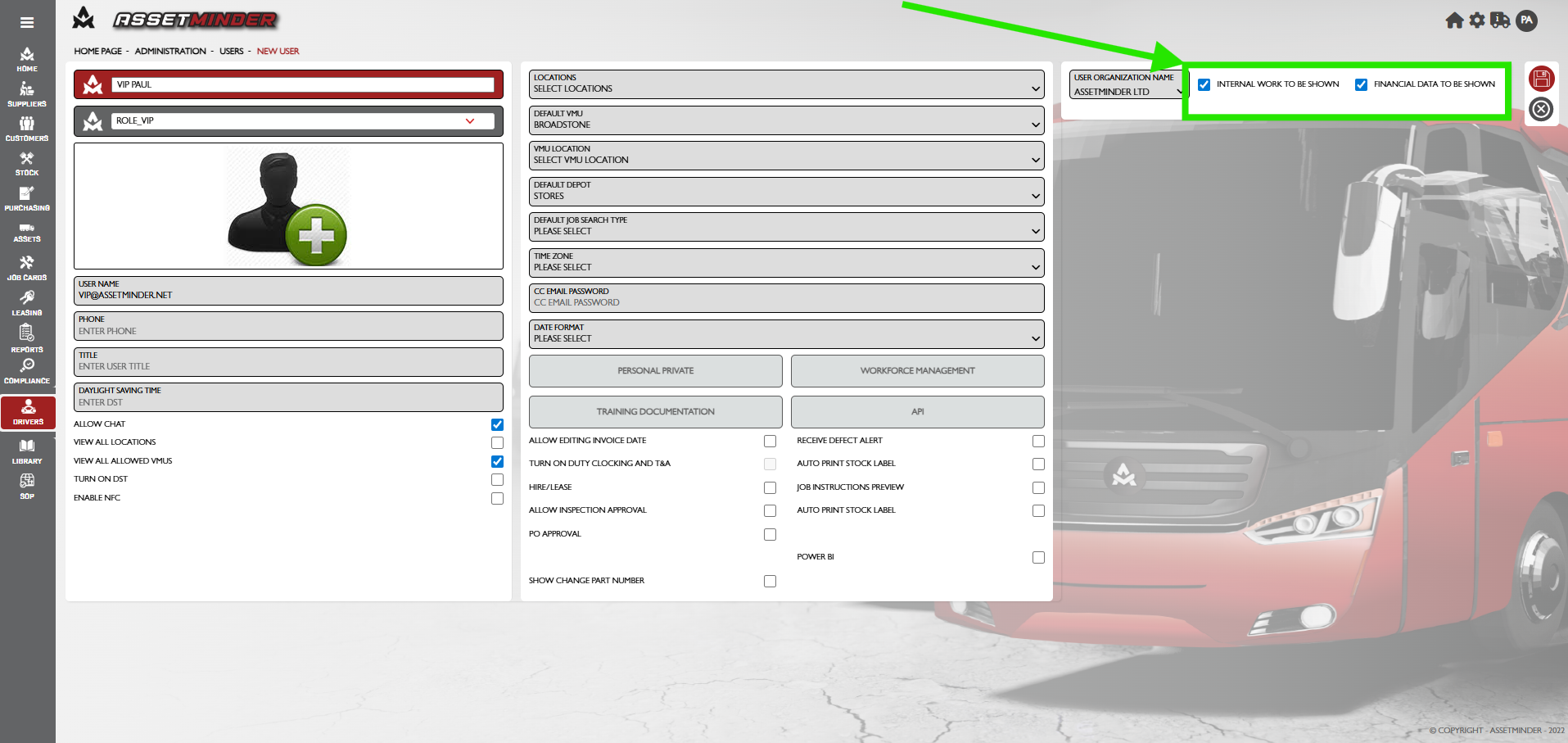
- INTERNAL WORK TO BE SHOWN - Restricts access to to Job cards
- FINANCIAL DATA TO BE SHOWN - Restricts access to Financial data.
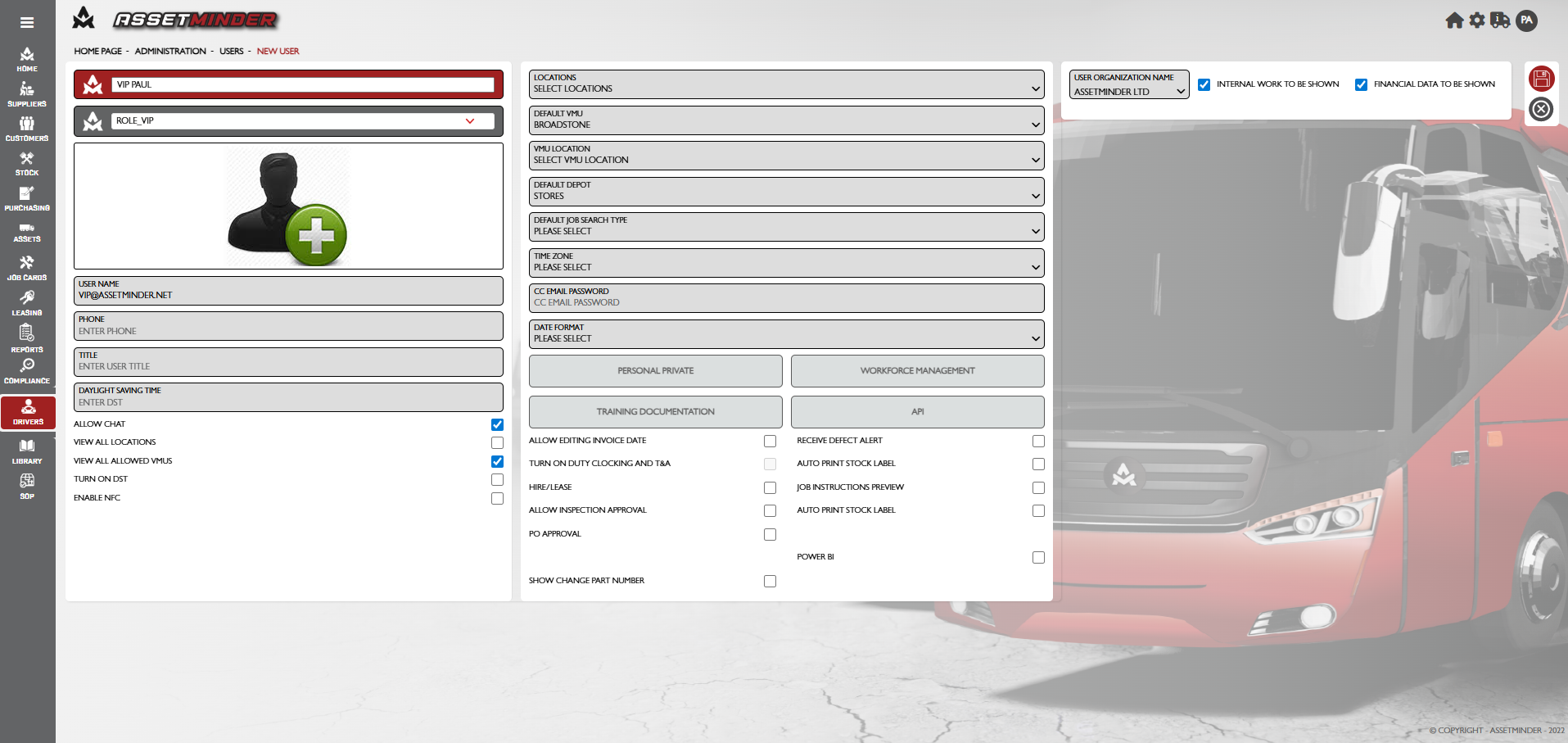
6. When all fields are filled in, the user record will look like the following:
7. Click Save on the bottom right-hand side of the page when done.
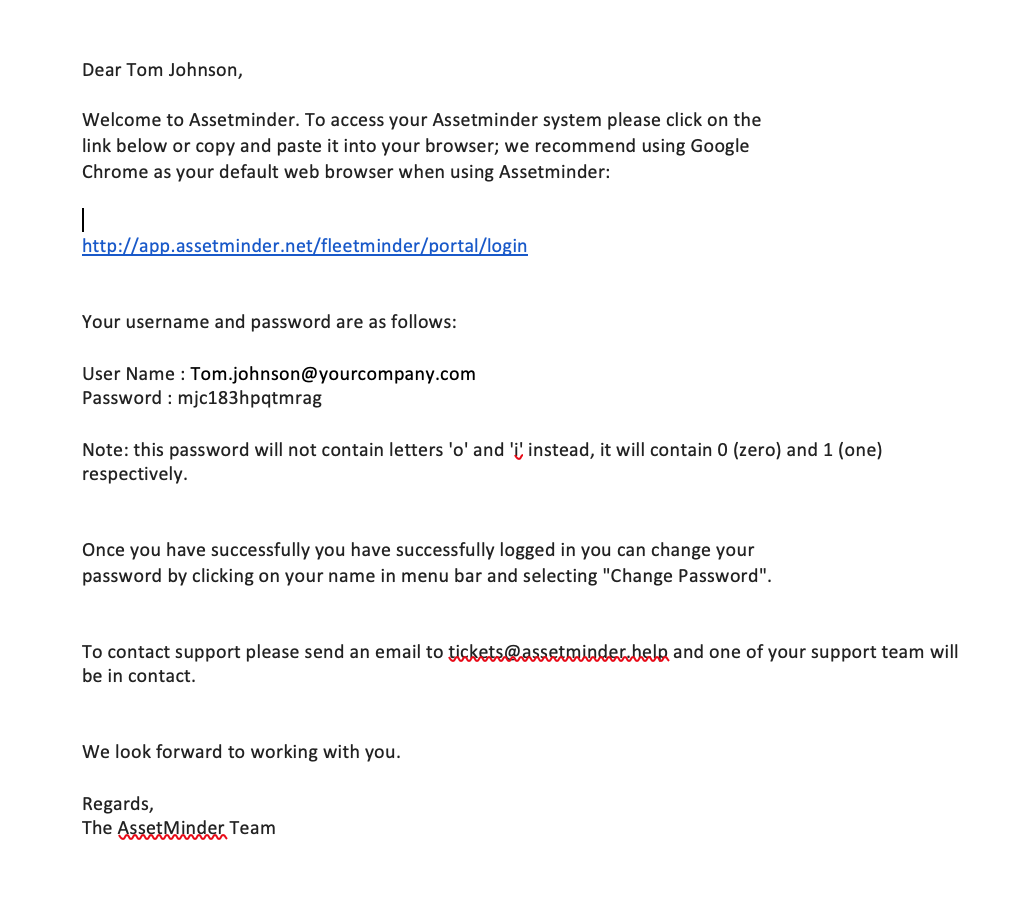
8. The new user is sent a welcome email with login details and a temporary password.
9. Repeat process for all additional VIP users
Paul Murray
Comments