Background
This procedure assumes the user has an email address for their login. If the user does not have an email address login, you can enter a valid email address into the cc email password field on the user profile.
Procedure
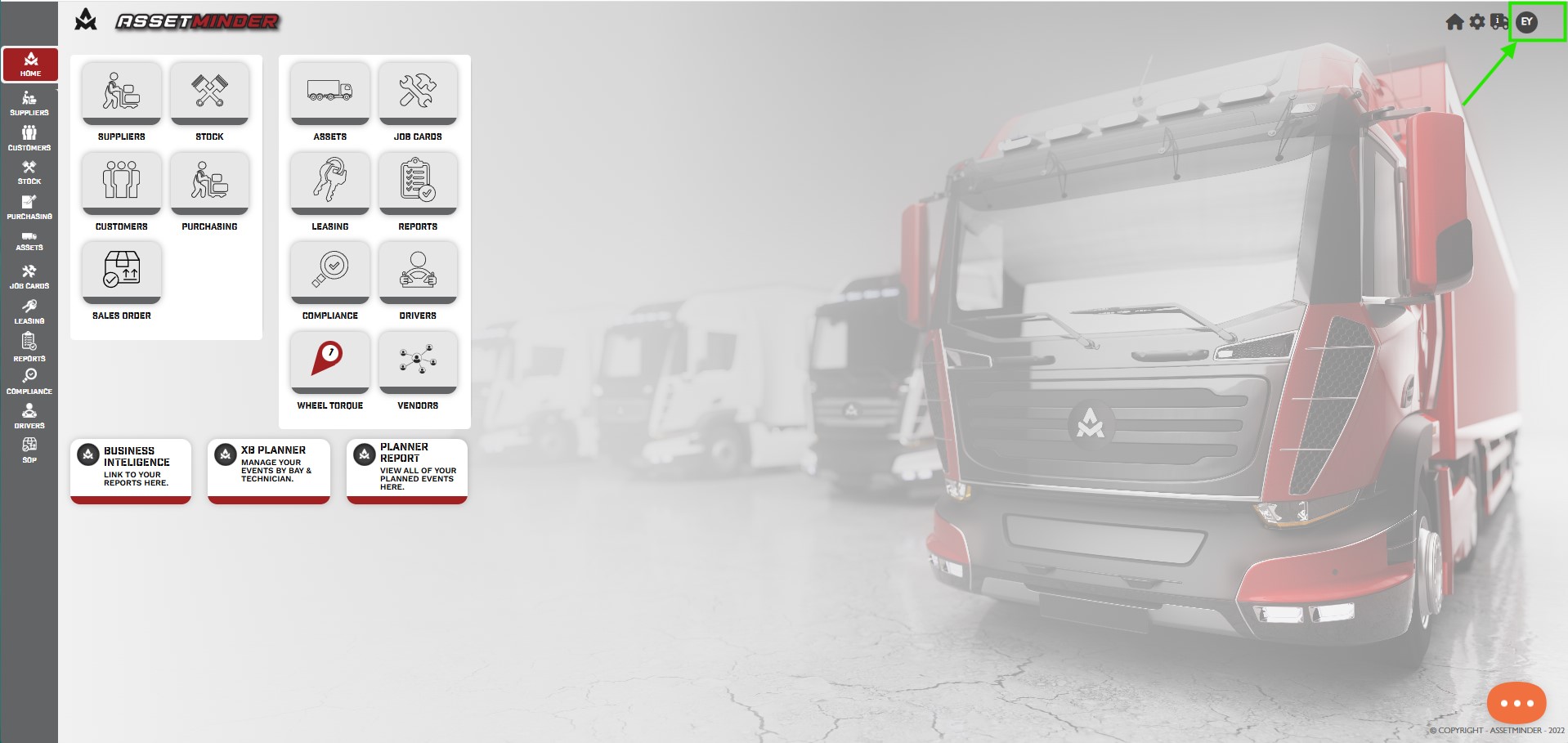
1. Click the Administrator Settings icon on the home screen.
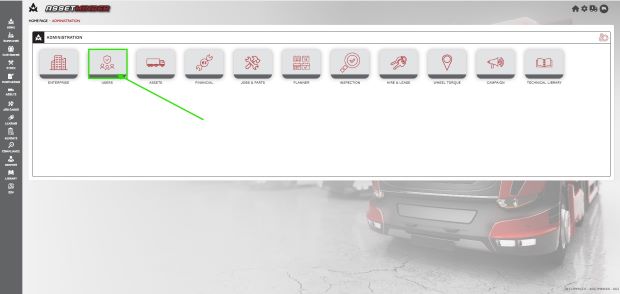
2. Select Users from the admin list.
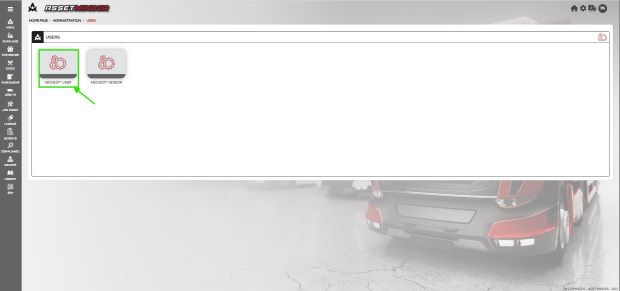
3. Click Add/ Edit User .
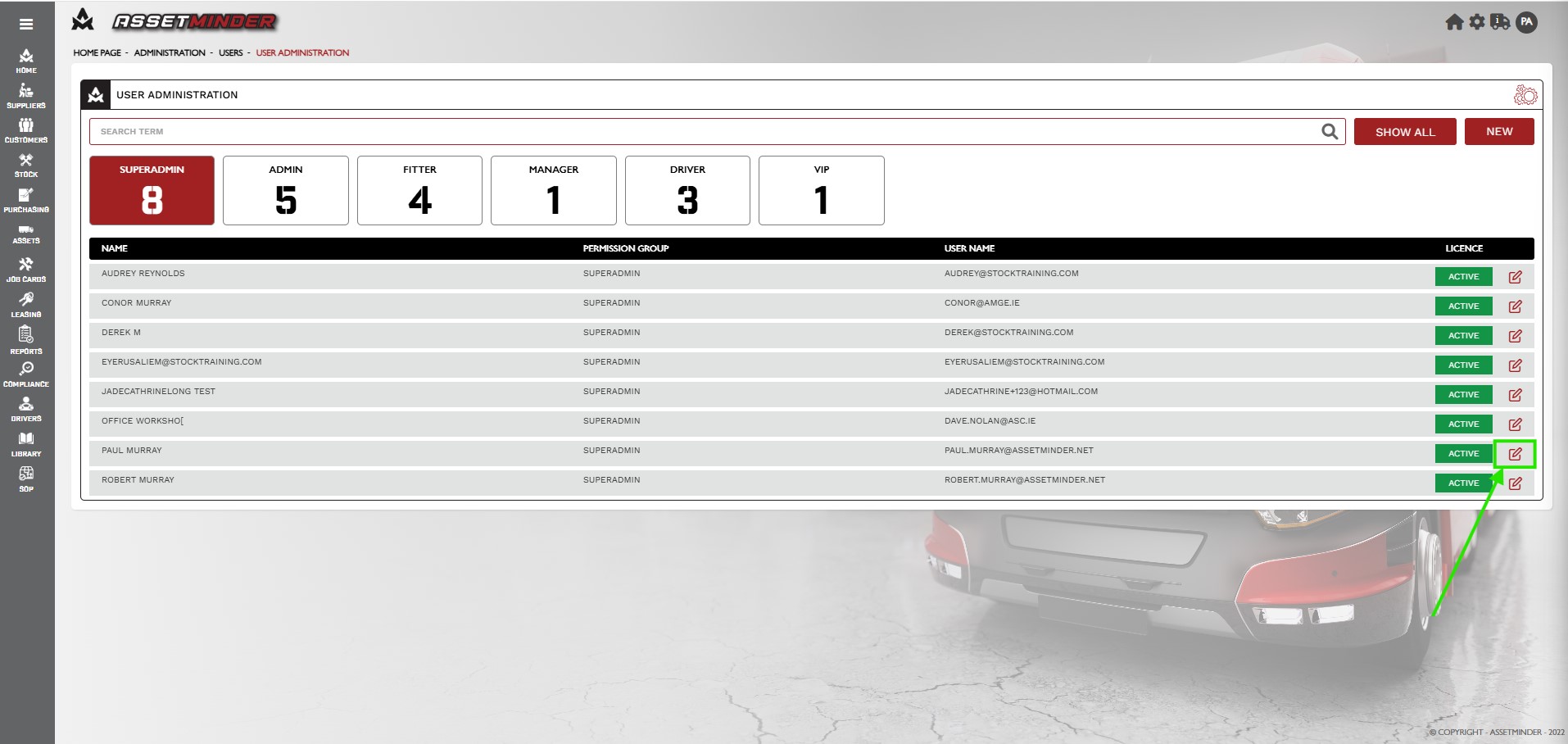
4. Locate the user and click the Arrow on the right-hand side to view the user record.
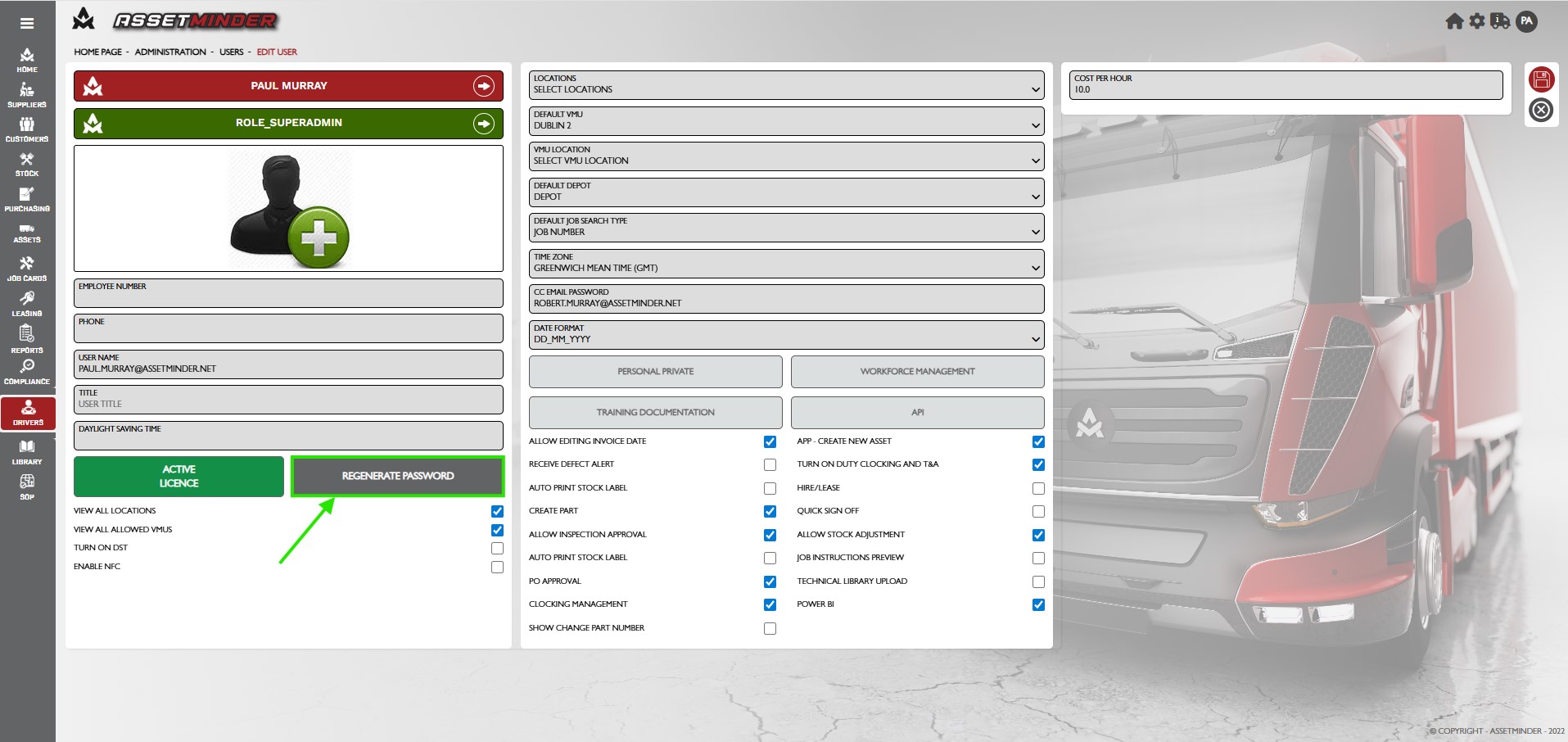
5. Click Regenerate Password. The password is now reset but the email has not been sent.
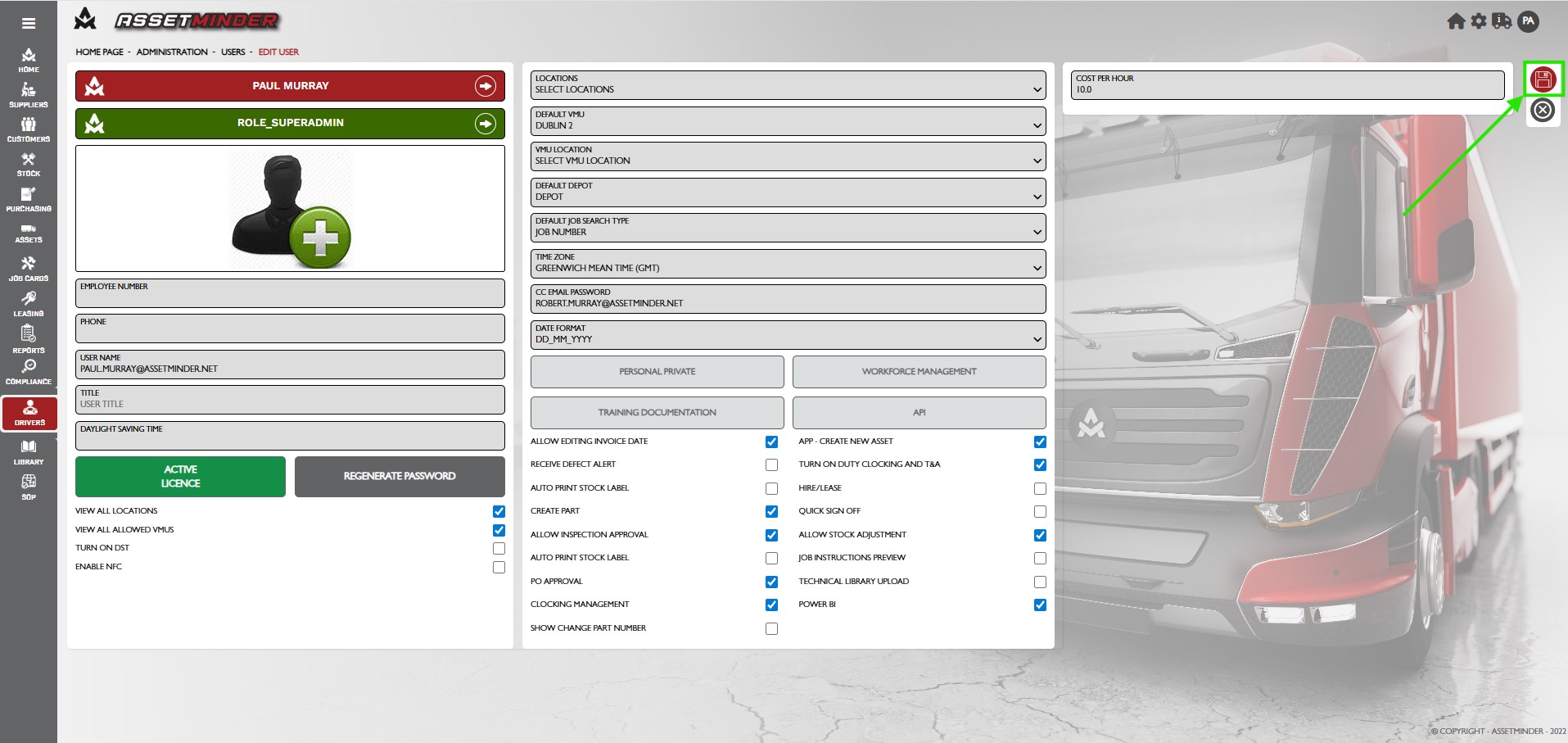
6. Click Save at the right hand side of the page to activate the change, and send the user the new password email .
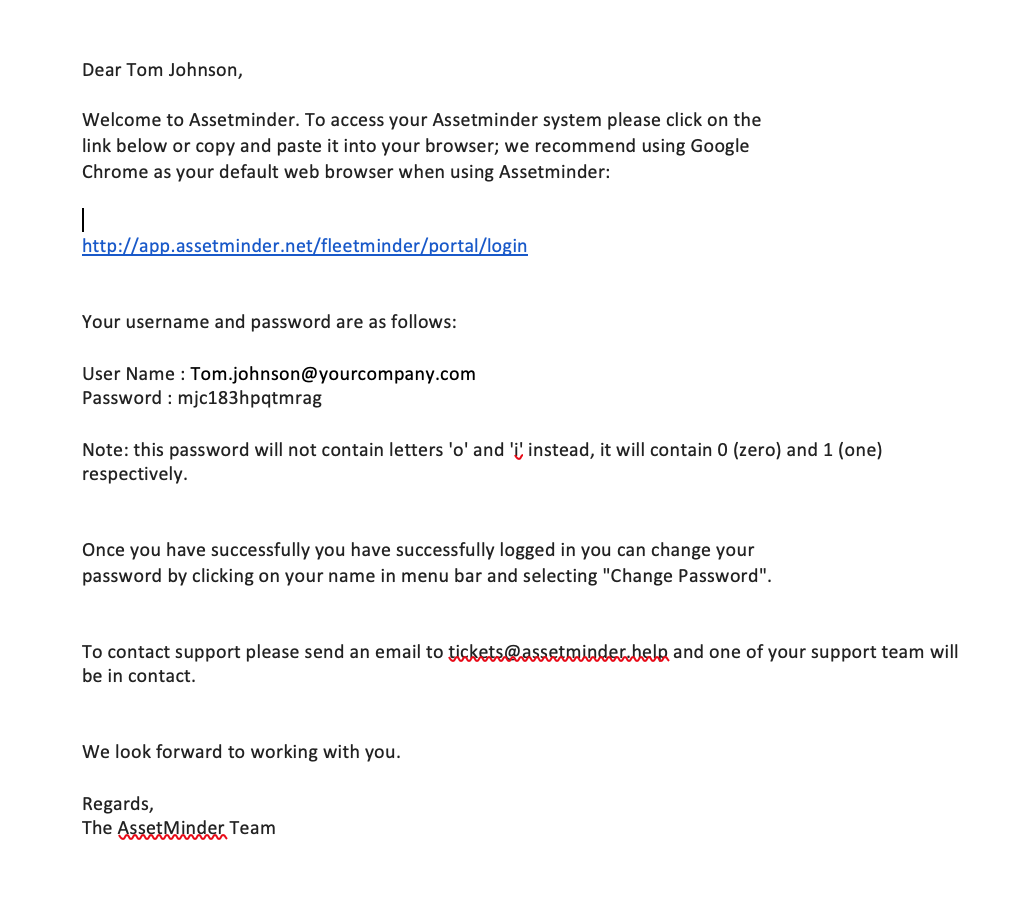
7. The user is sent the email with the new password.
Paul Murray
Comments