Repair codes are used to classify the repairs during the work order. By using repair codes, you can report on similar issues, spot trends, and take corrective action to prevent future occurrences.
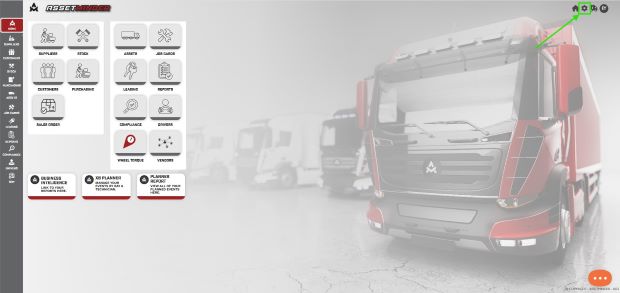
1. Click the Administrator Settings icon on the home screen.
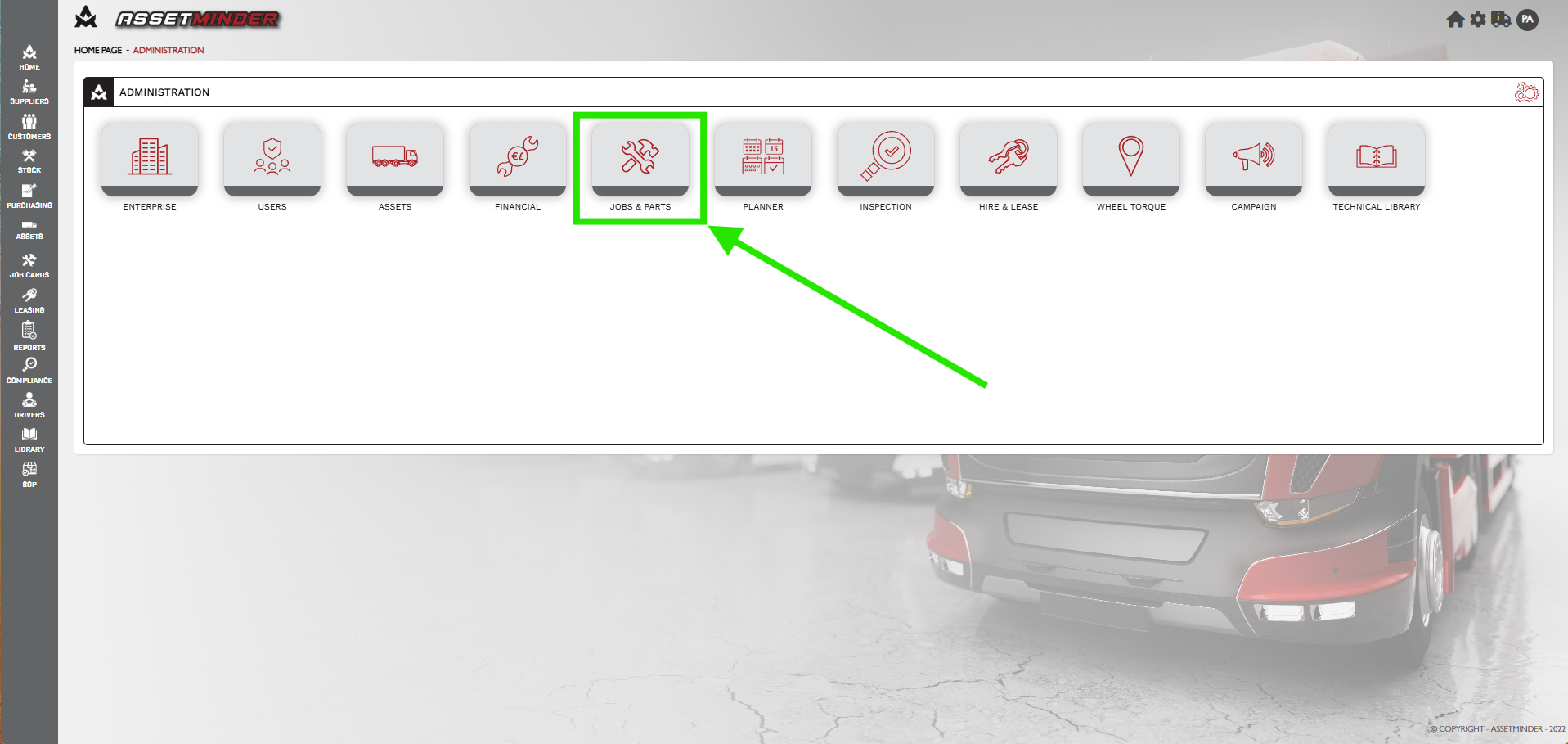
2. Click Jobs & Parts.
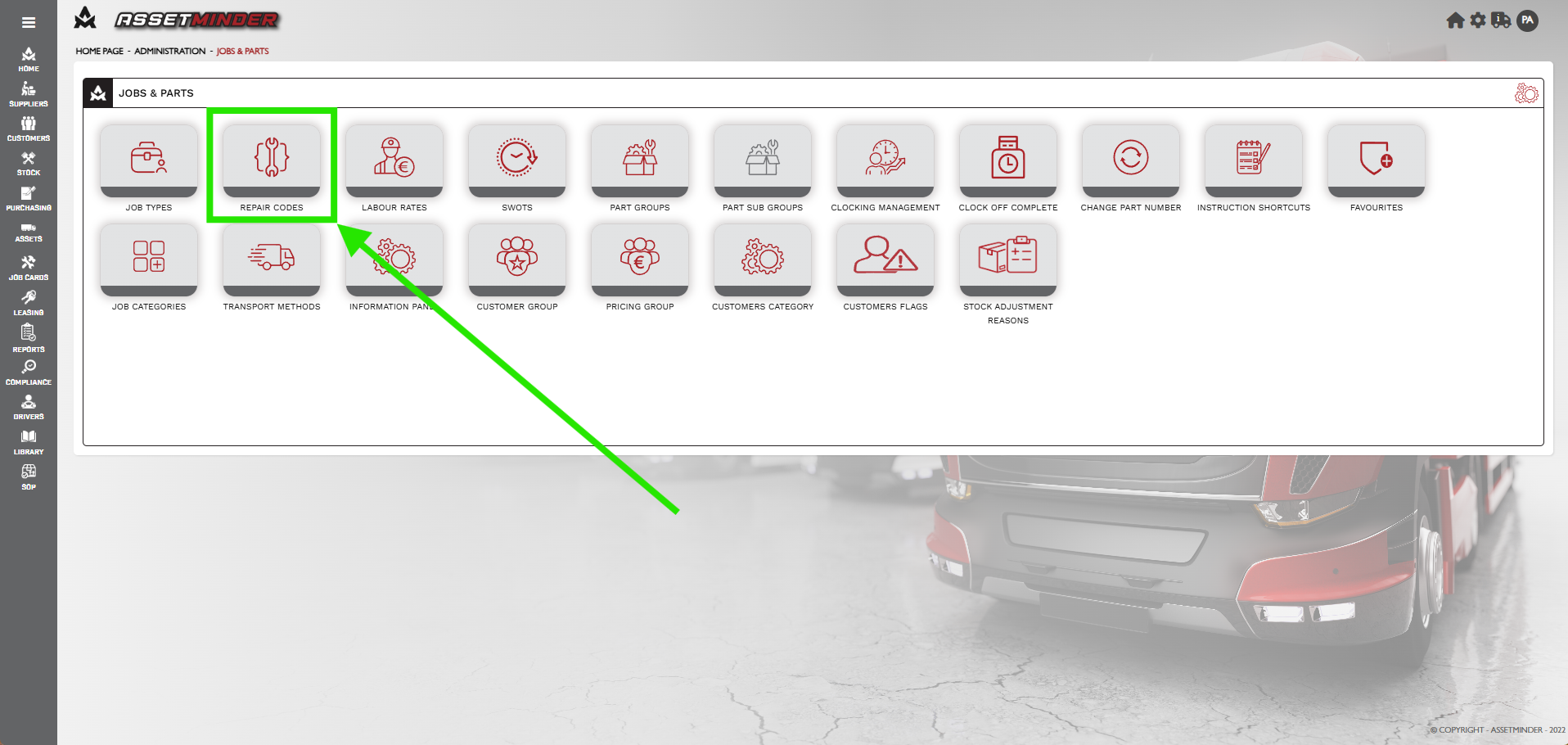
3. Click Repair Codes.
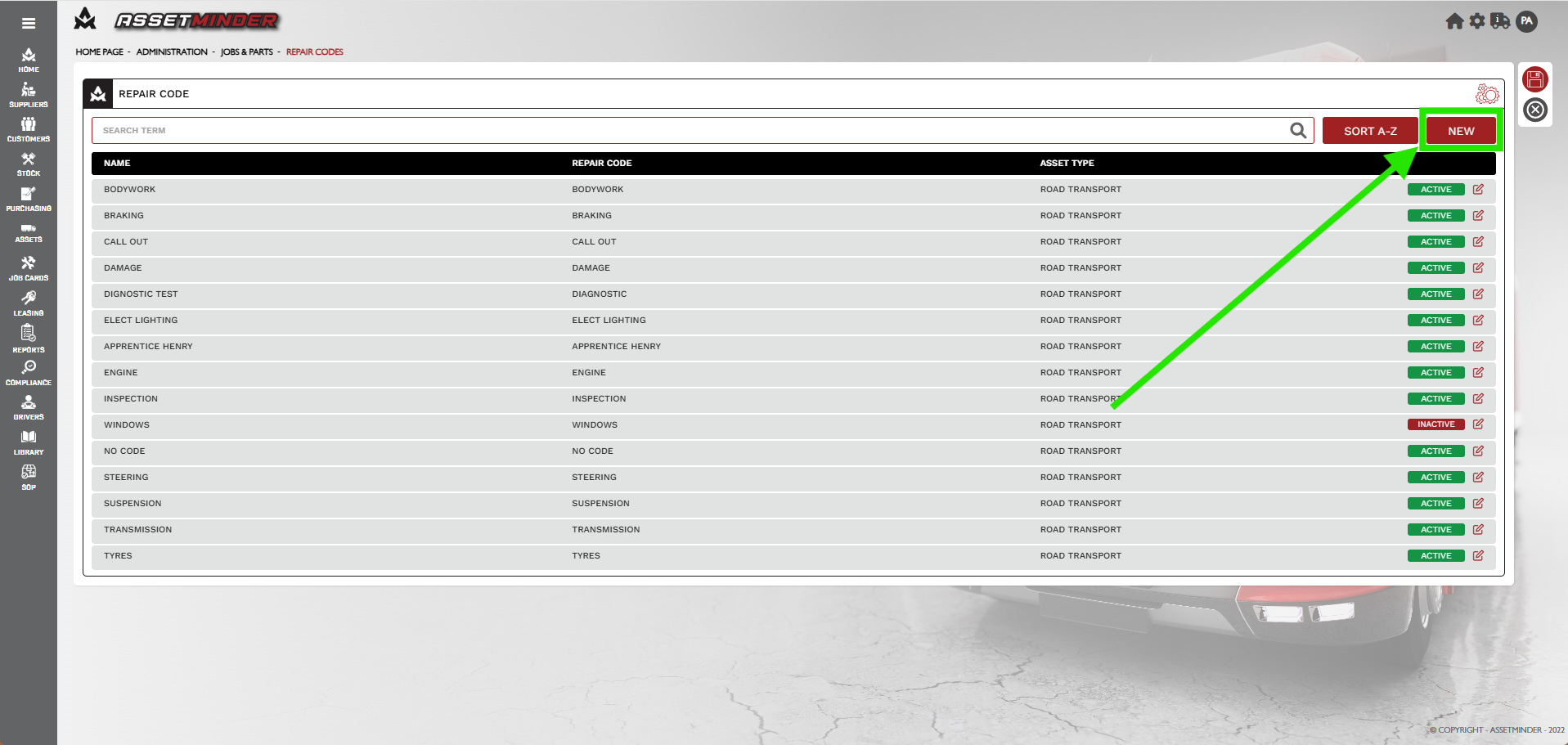
4. Click New Repair Code.
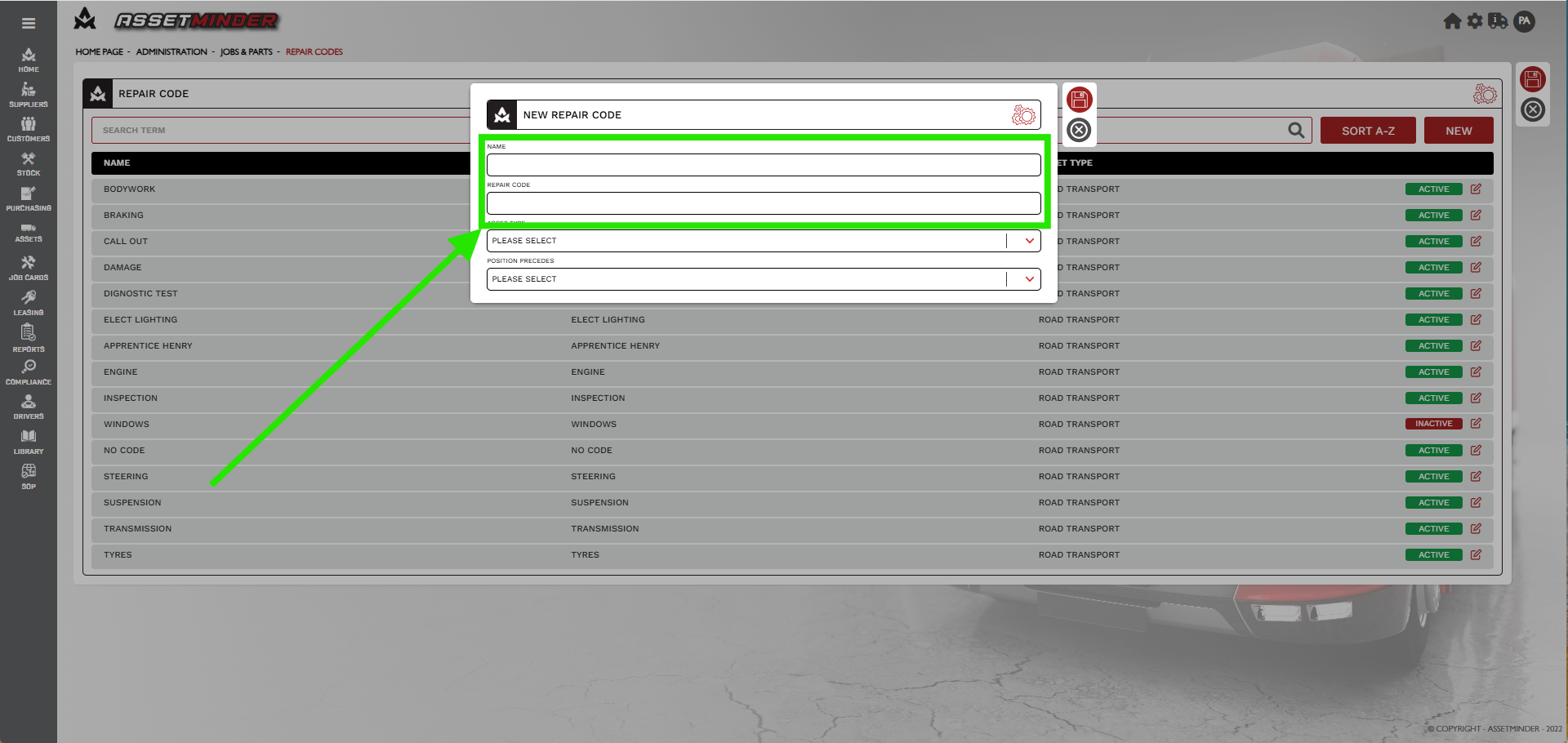
5. A dialogue box will open. Enter NAME and REPAIR CODE.
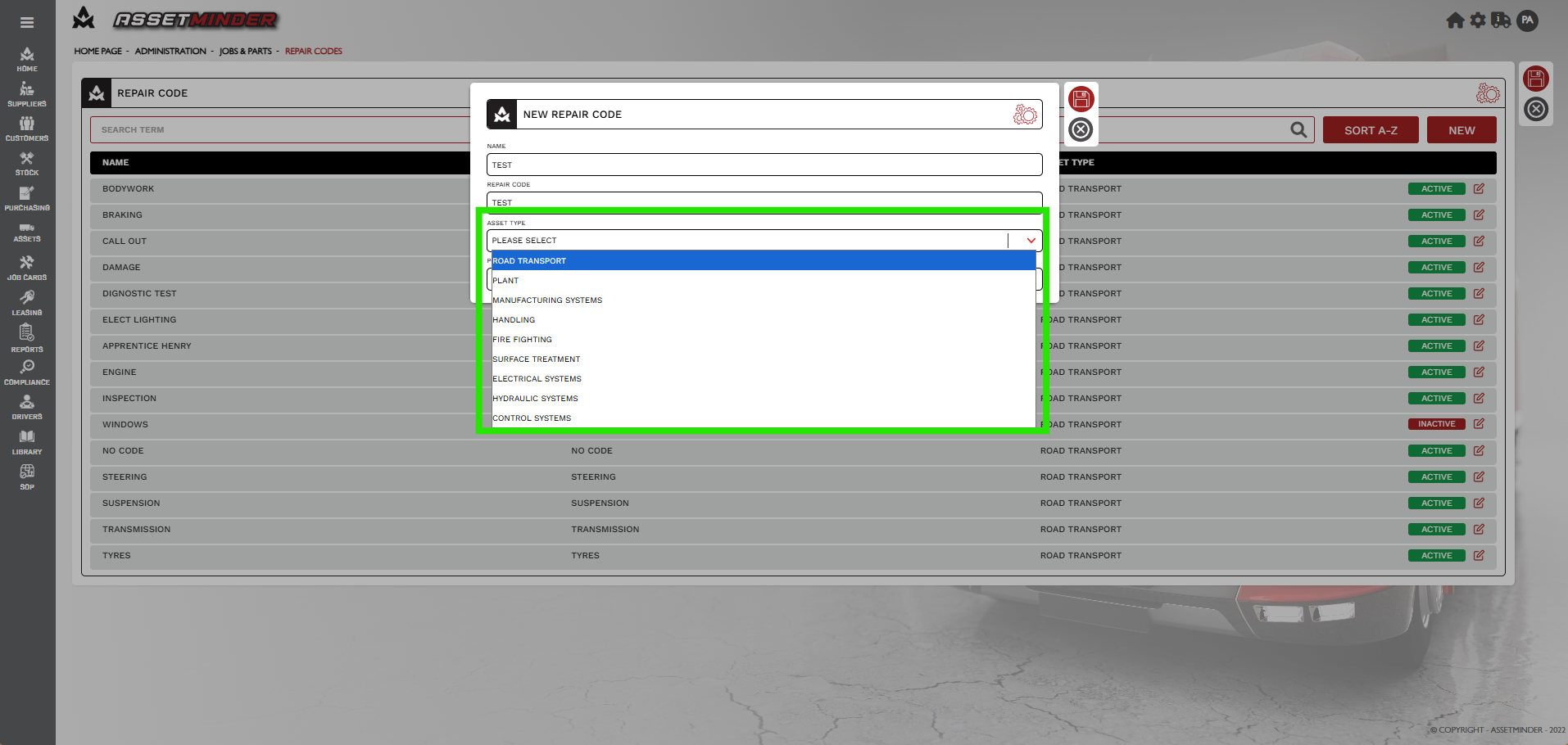
6. Add asset type.
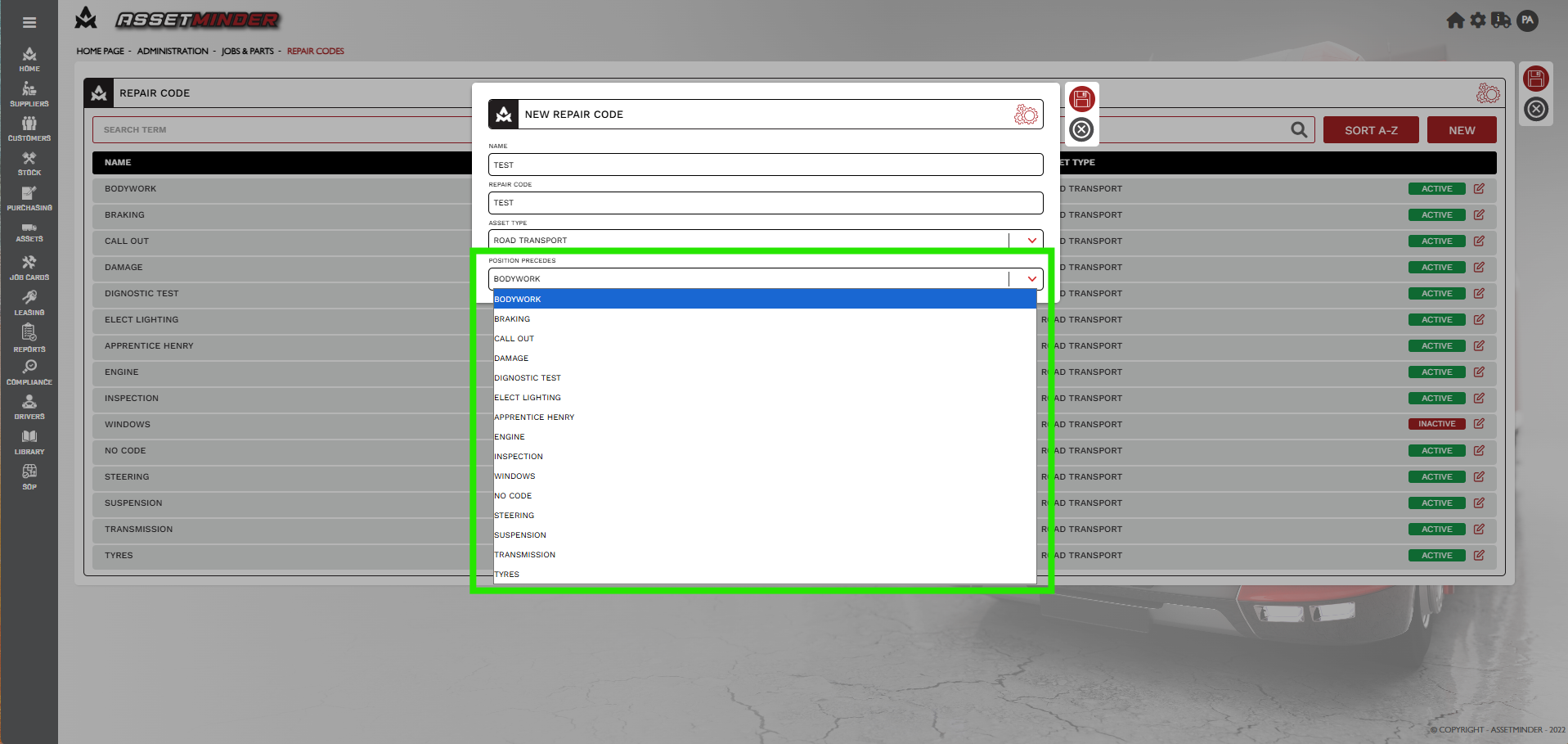
7. Add what Position precedes. This will select the order in which the repair code appears.
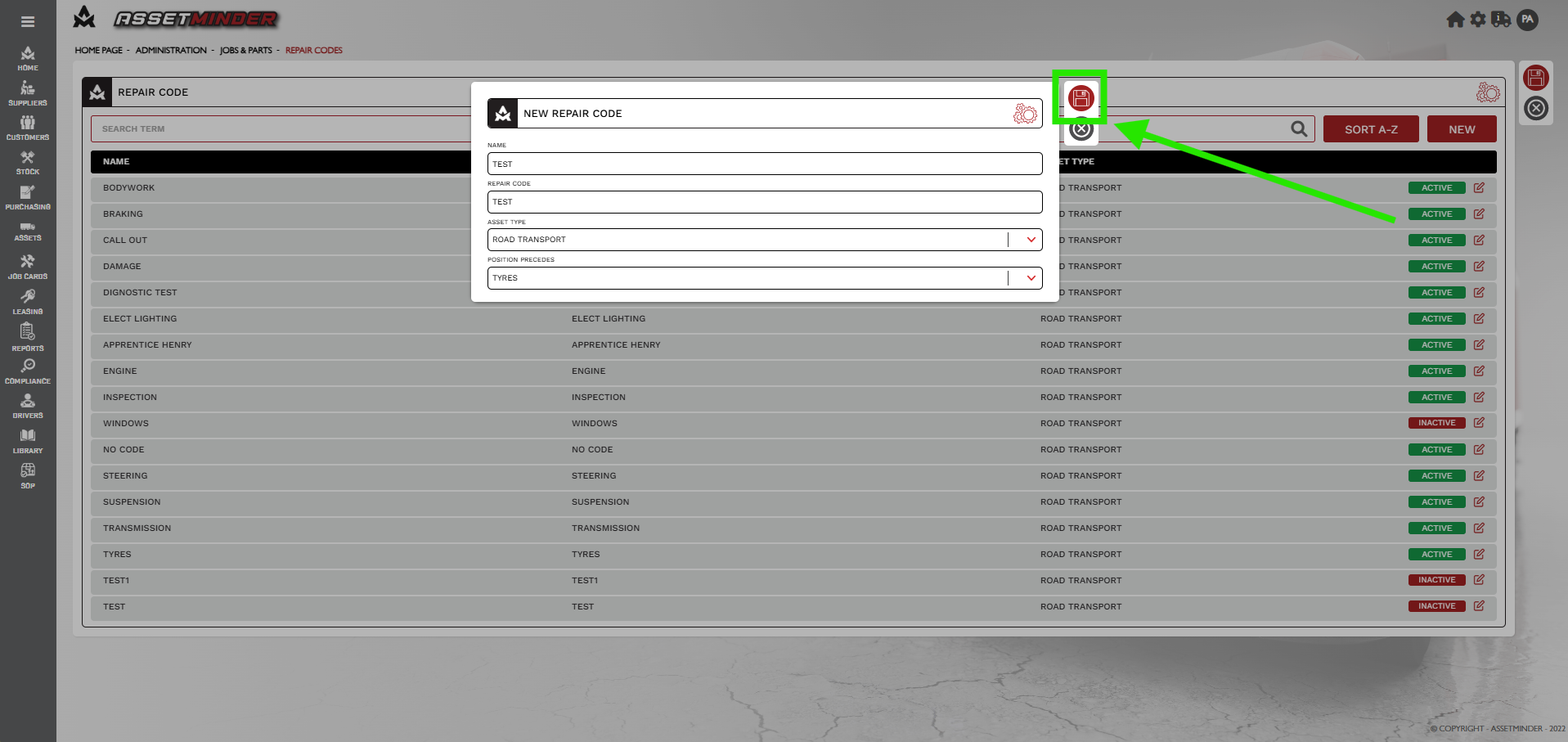
7. Repeat the process for all repair codes.
8. Click Save.
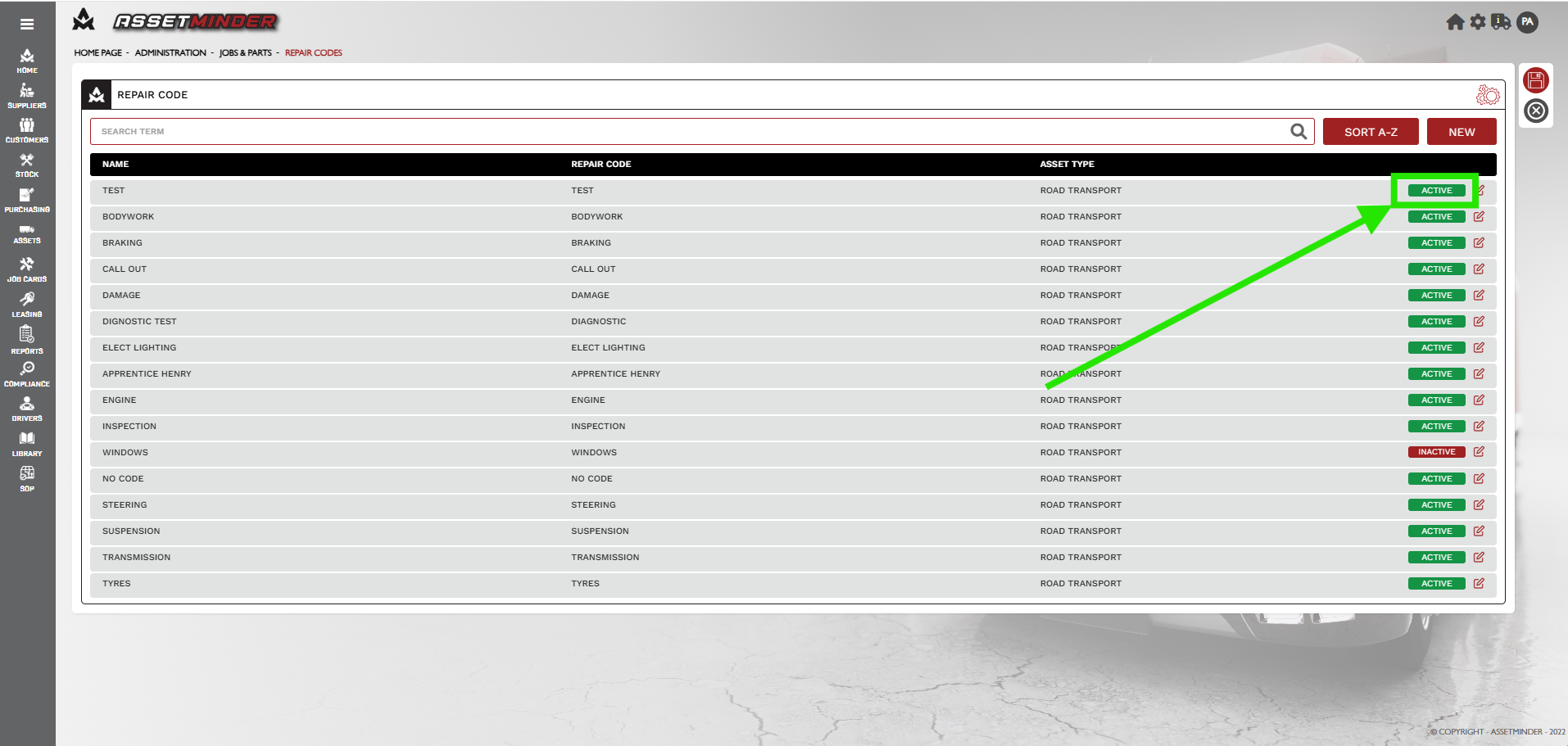
9. Repairs codes can be Activated or Deactivated by clicking the ACTIVATE / DEACTIVATE. The order can be changed by dragging and dropping the repair code.
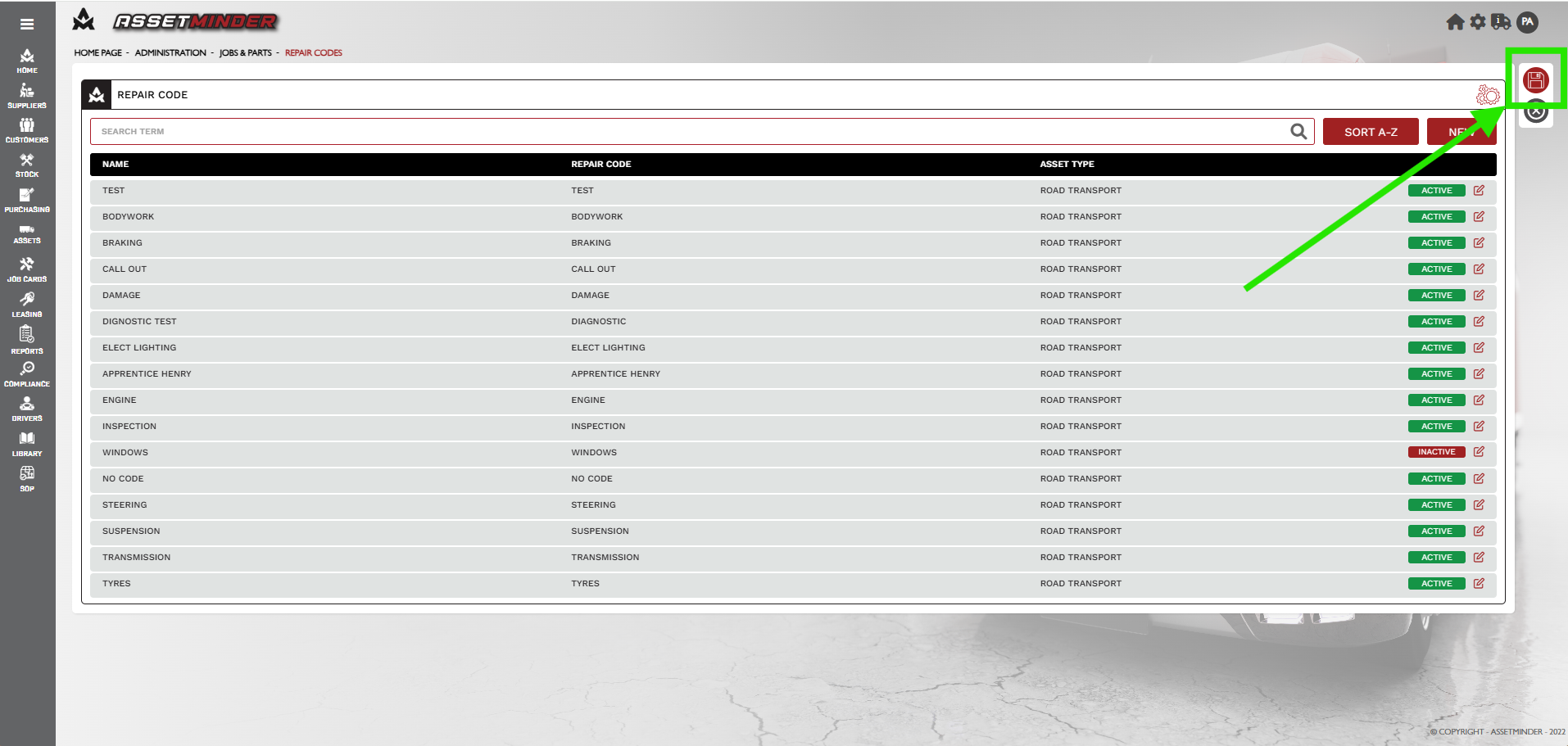
10. Hit Save when complete.
Paul Murray
Comments