NOTE: All users share a common login and it's important to remember a user may have left filters on the report. It is best practice to remove filters when finished.
1. Data Sync – Powerbi reports do not update in real time. Data syncs are preloaded when a report is uploaded. The reports will sync a given intervals during a 24 hour period.
2. Filters - Use Filters at the top of the report.
These will be specific for each report. Reports have a slider for Date range. Date can be selected by moving the slider or clicking on the Calendar and selecting date.
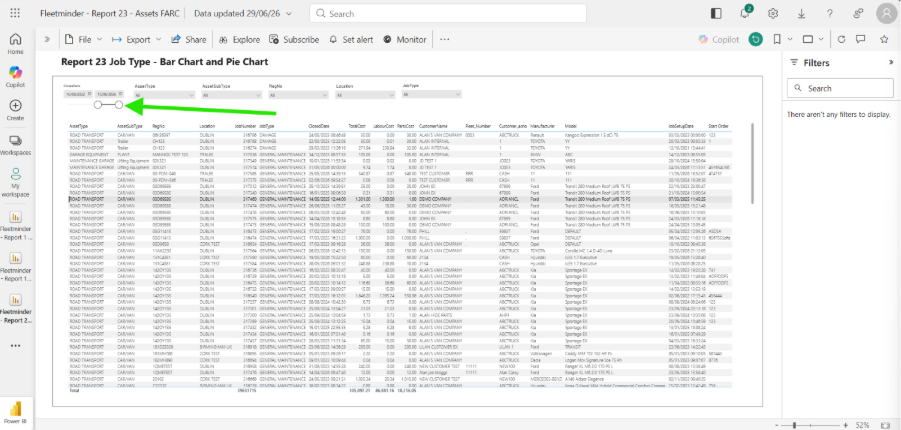
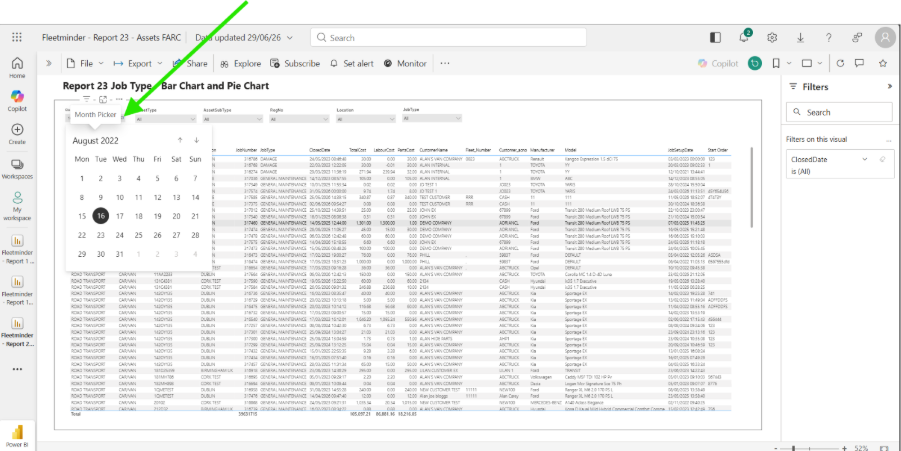
3. Filters are set at the top of the report. These are set to ALL.
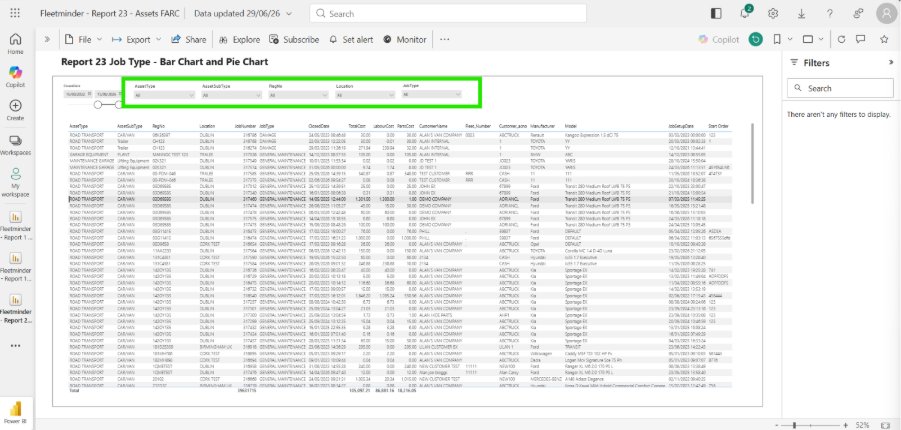
4. If you need to filter the data click on the drop and select the filter. If more than one filter is required hold the CTRL on the keyboard while selecting.
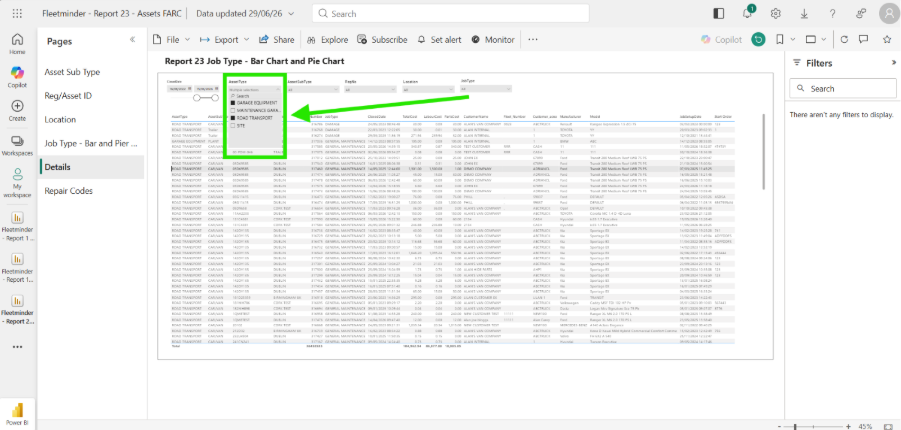
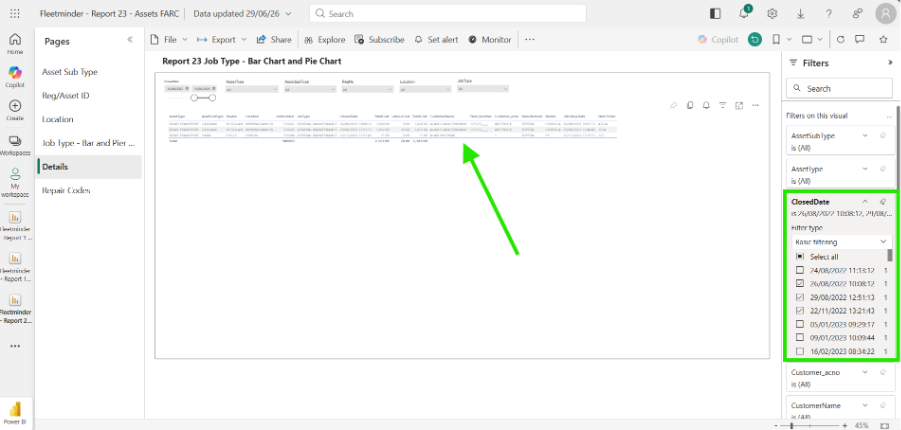
5. If further filters are required click on any line in the report. This will open the filters on the Right hand side of the screen. 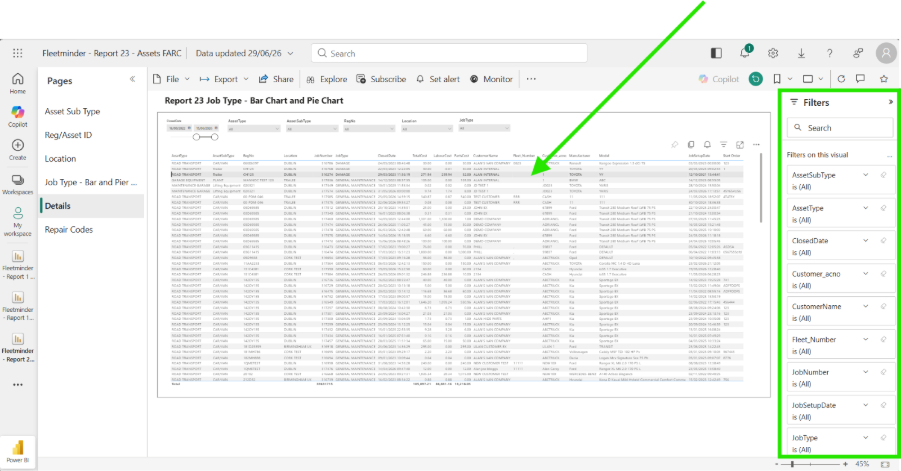
6. Use theses filters to select more specific searches.
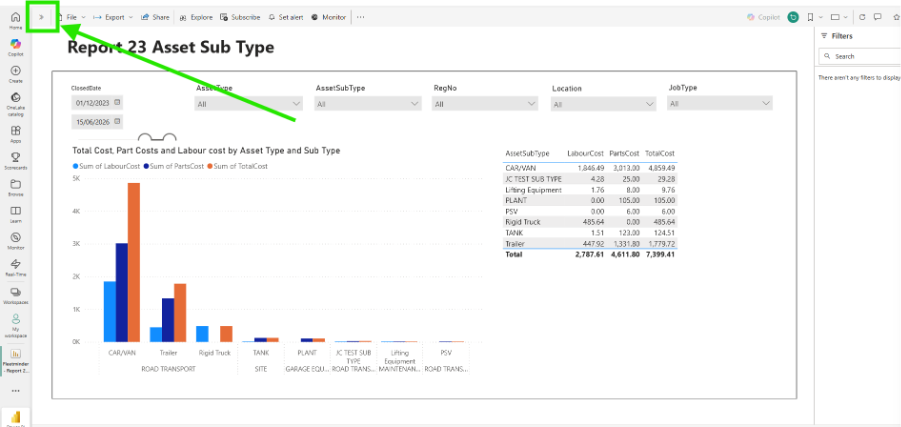
7. Some reports may have more than one page of information available. If the arrows are visible in the top left-hand corner, click to expand.
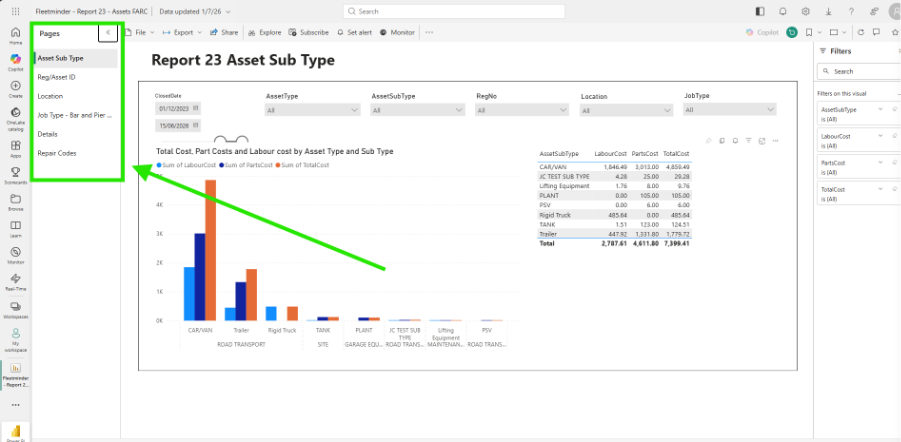
8. Click on an additional page to view the data.
Note: Only some reports have additional pages.
Paul Murray
Comments