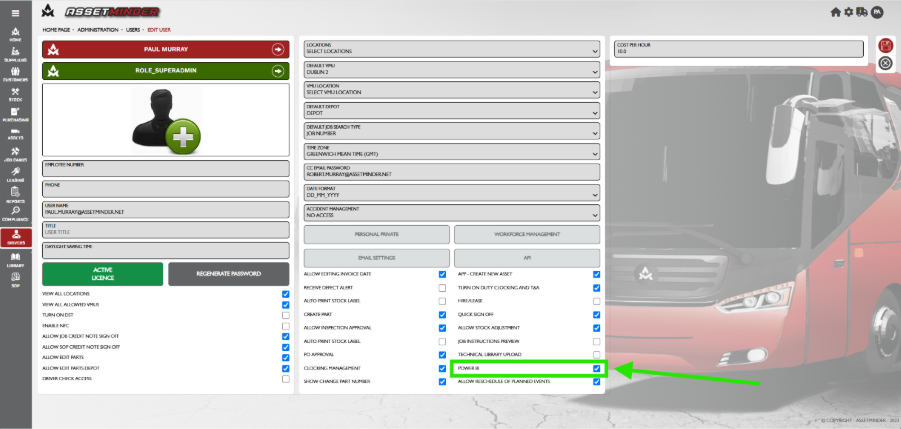
1. Powerbi Permission must be checked in the user profile to access Powerbi.
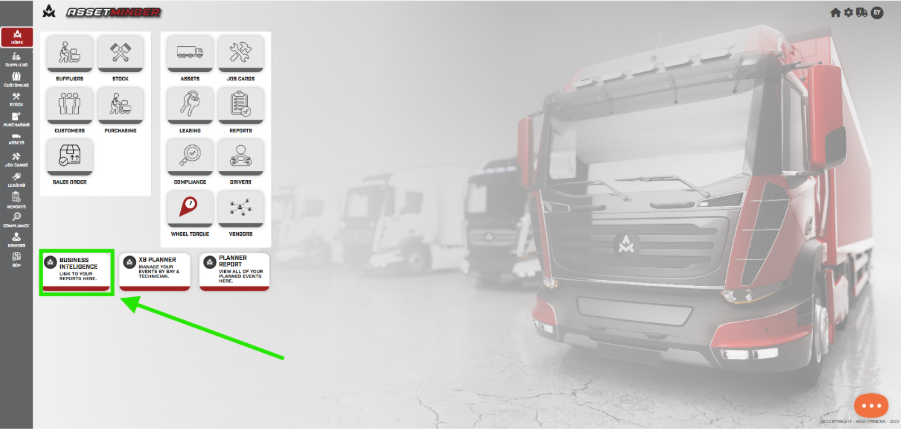
2. Click on Business Intelligence tab on the Home screen.
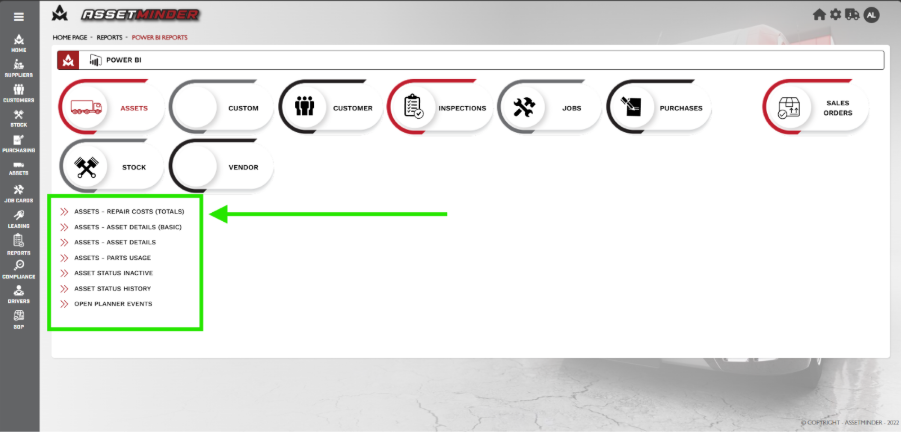
3. The Power Bi screen will open. The headings for the types of reports will appear. Click on one to reveal the reports available. In this example the ASSETS is selected.
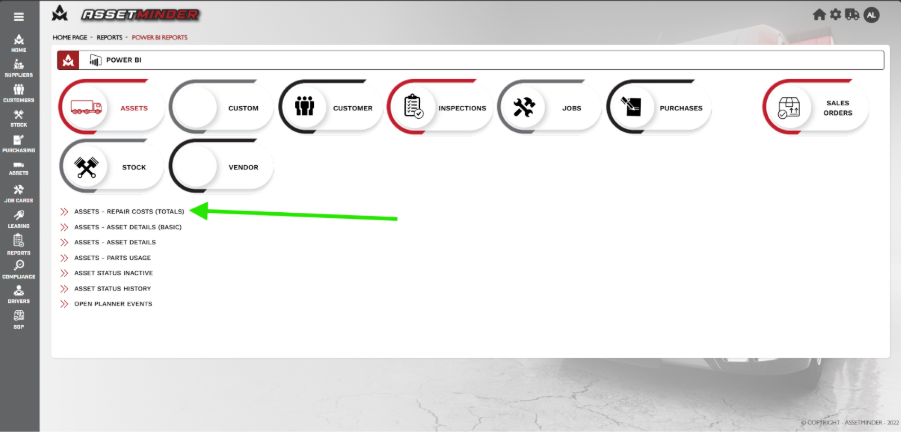
4. Click on a report you wish to view.
5. A new browser window will open with the Powerbi Login request. Login into the powerbi account.
NOTE: The login details for powerbi are NOT your assetminder login or email login details. The login details for Powerbi are provided to you by Assetminder. If you have not set up or lost your Powerbi credentials, contact tickets@assetminder.net.
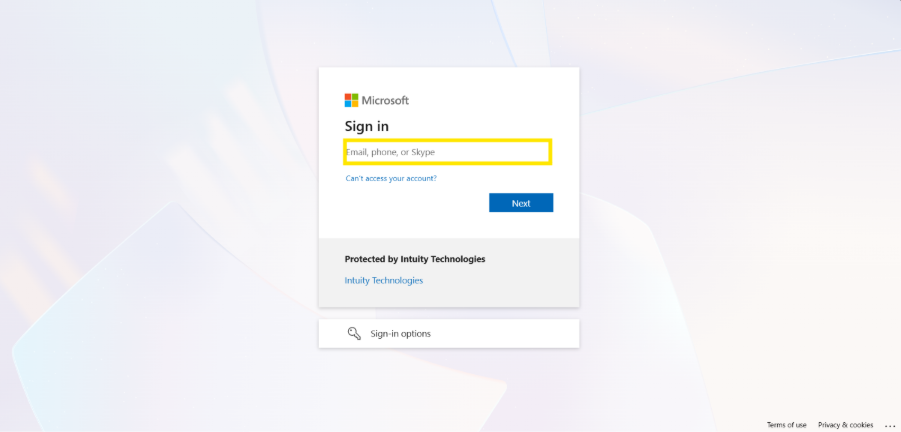
6. Enter username.
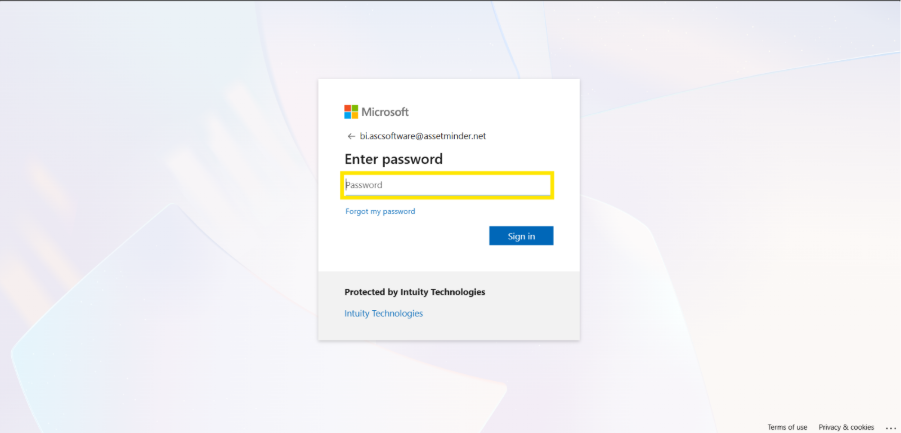
7. Enter Password.
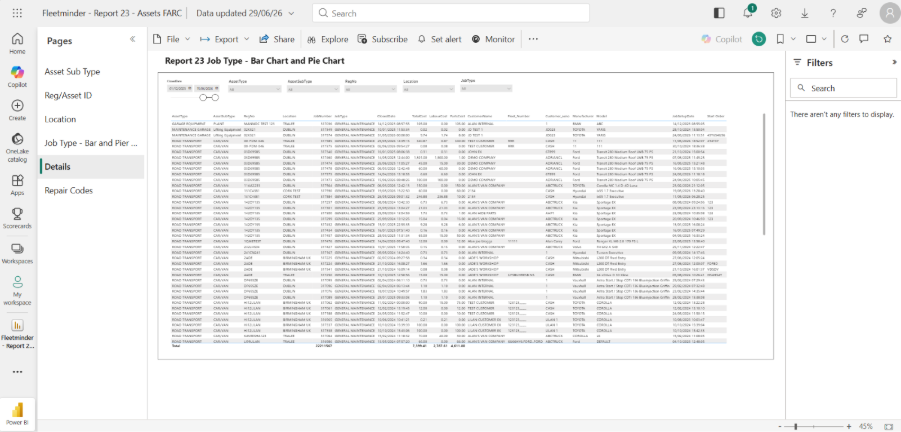
8. The report will show on the screen.
Paul Murray
Comments