PROCEDURE
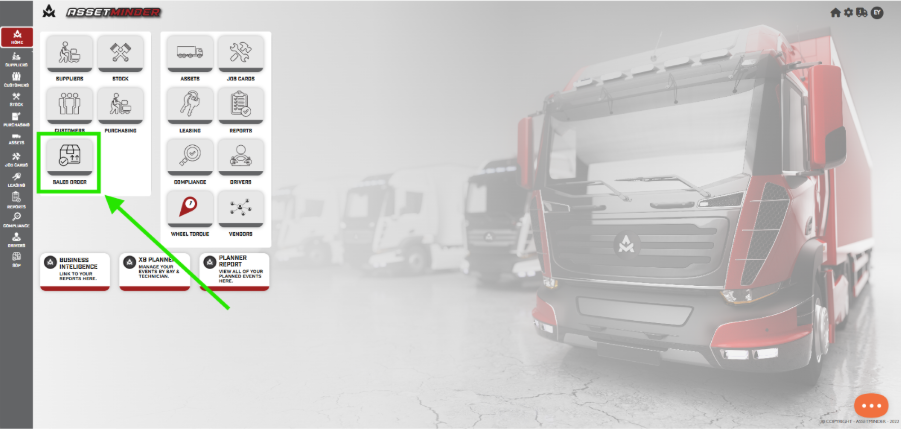
1.Open the Sale Orders on the home page.
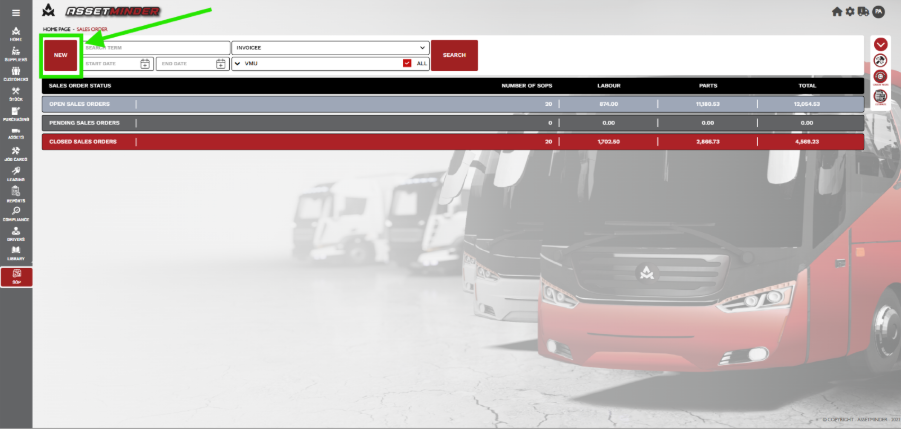
2. Click New
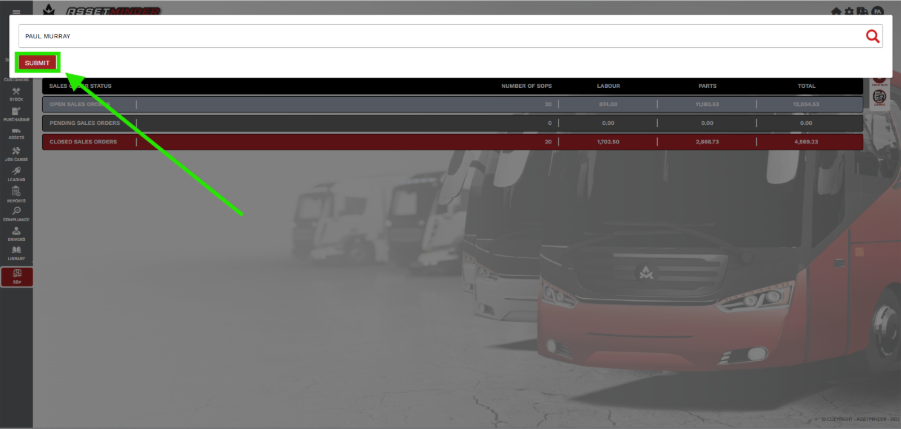
3. Add Invoicee and click SUBMIT.
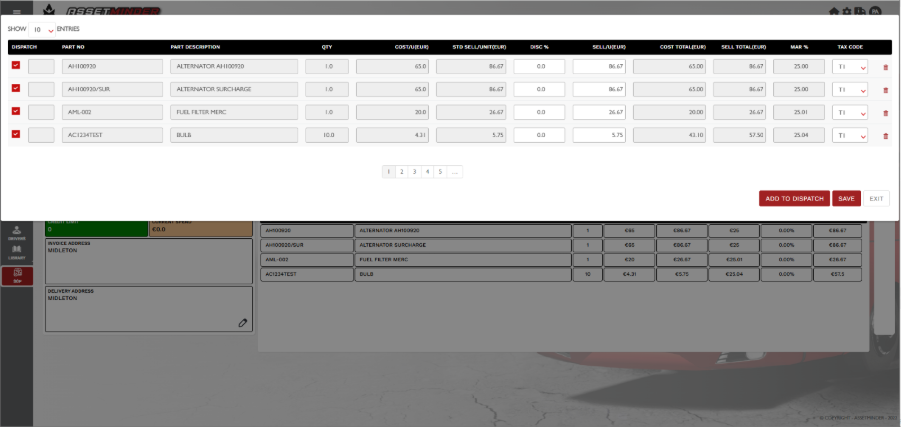
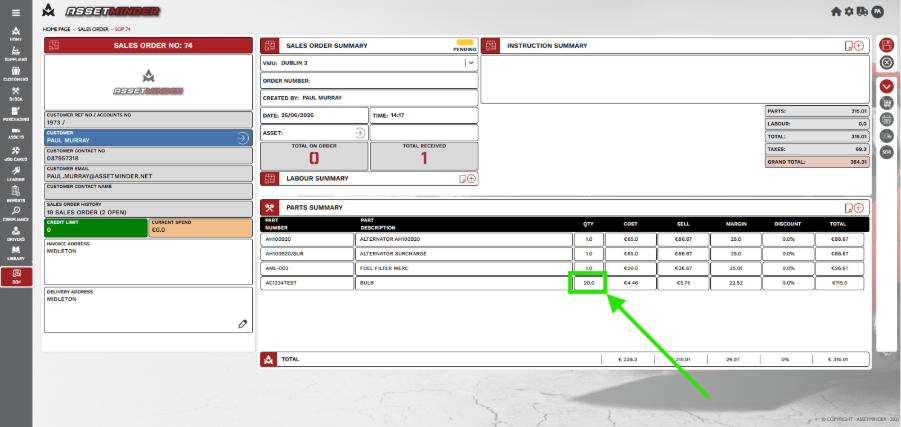
4. Add the parts the Sales Order. In this case the customer would like to order 20 Bulbs but there are only 10 in Stock. Add the 10 and dispatch the parts.
5. Click on the Purchase Order icon.
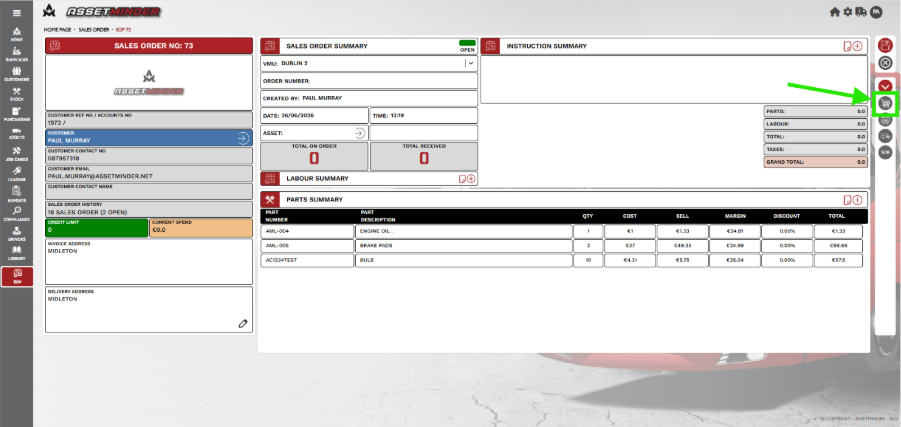
6. Create a PO for the additional bulbs.
7. When the parts are received, they will be added to the Sales Order.
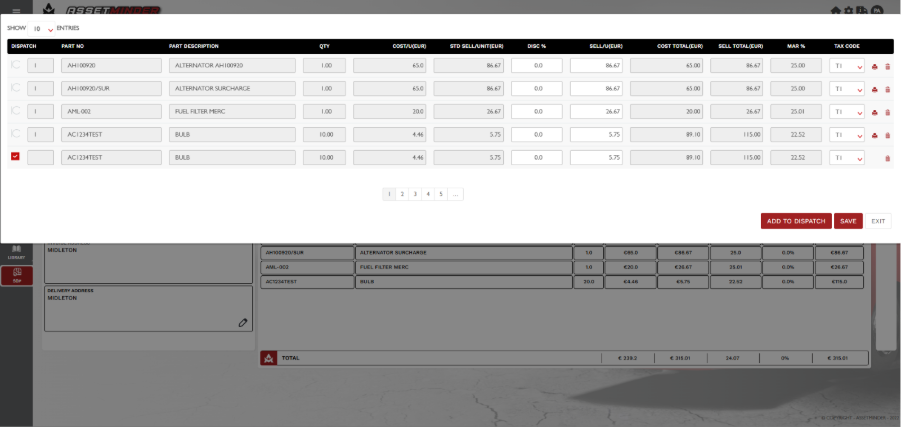
8. Dispatch the remaining items
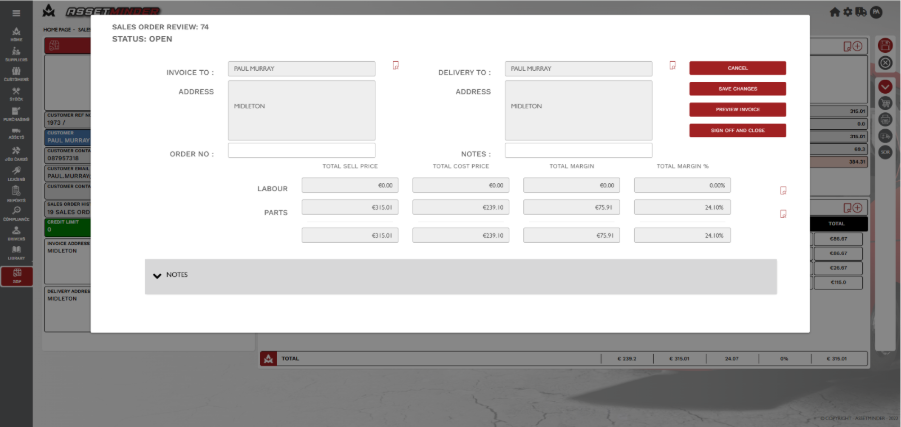
9. Sign off the sales order.
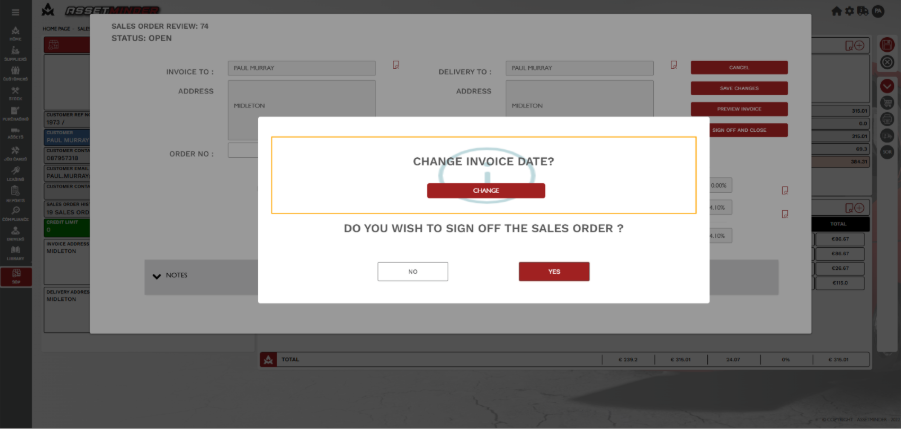
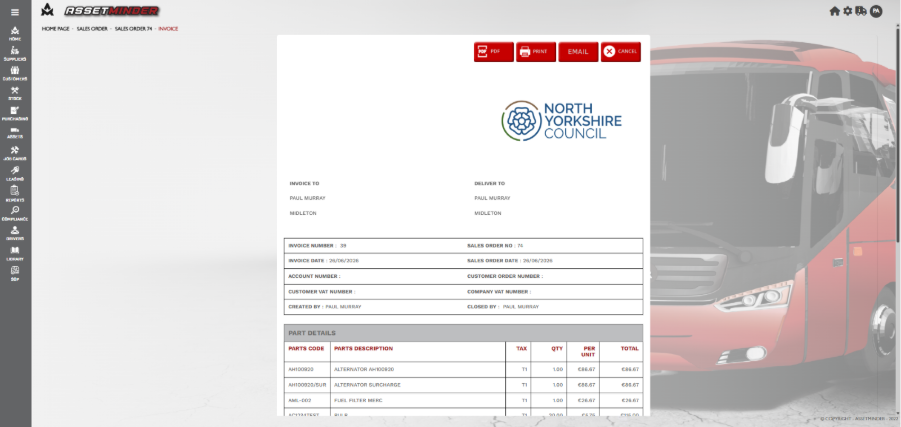
10. The Sales Order will can be emailed or printed.
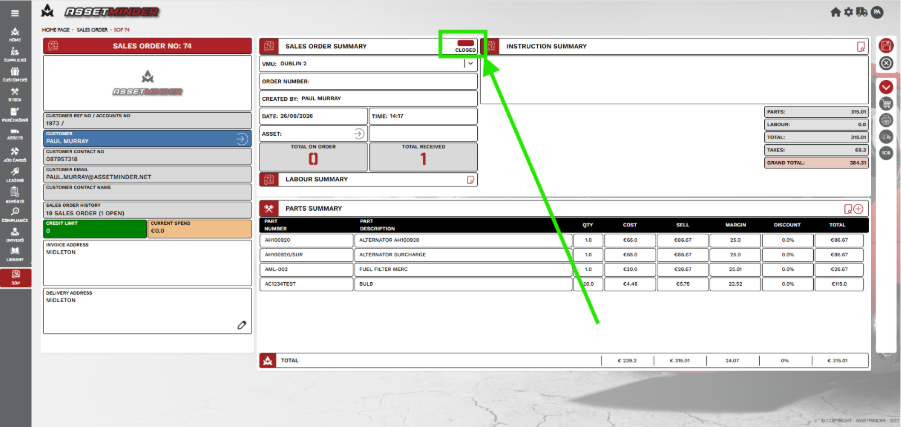
11. The Sales order is now Closed.
Paul Murray
Comments