1. Open the XB Planner
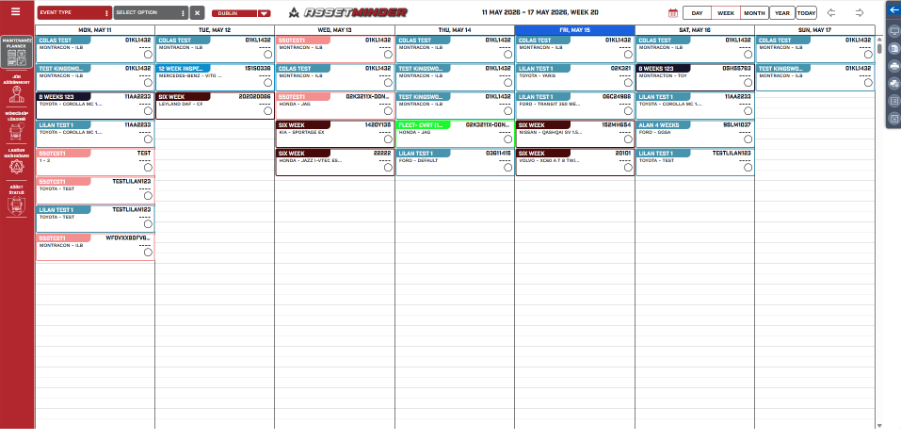
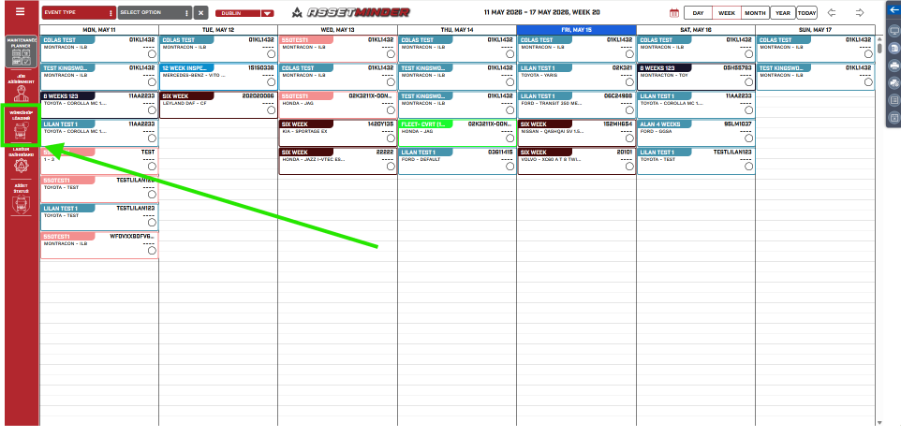
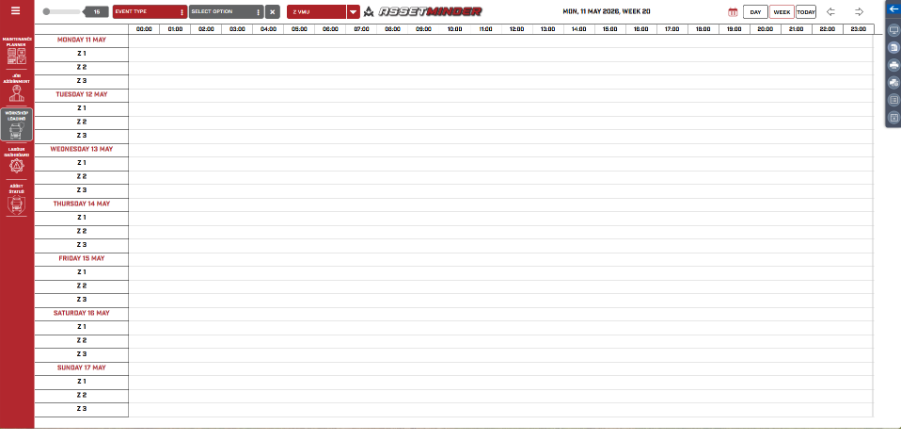
2. Select workshop loading.
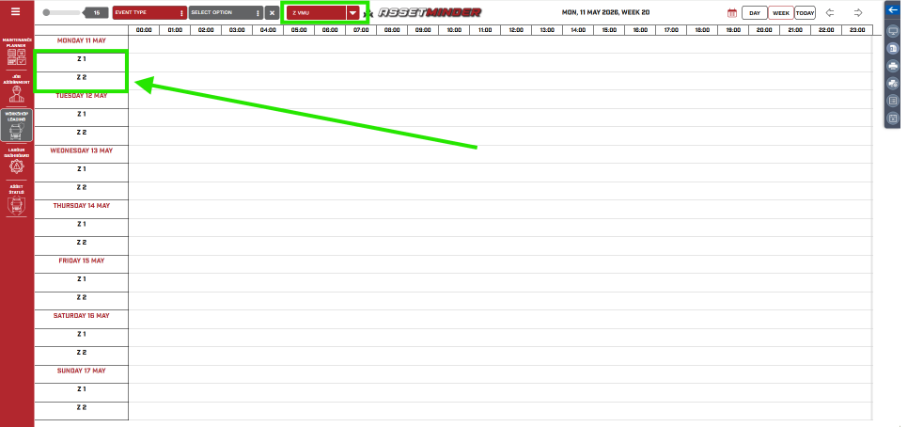
3. Select the VMU required and the bays will displayed on the Left hane column e.g Z VMU and Bays Z1 and Z 2.
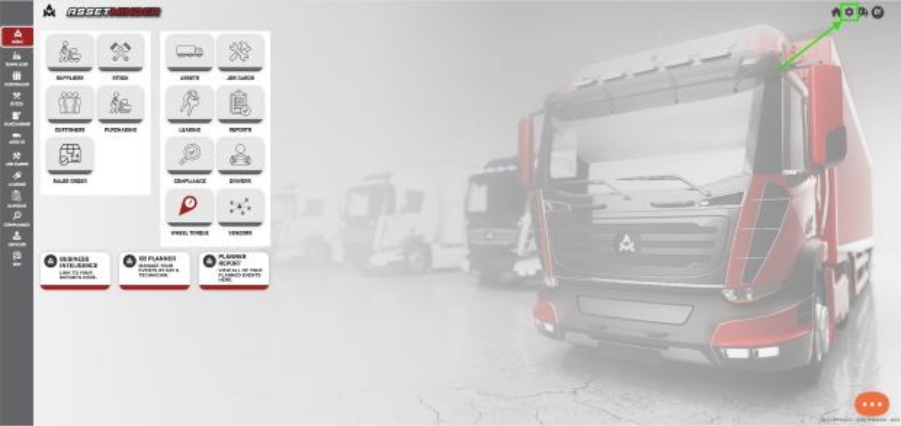
4. To add more bays go to assetminder home page and click on Gear icon to open administration tab.
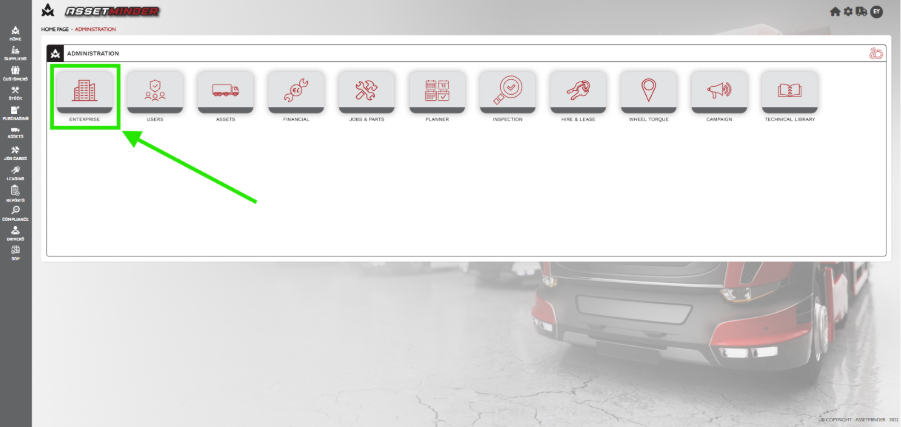
5. Click on enterprise.
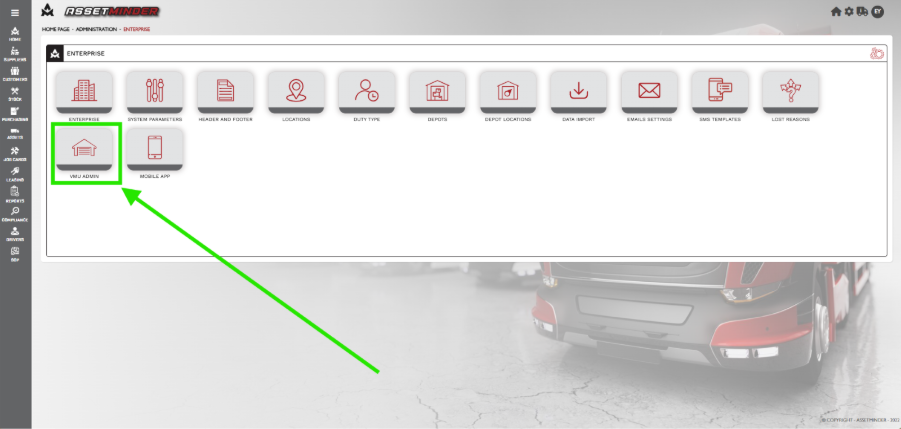
6. Click on VMU admin.
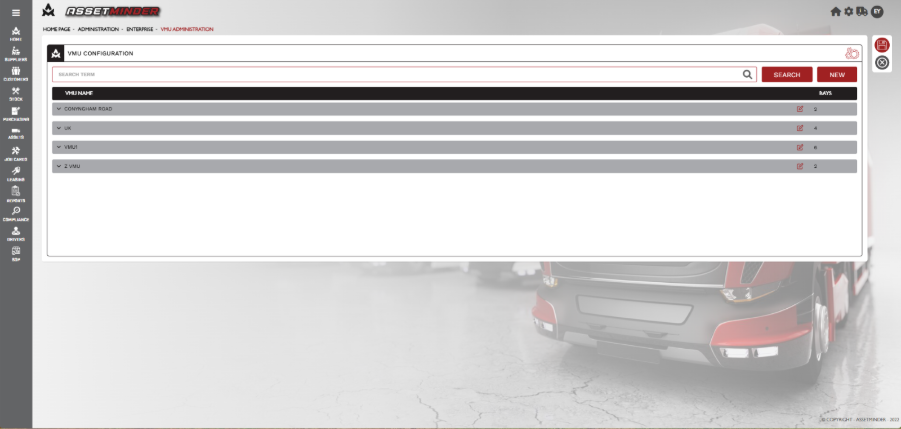
7. The VMU’s will displayed.
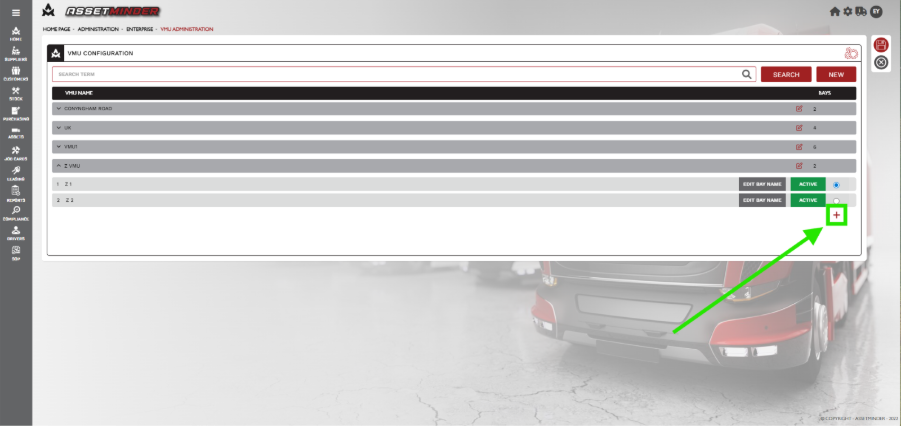
8. Select VMU that requires new bay.
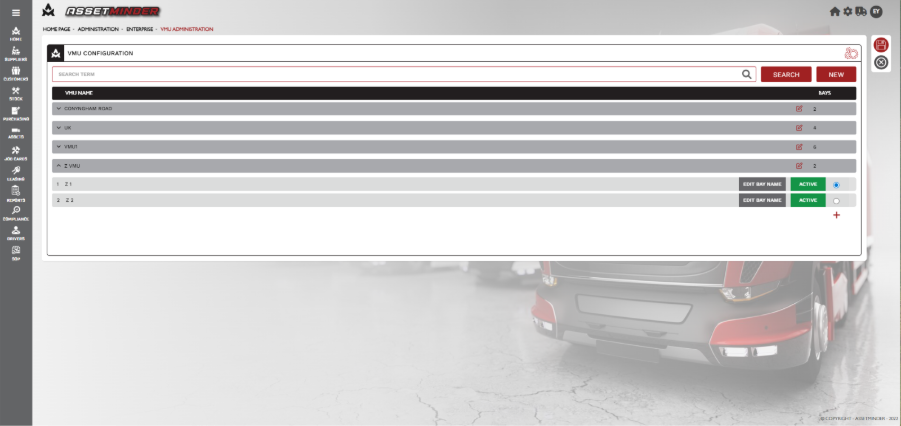
9. Click on + symbol .
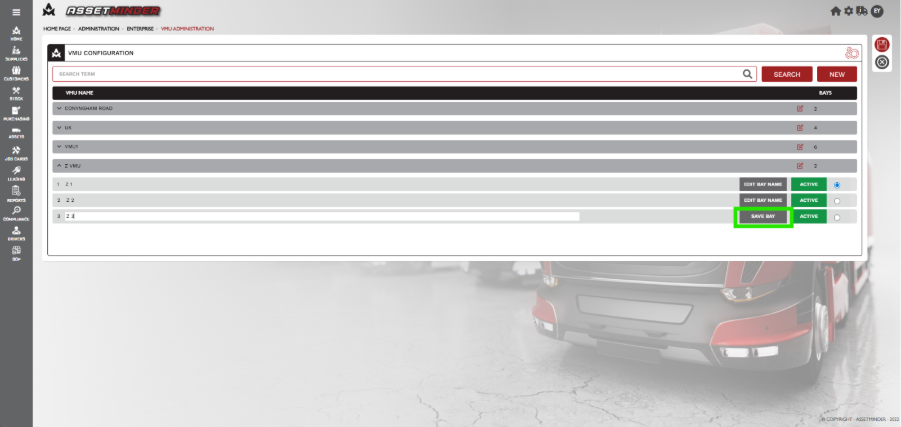
10. Name the new Bay and Click Save bay .
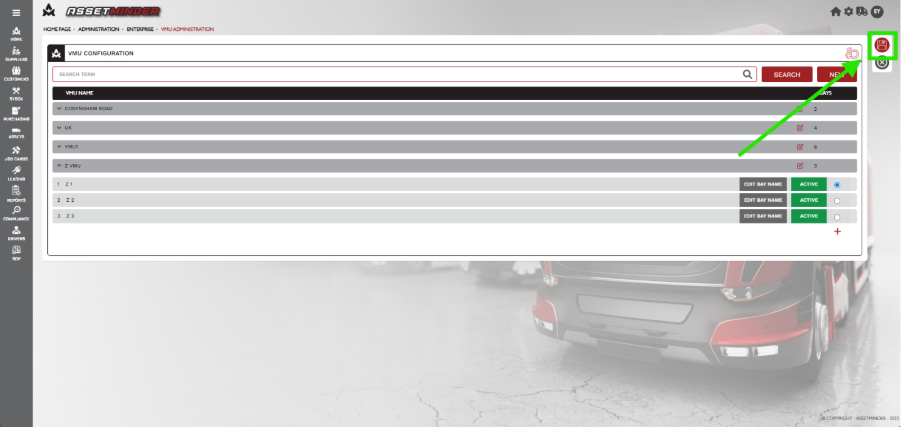
11. Click Save.
12. Return to XB PLANNER and refresh. The new bay will appear.
Paul Murray
Comments