Note: Only Superadmins have the permissions to create a new VMU.
The Vehicle Maintenance Unit (VMU) indicates the physical garage/workshop location. This dictates where the job card is created/completed, and which users have access to the job.
1. Click on Administration
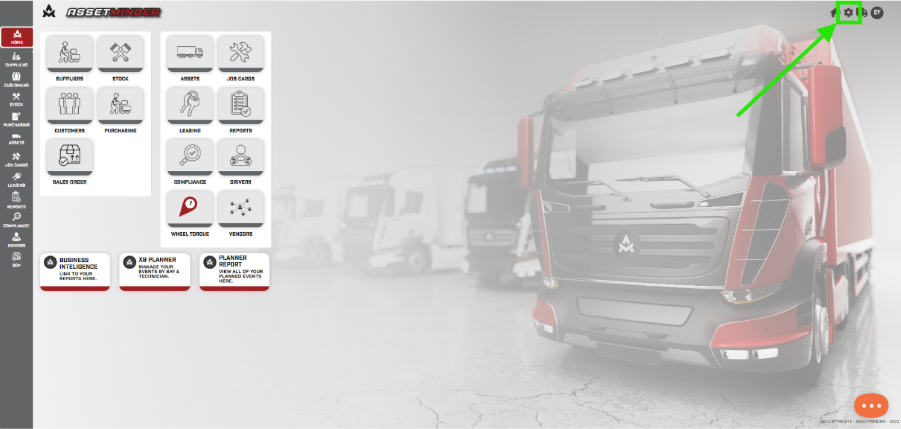
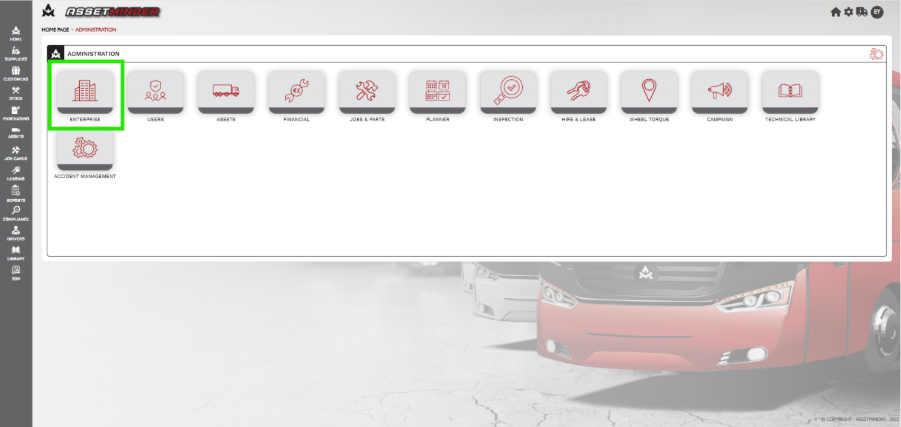
2. Click on Enterprise.
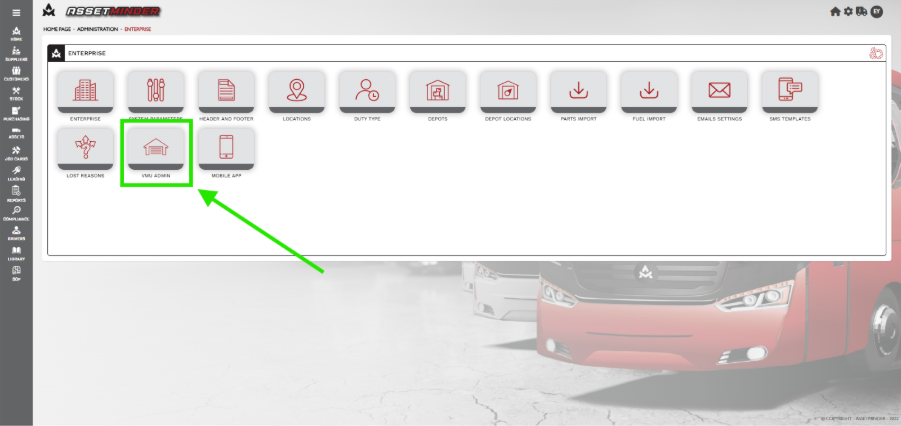
3. Click on VMU admin.
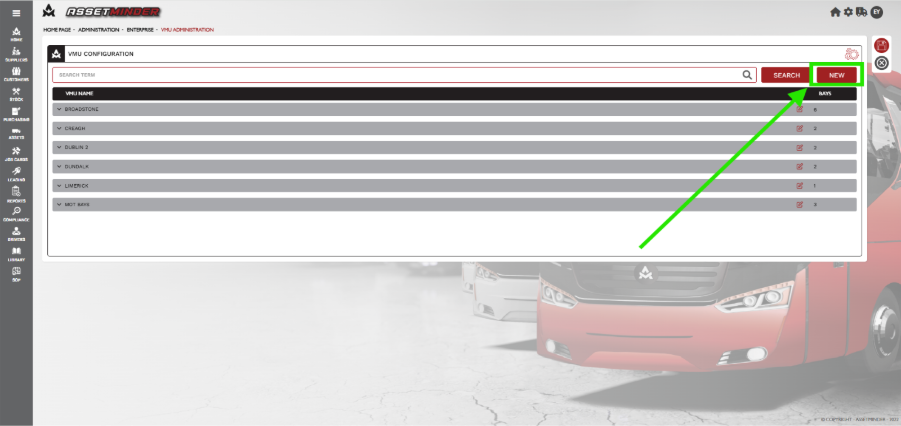
4. Click on New.
5. Enter the name of the new VMU. Add details as required.
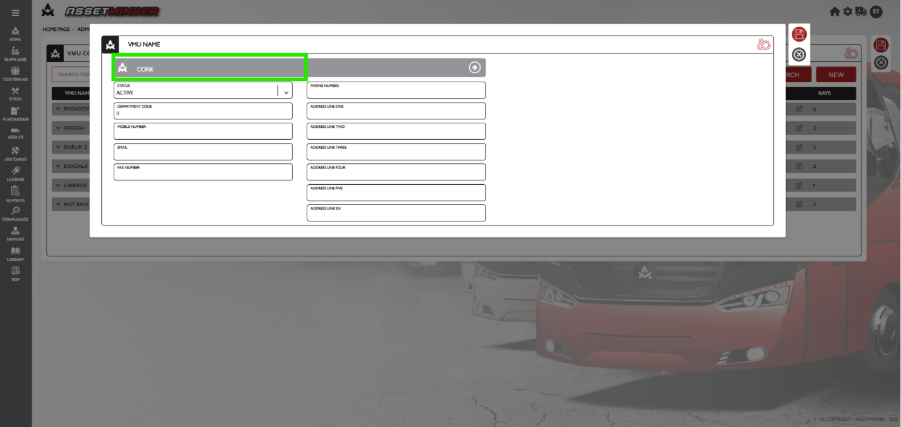
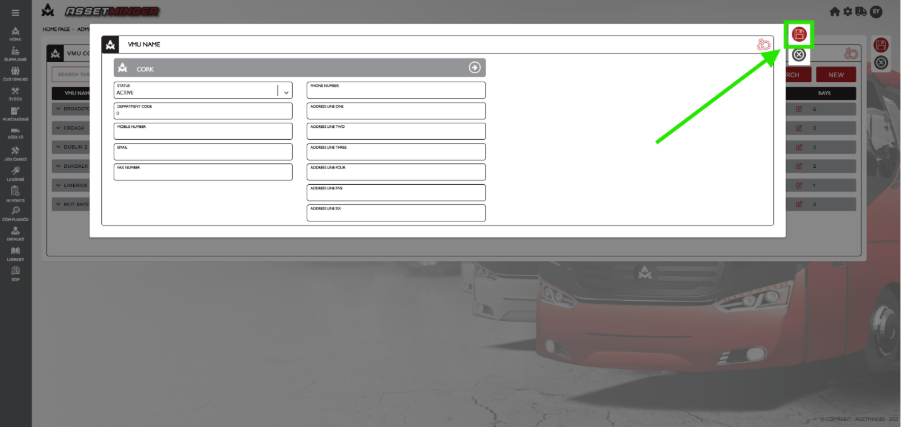
7. Click Save.
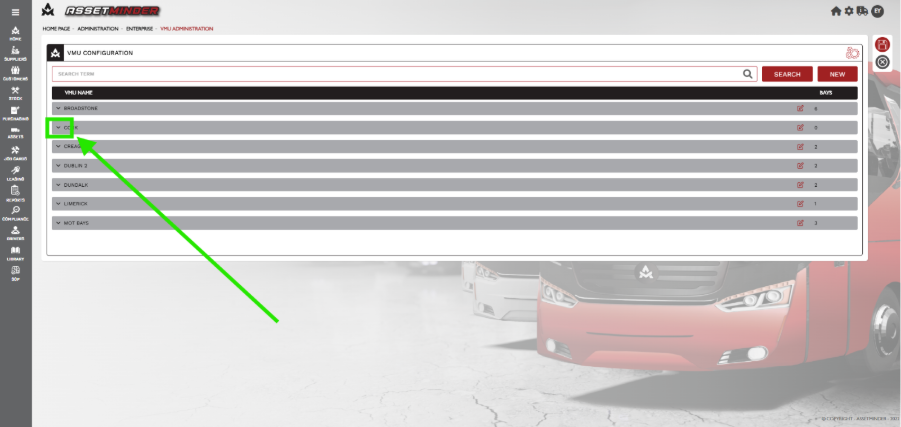
8. The VMU will now appear in the VMU list. Click on the Arrow to add bays.
9. Add the name of the bay and click ADD BAY.
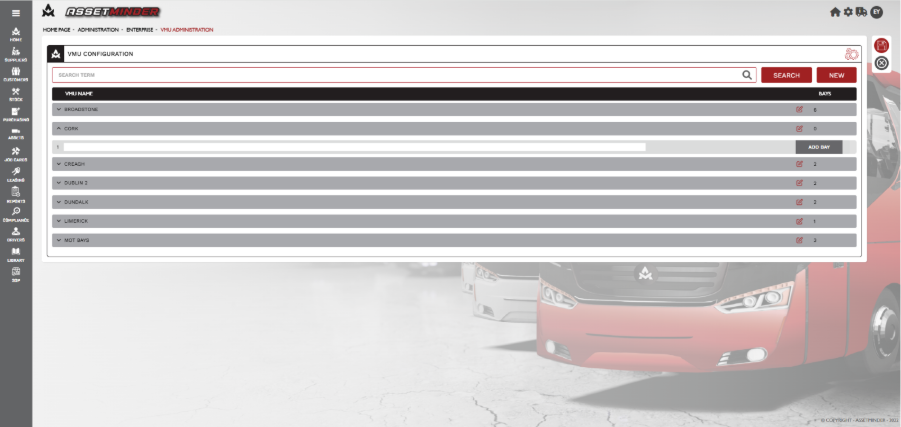
10. Add as many bays as required. The bay with Blue dot ticked will be the default bay for this VMU.
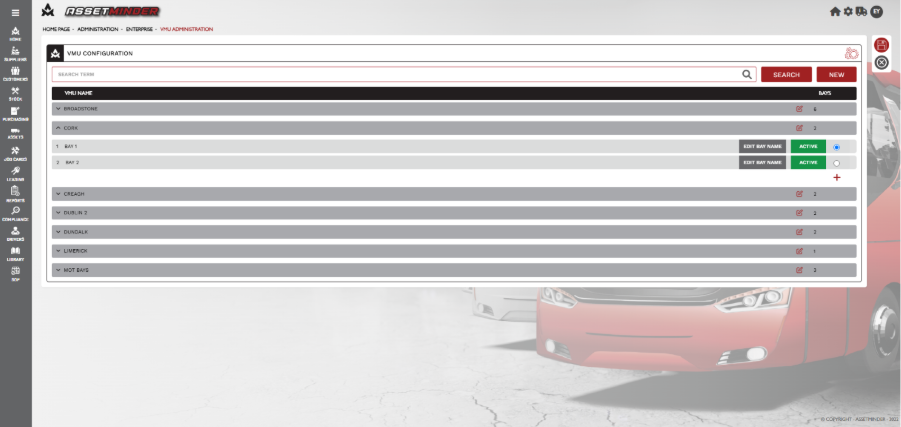
11. Bays can be made Active or Inactive by clicking on them.
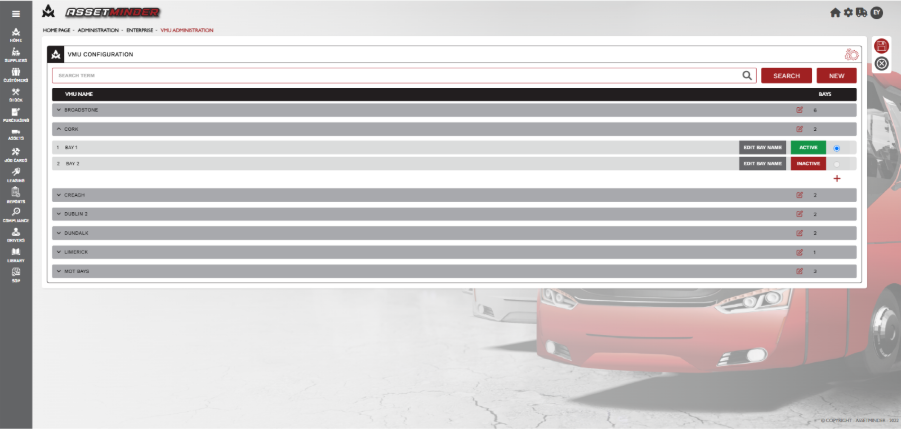
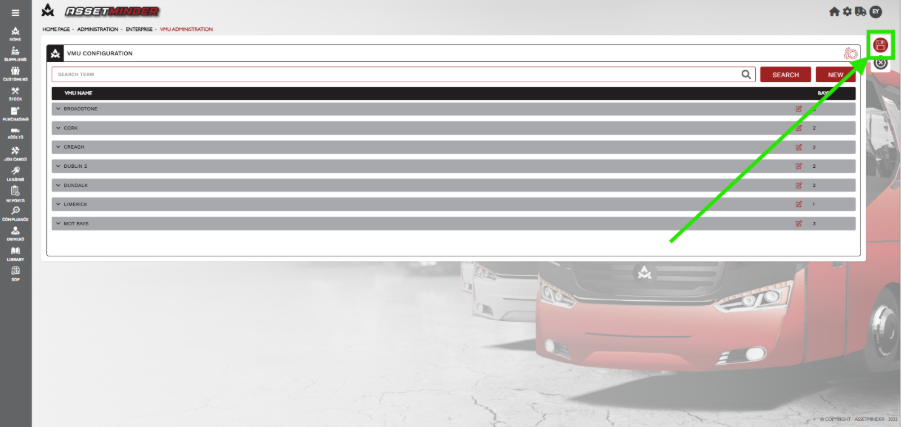
12. Click Save.
Paul Murray
Comments