When a PO is raised against a Job Card they are linked together. It is possible to unlink them in the event a job is cancelled. Take note if a part is received and then unlinked the part will need to be removed from the job.
1.Create a PO against a Job card.
2. Go to Purchasing.
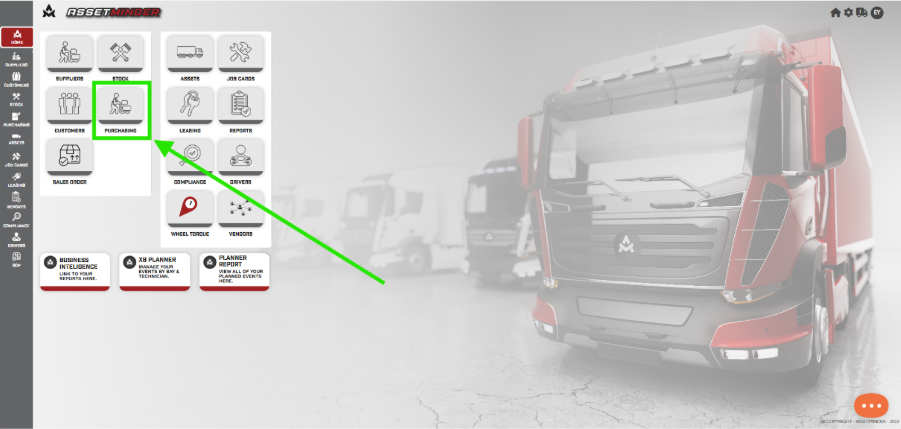
3. Open the PO you wish to unlink.
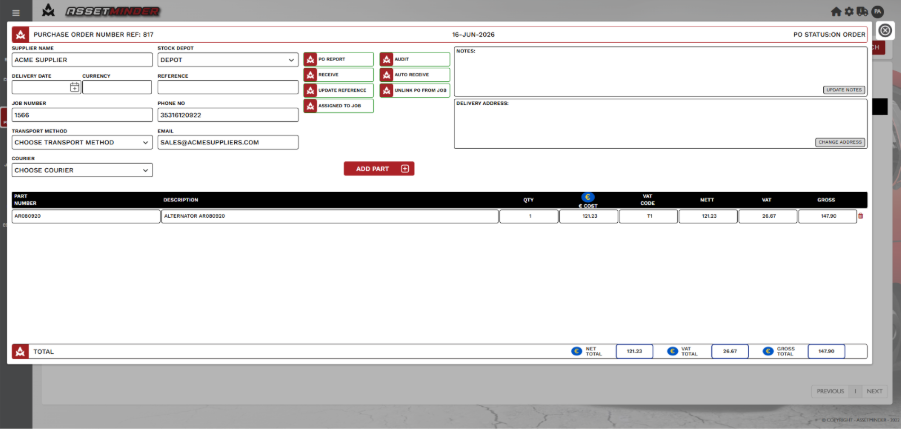
4. Check the Job Card that is linked to the PO.
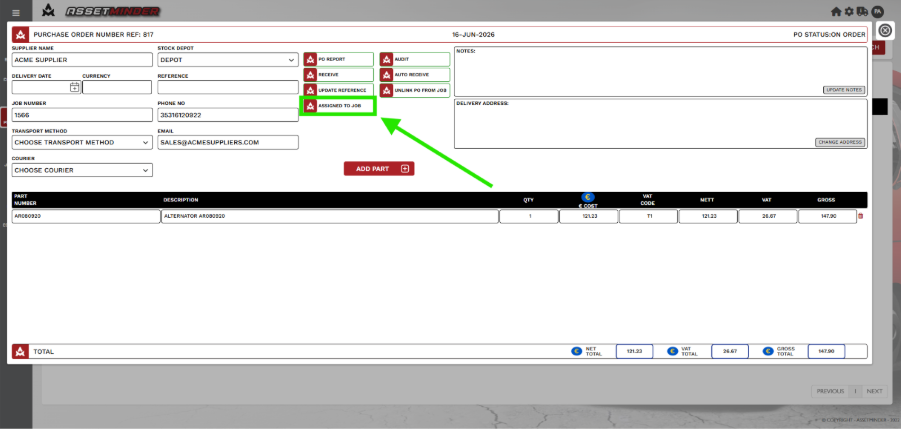
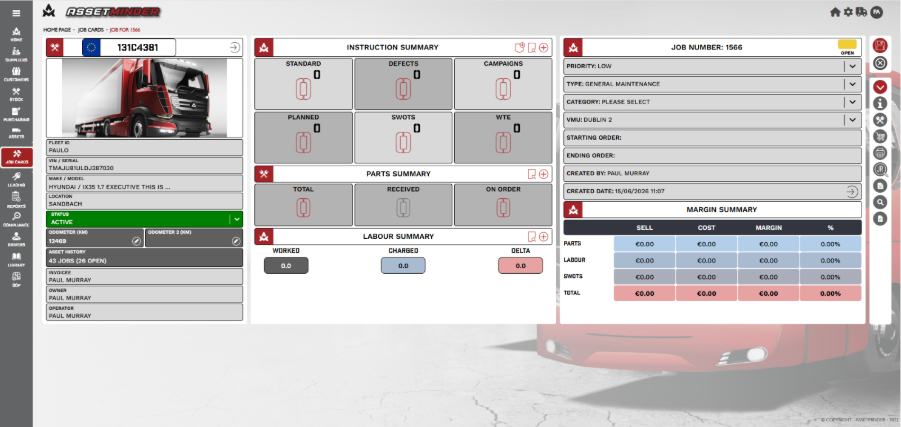
5. A dialogue box will open with the Job Details.
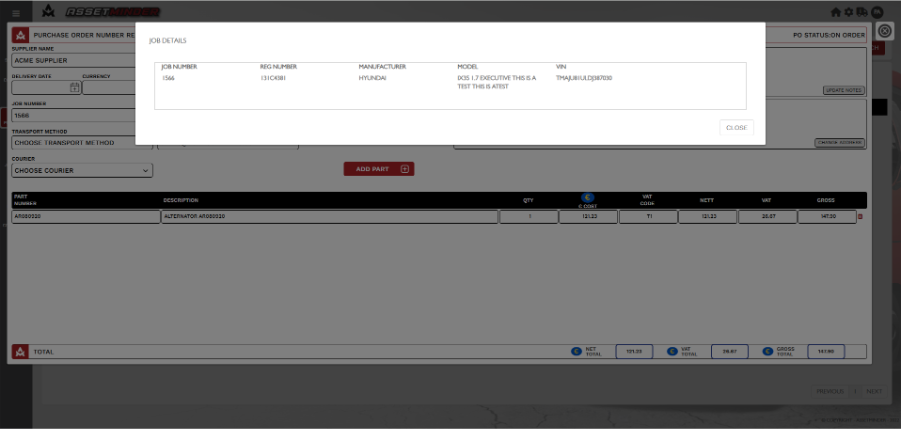
6.Click on the UNLINK PO FROM JOB. A success message will appear.
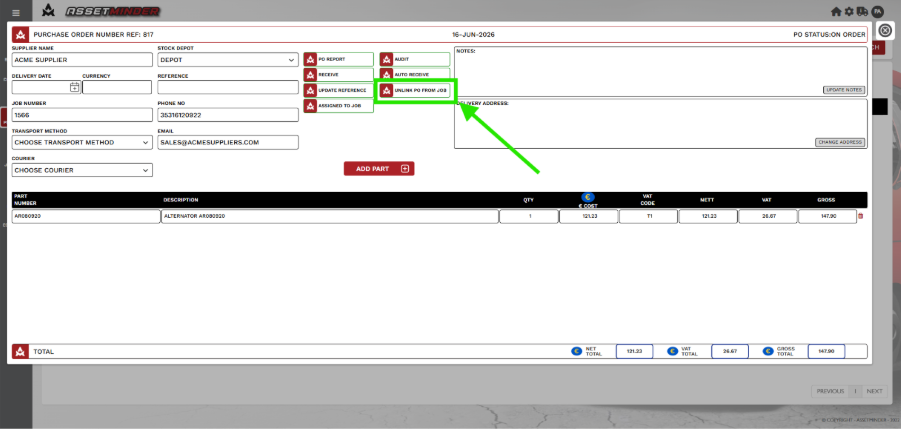
Note: If a PO has been received. The job can be unlinked in the same way, but the part will need to be deleted from the Job.
7. Go to Job and see part on Job.
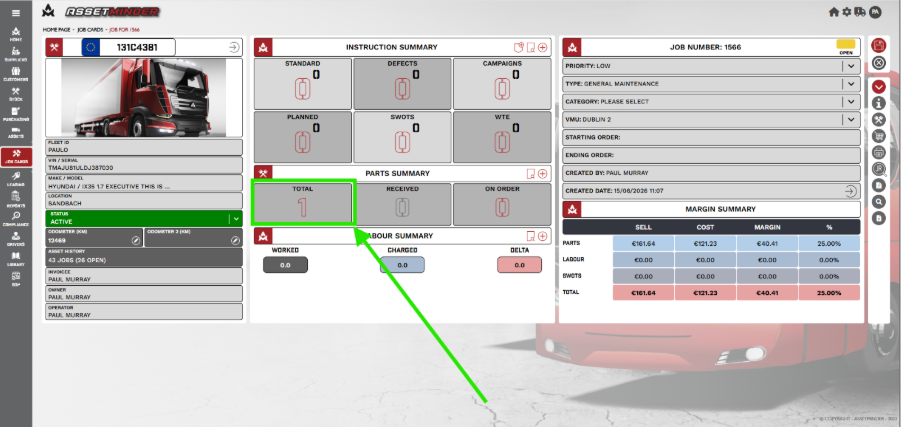
8. Click on the review part icon.
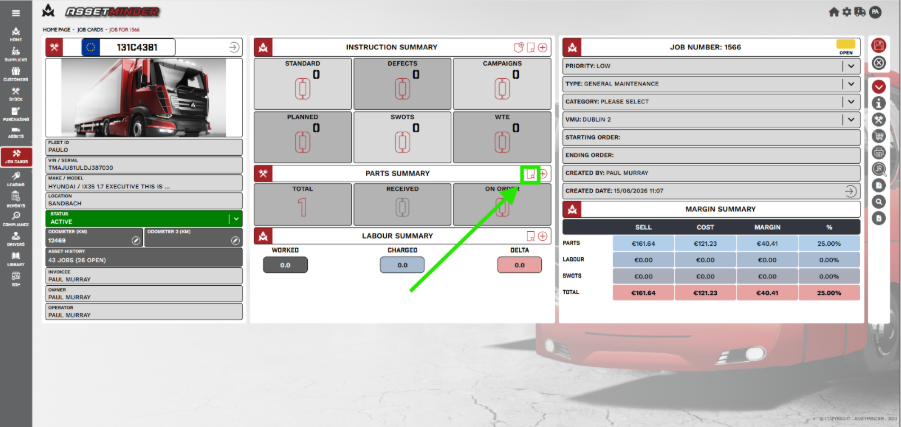
9. The part will appear and click on the Bin icon. A message will appear to verify Deleting Part. Click YES.
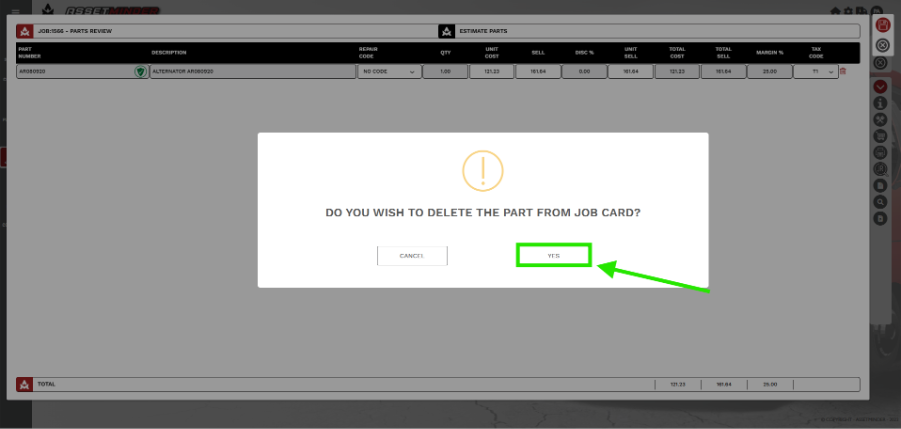
10. The part is no longer attached to job and PO has been unlinked.
Note: The part will be returned to stock
Paul Murray
Comments