This procedure details the process to configure/change the header and footer on inspection reports, general reports, or invoices.
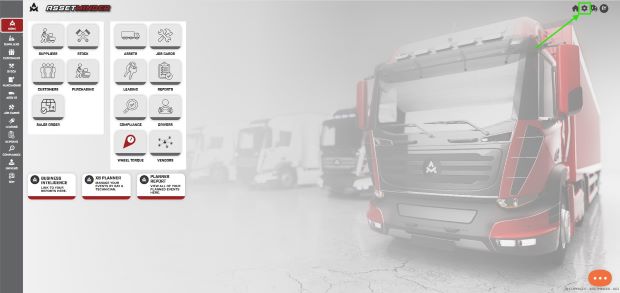
1. Click the Administrator Settings icon on the home screen.
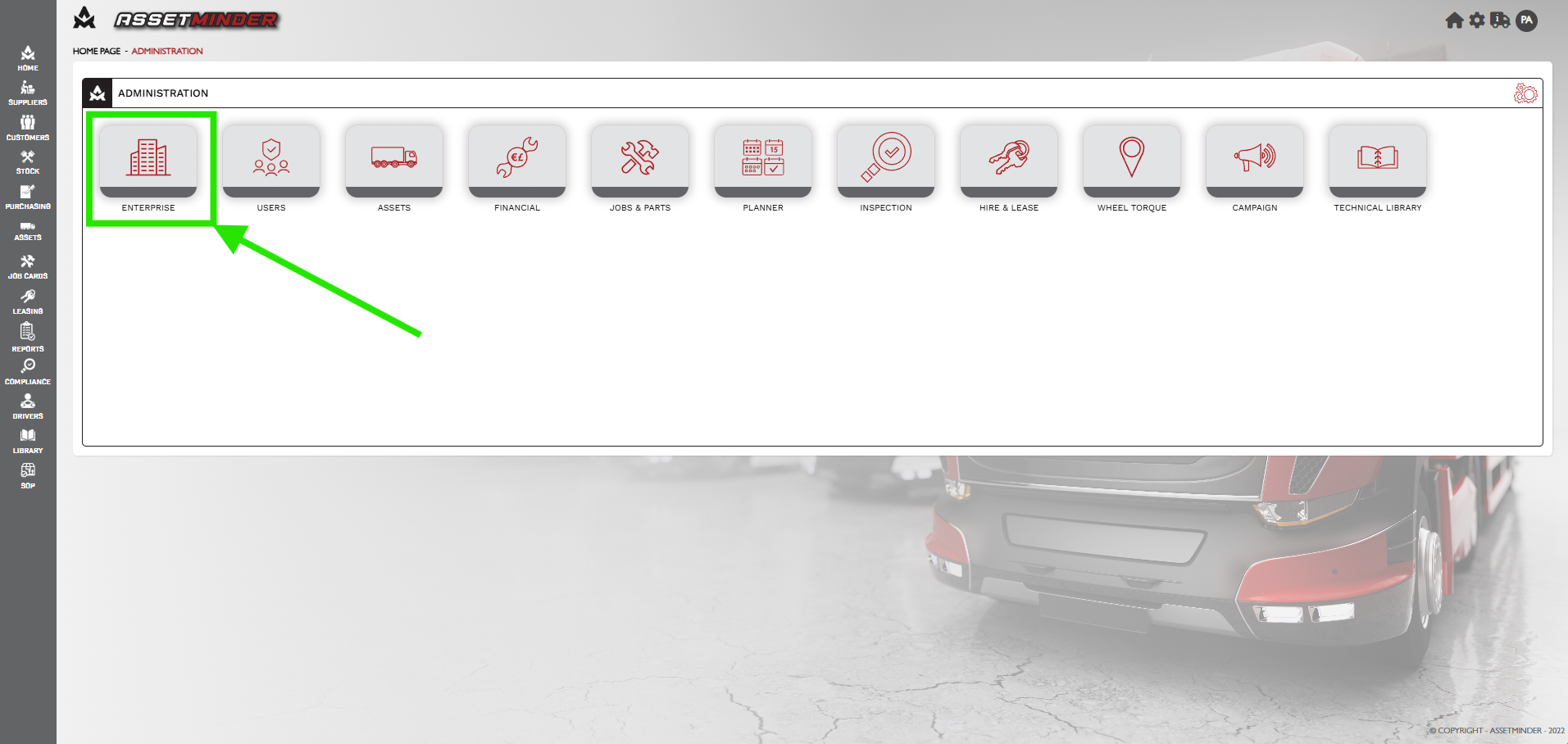
2. Click Enterprise.
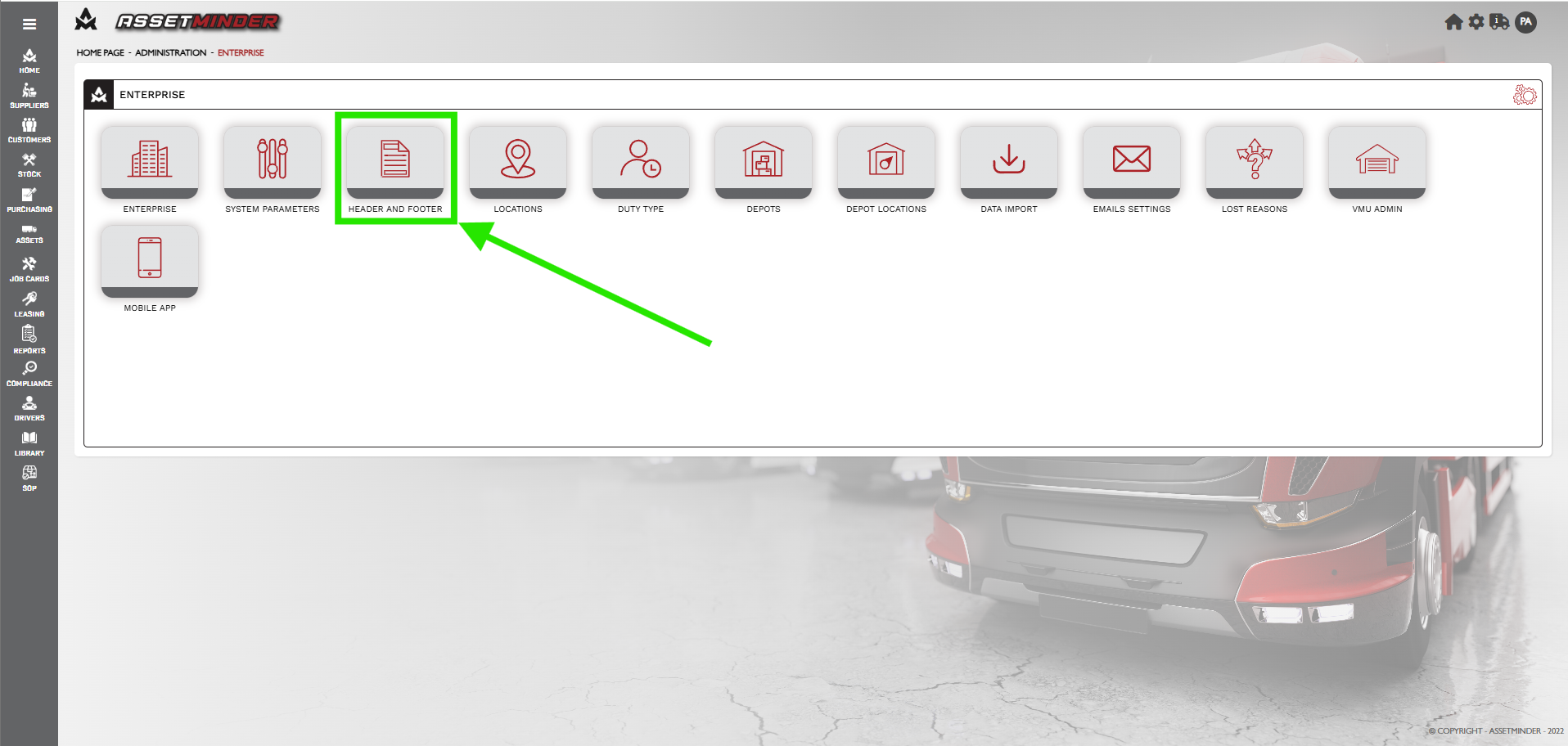
3. Click Header and Footer.
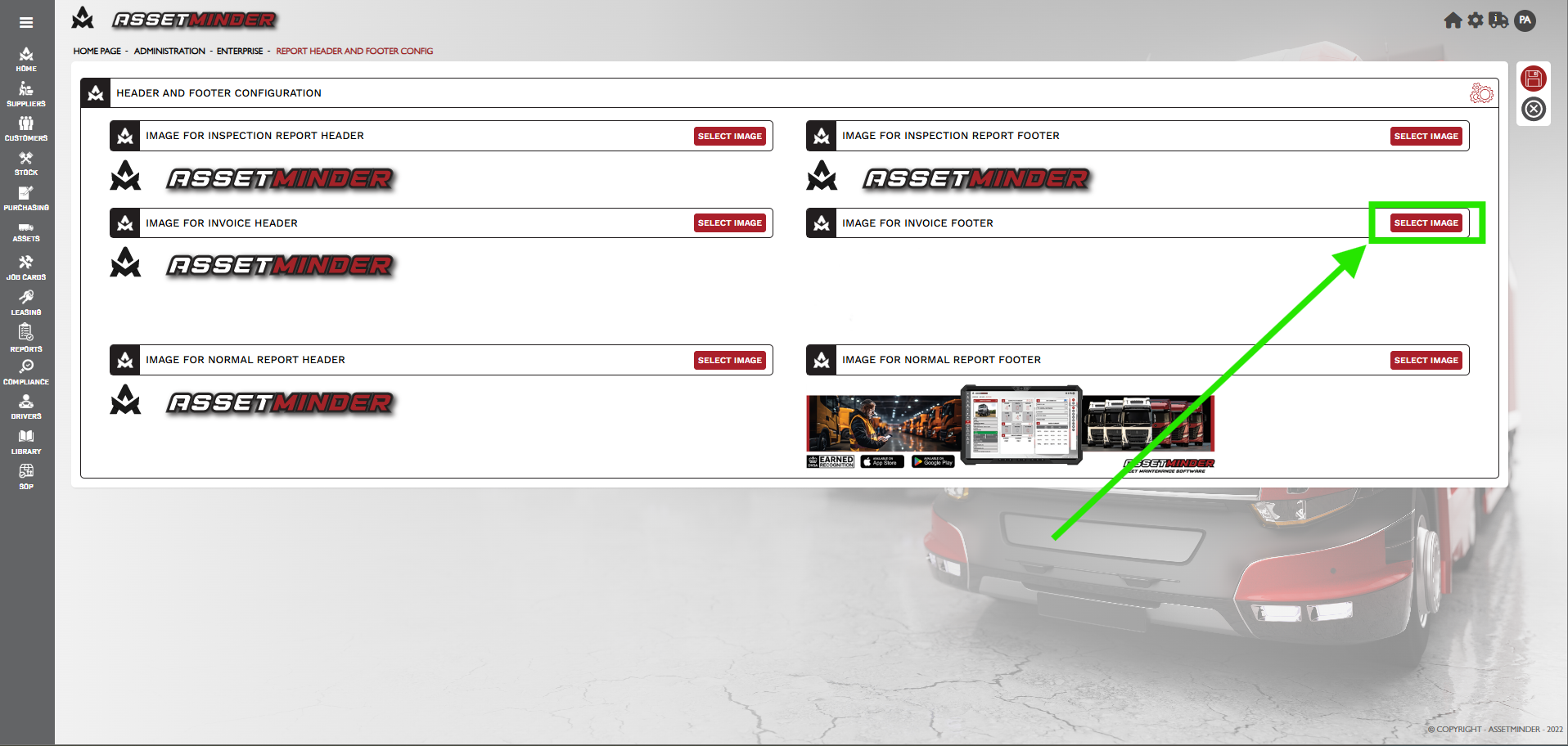
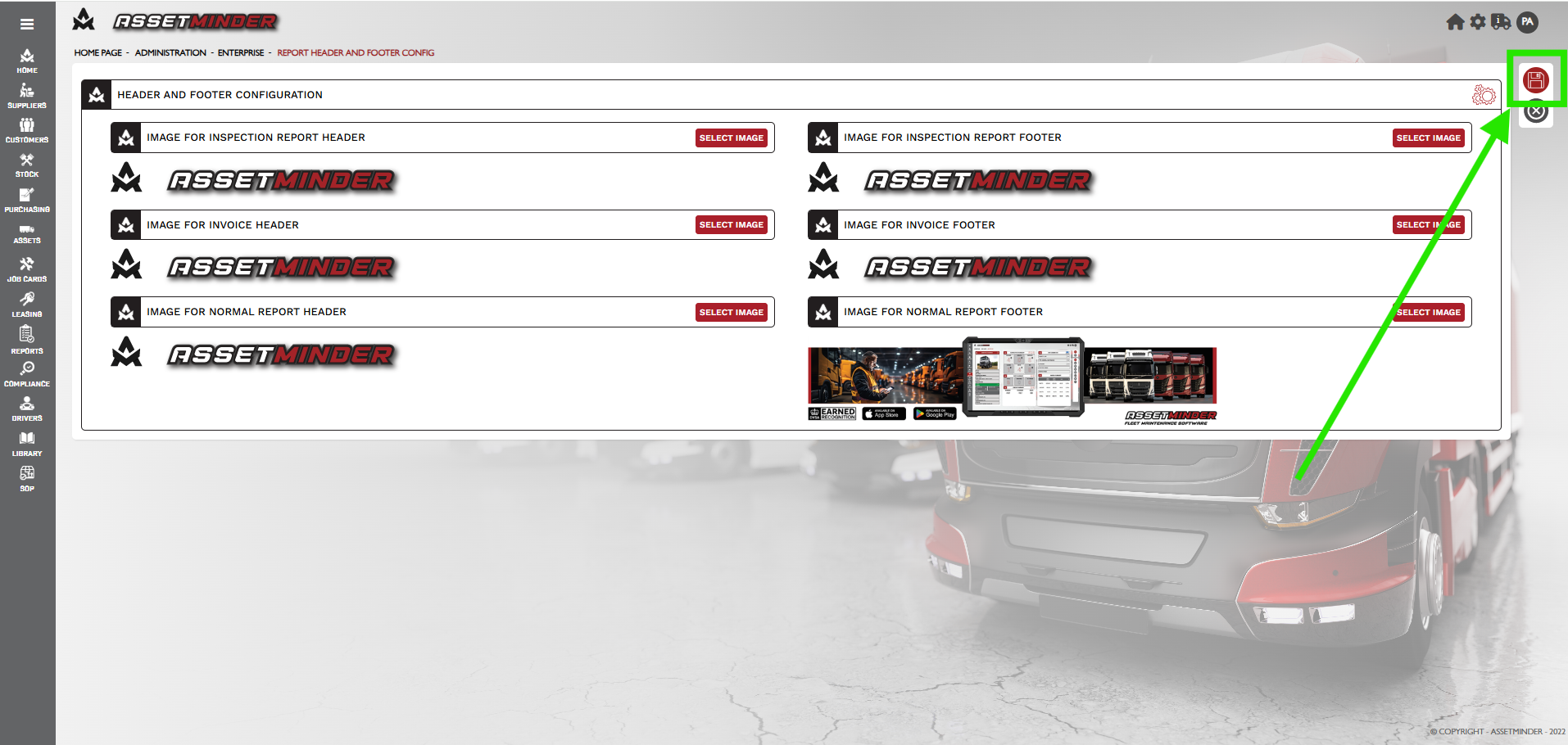
4. A different header and footer can be added to the inspection report template, invoice template, and reports template.
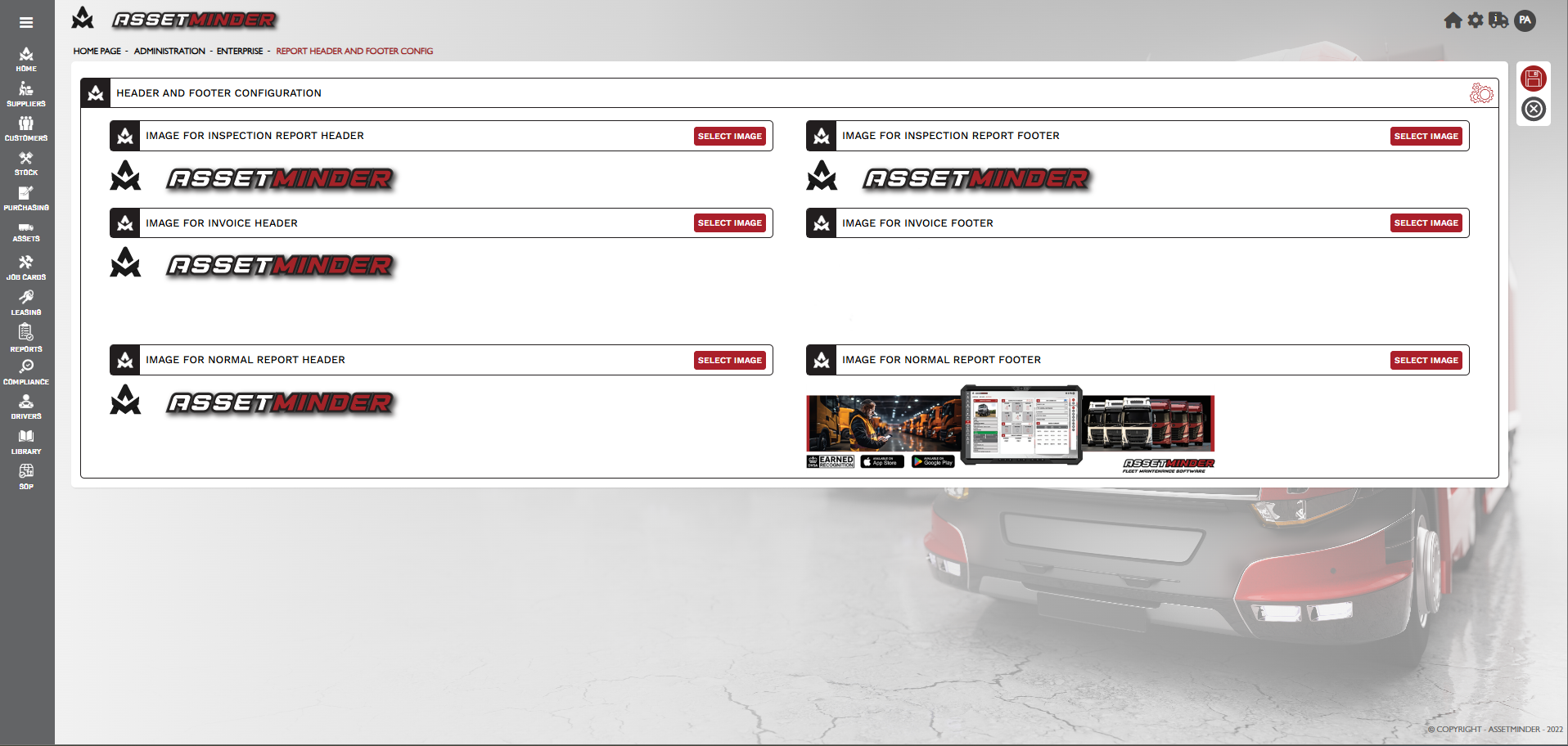
5. Click Select Image on the required template header or footer.
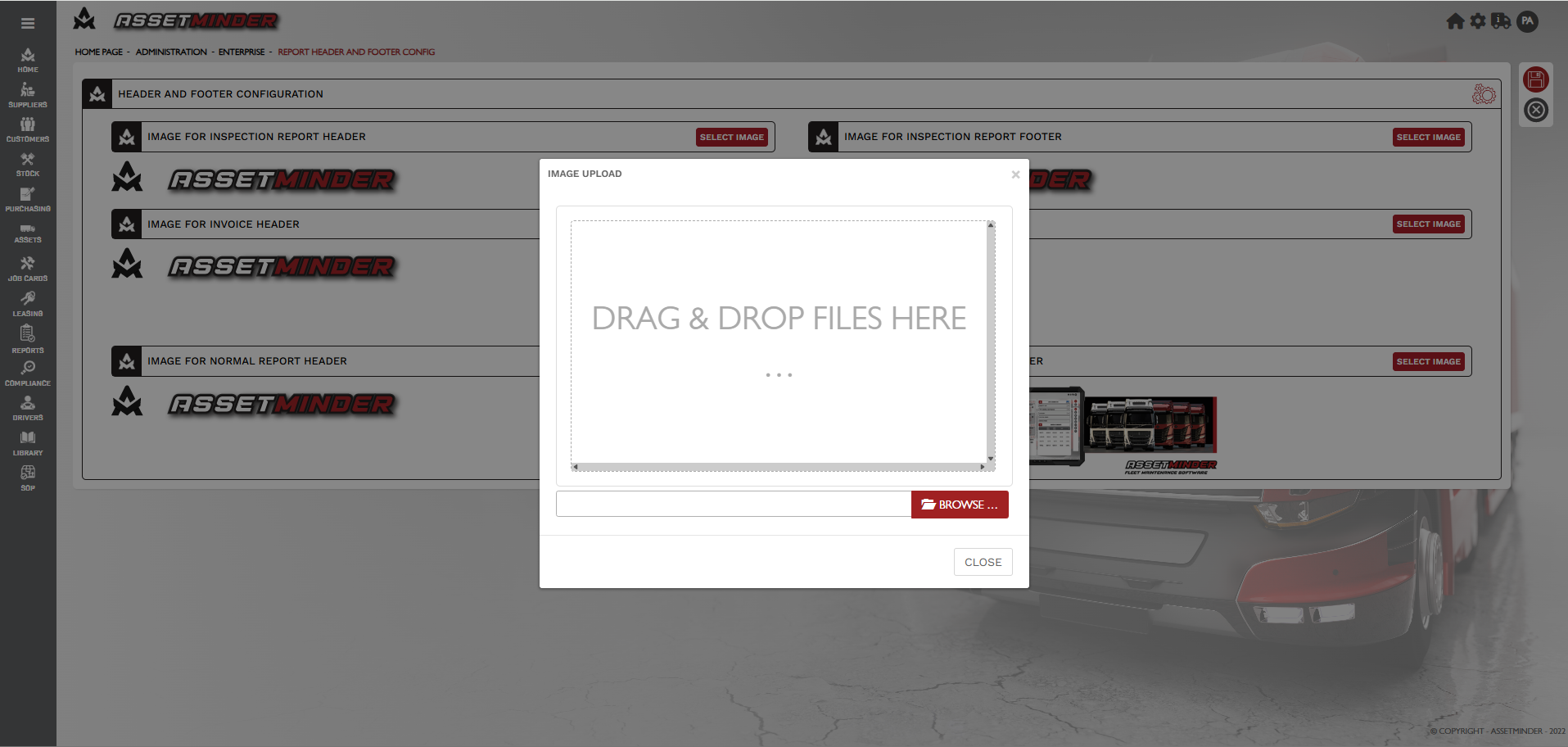
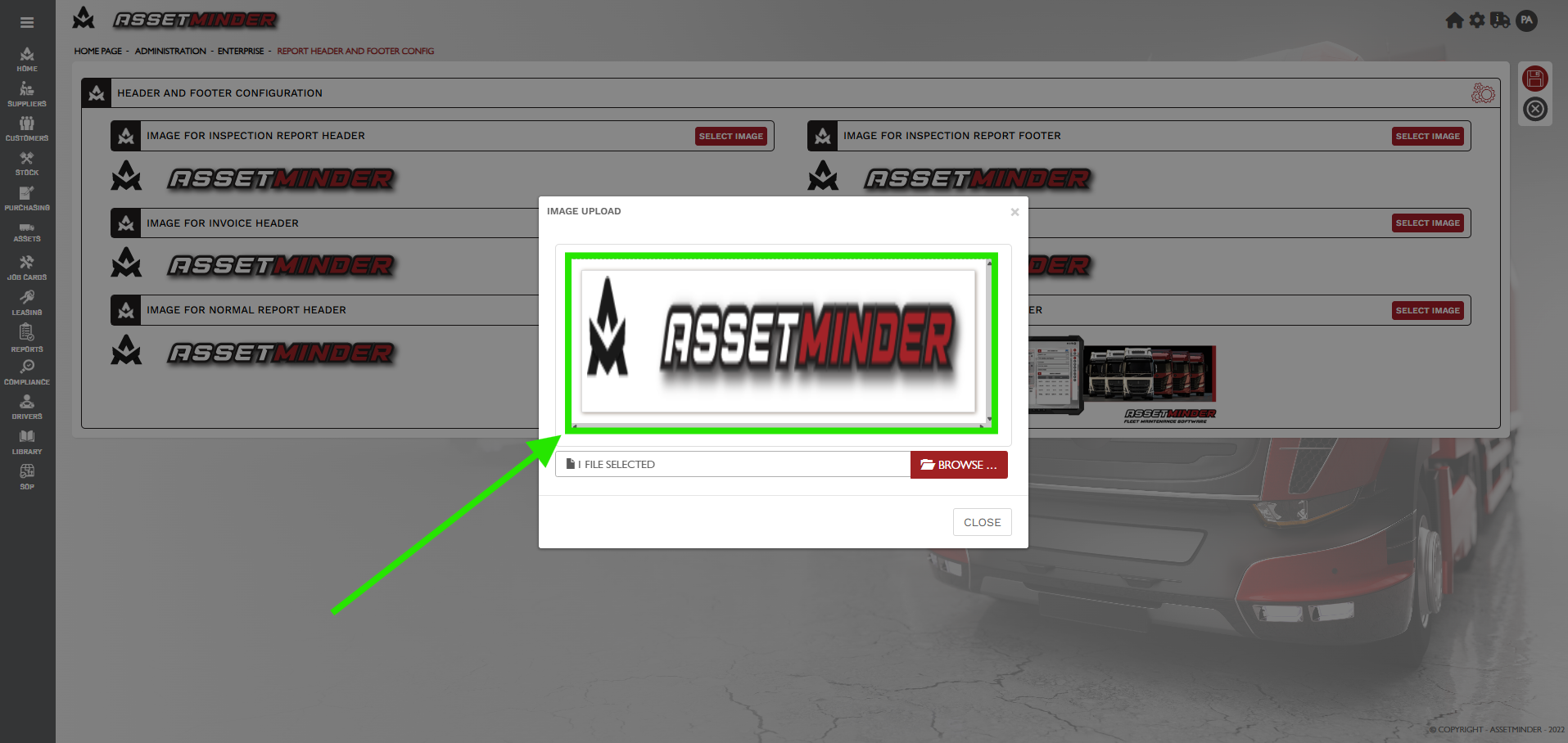
6. Drag and Drop the image into the Image Upload window.
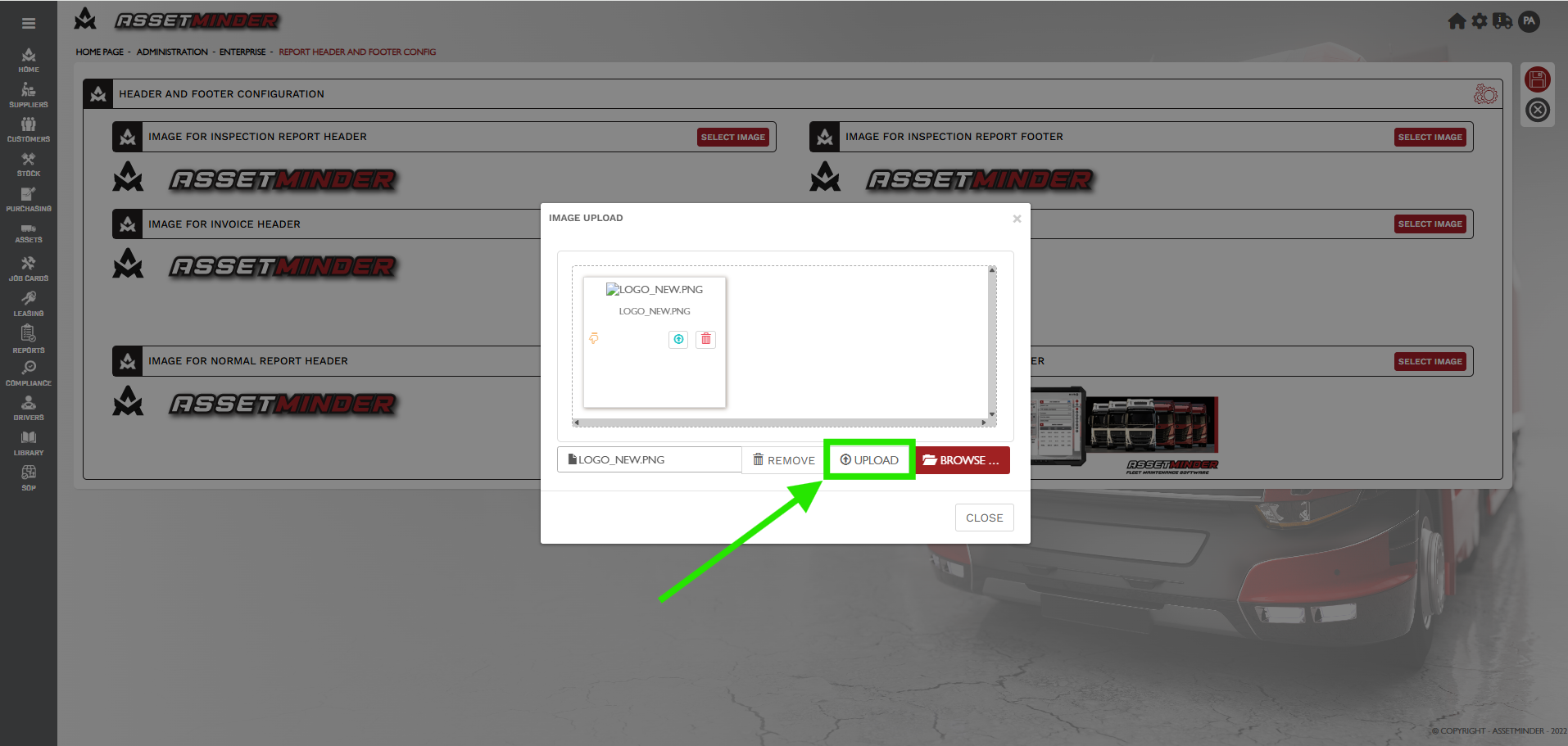
7. When the image is dragged into the window, it still resides on the computer. Click UPLOAD to add to the Assetminder database.
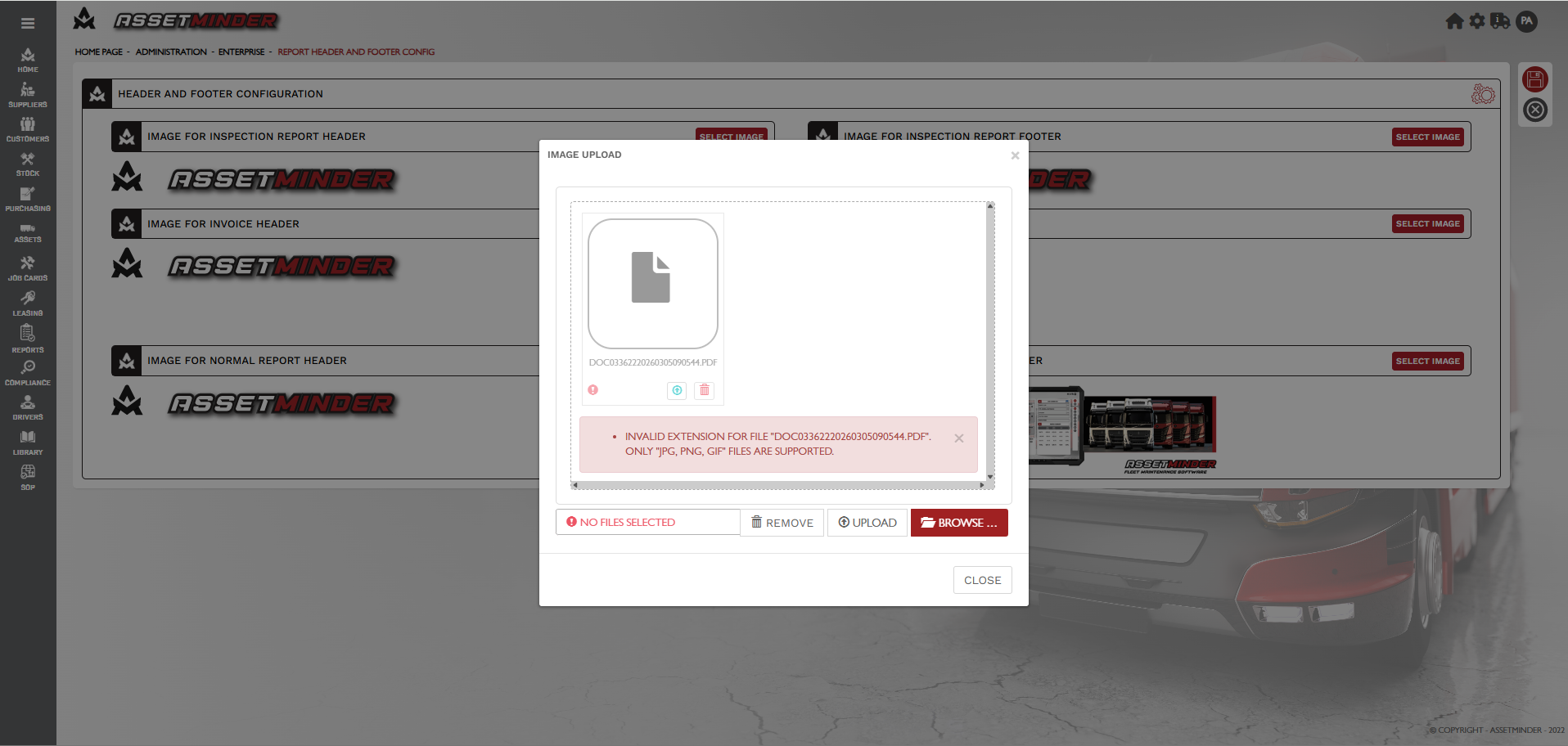
8. If the file is not compatible, the system will give a warning. Correct the image file or format and retry.
9. When the file uploads ok, click the image to assign it to the template.
10. Click Save.
Paul Murray
Comments