PROCEDURE
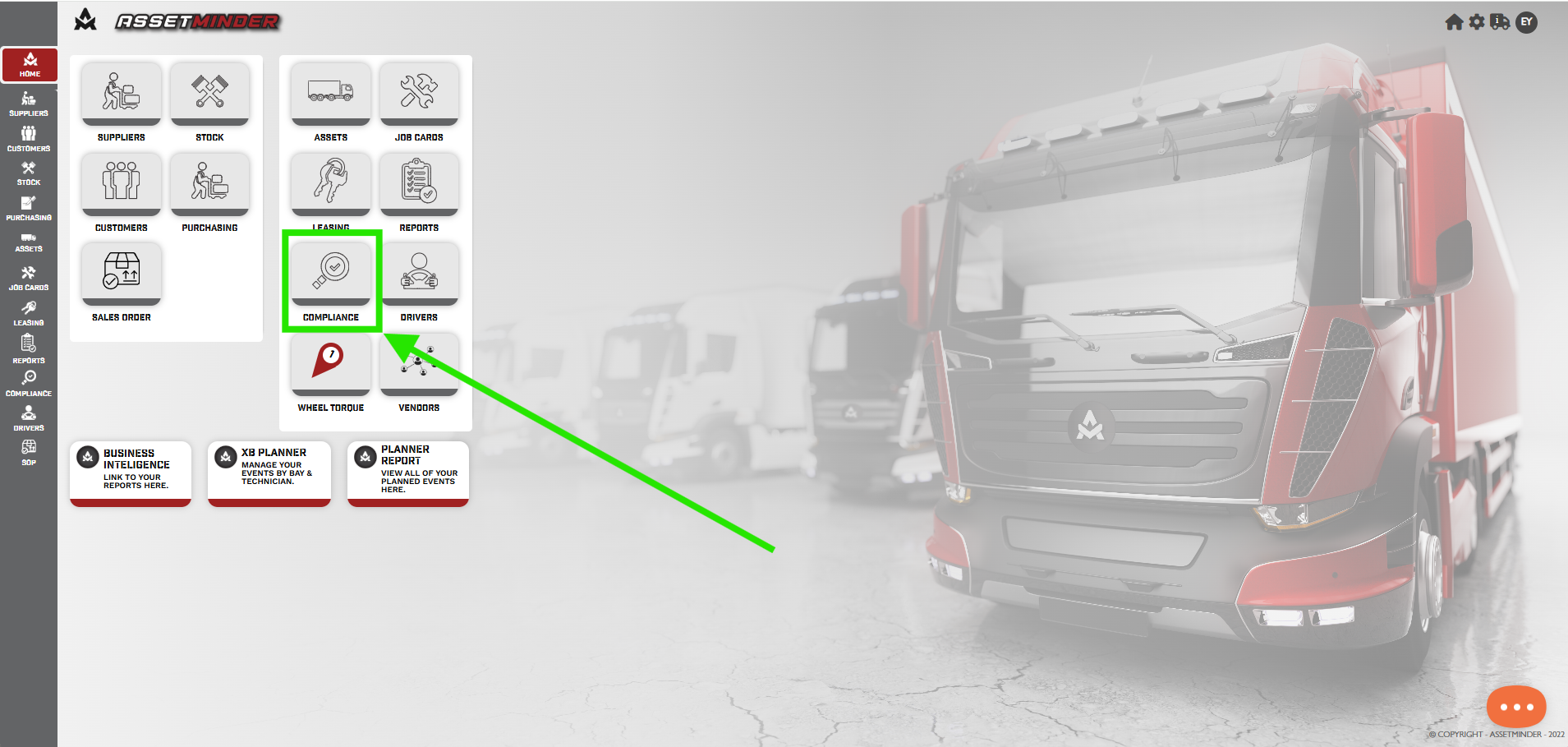
1. Click on Compliance
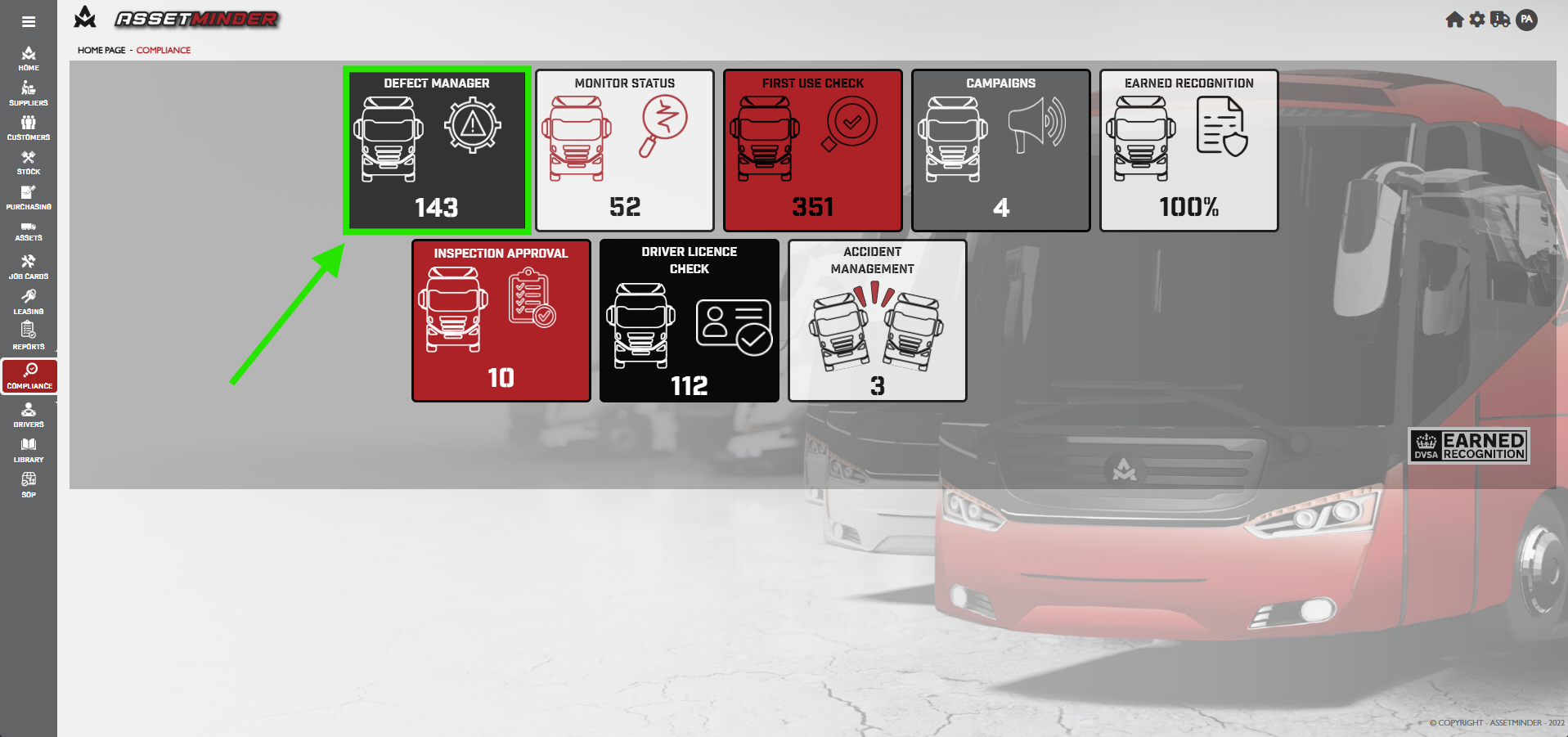
2. Click on Defect Manager.
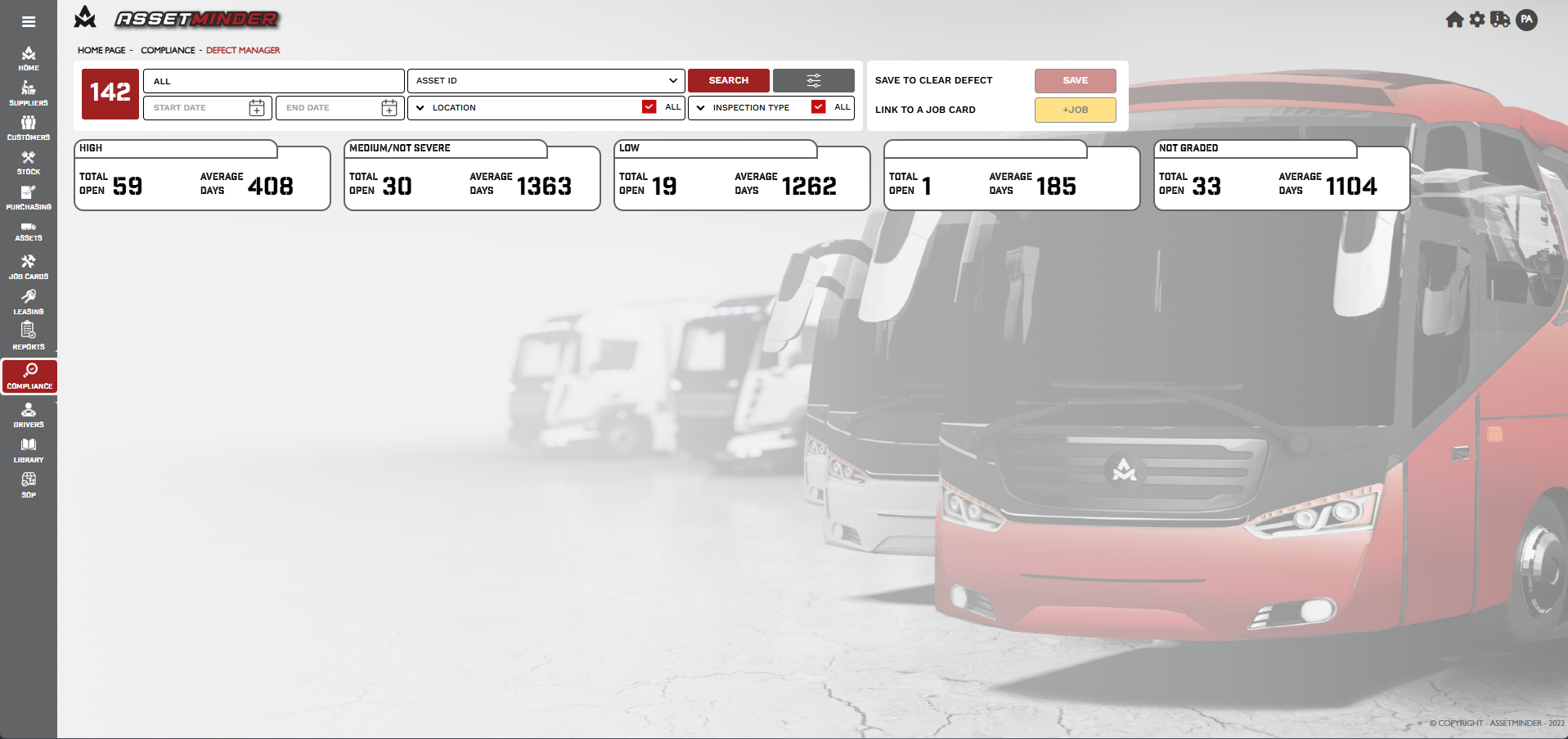
3. The defect manager will open.
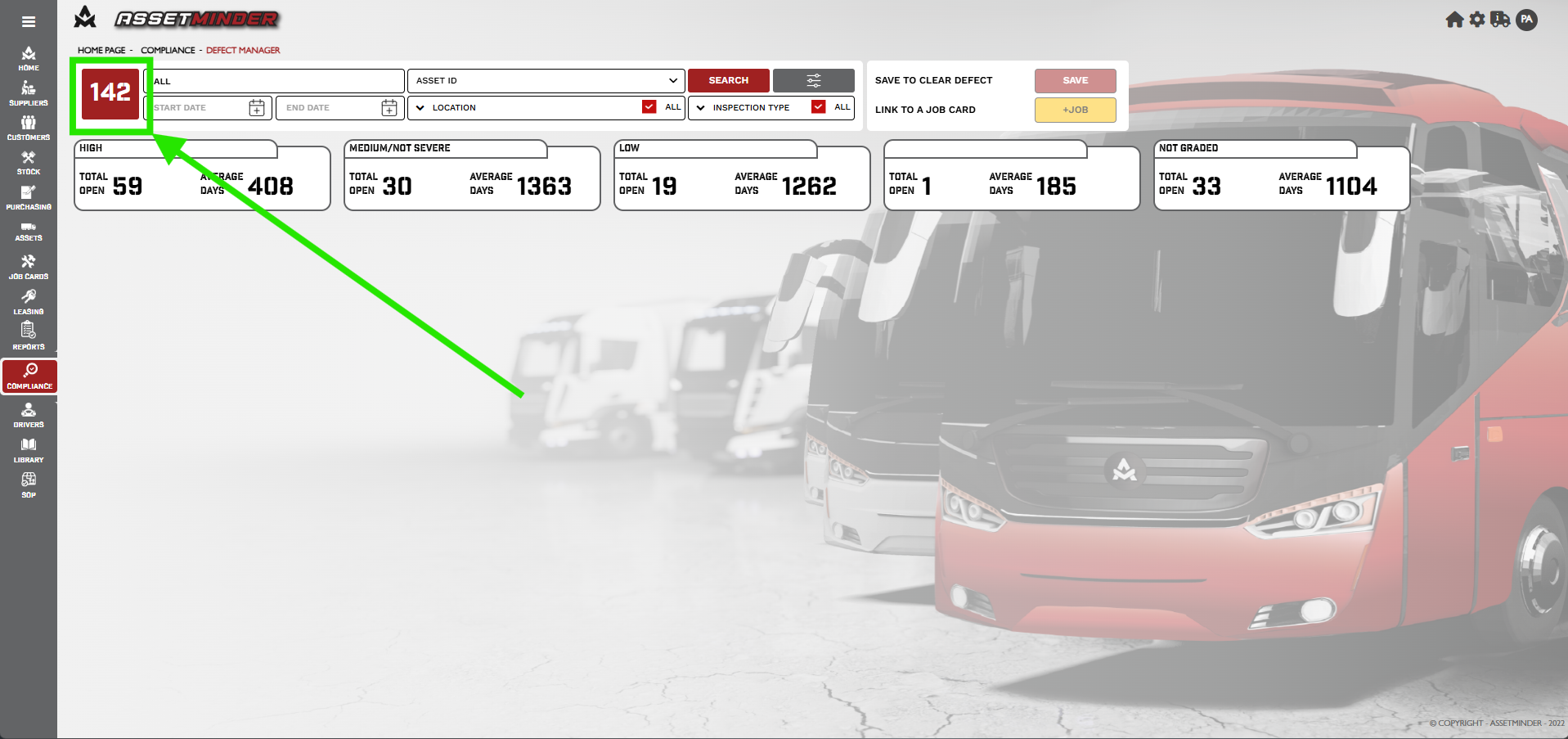
4. The total number of defects is displayed in the top left hand corner.
5. The search function is available to search for assets
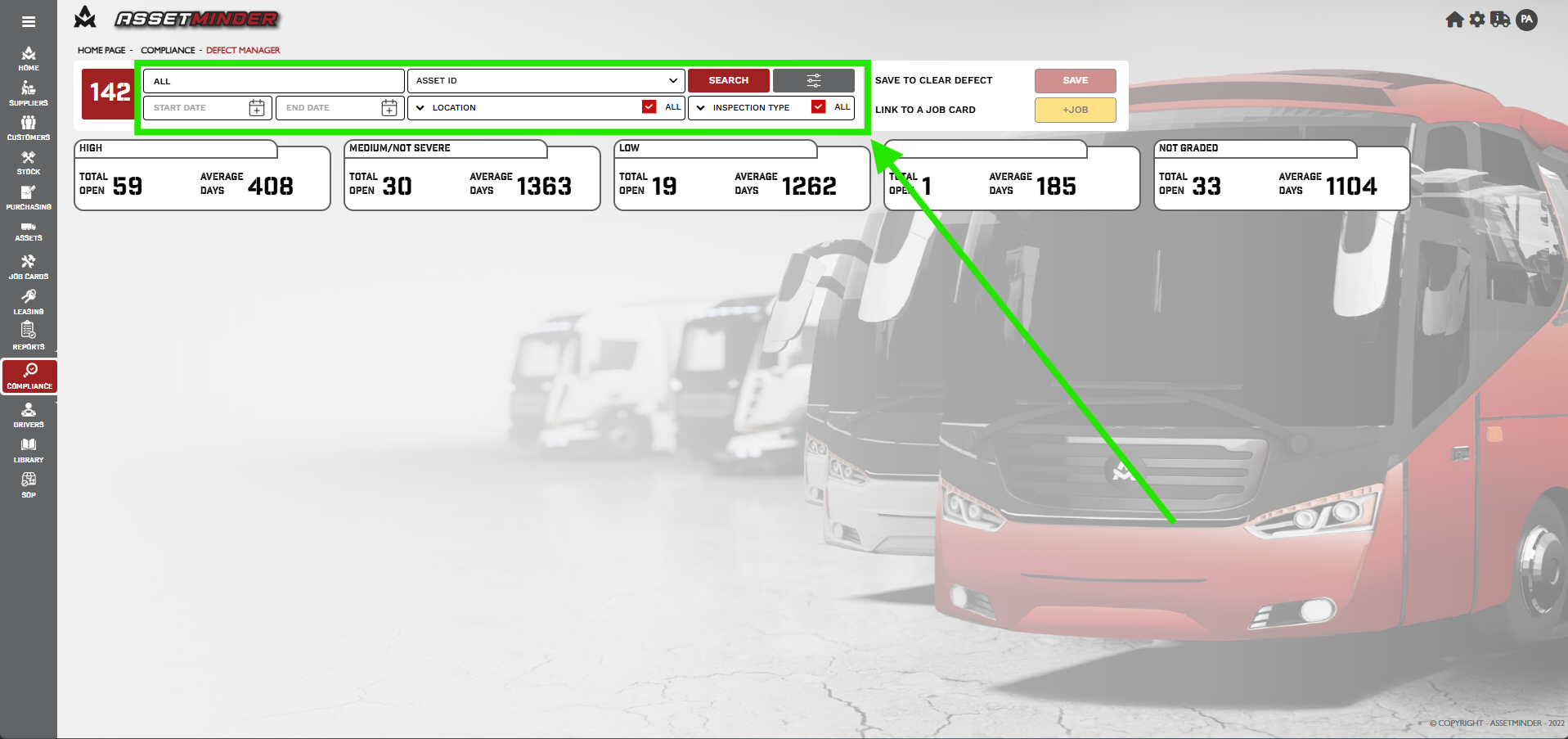
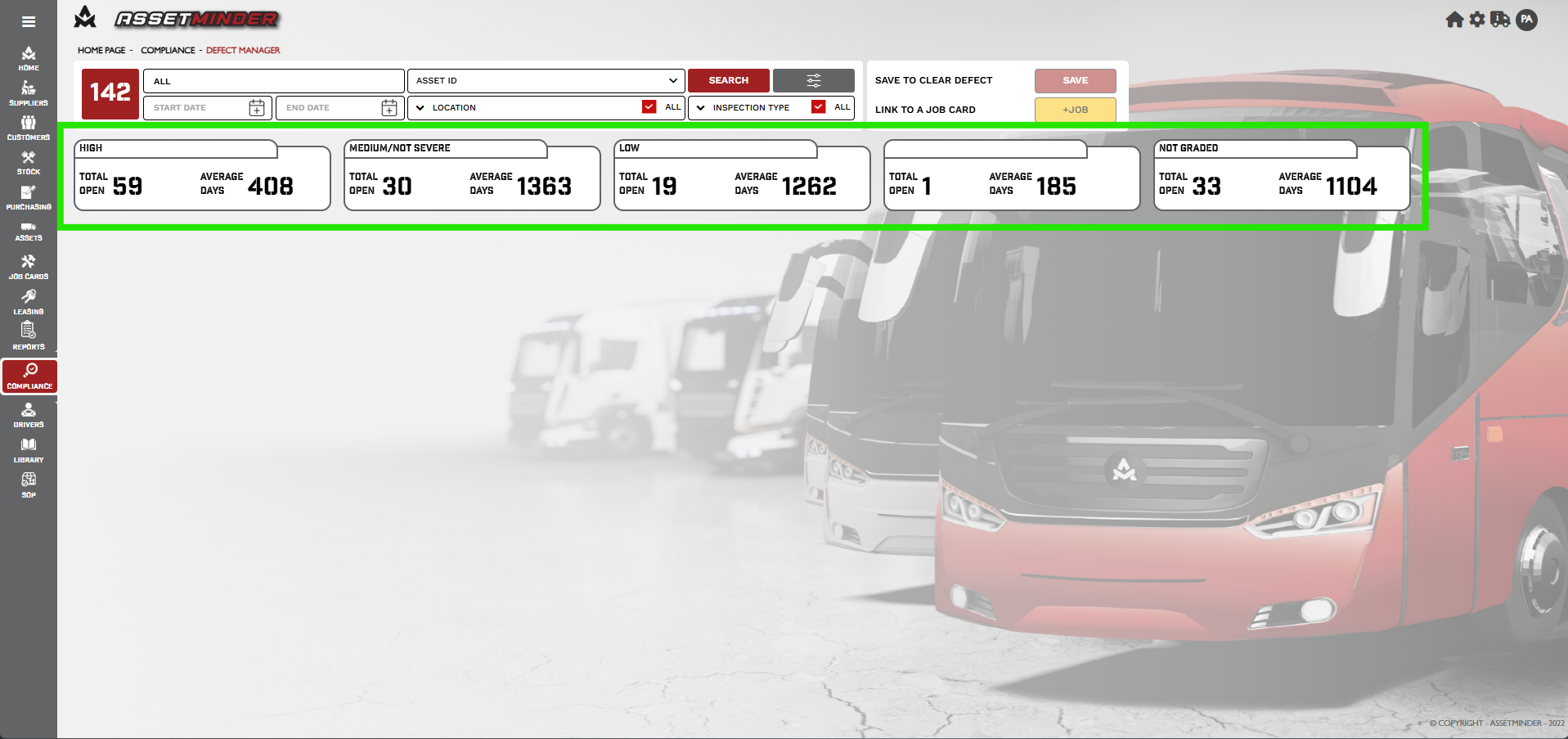
6. The Section show the defect grades, High, Medium/severs/ Low and Not graded.
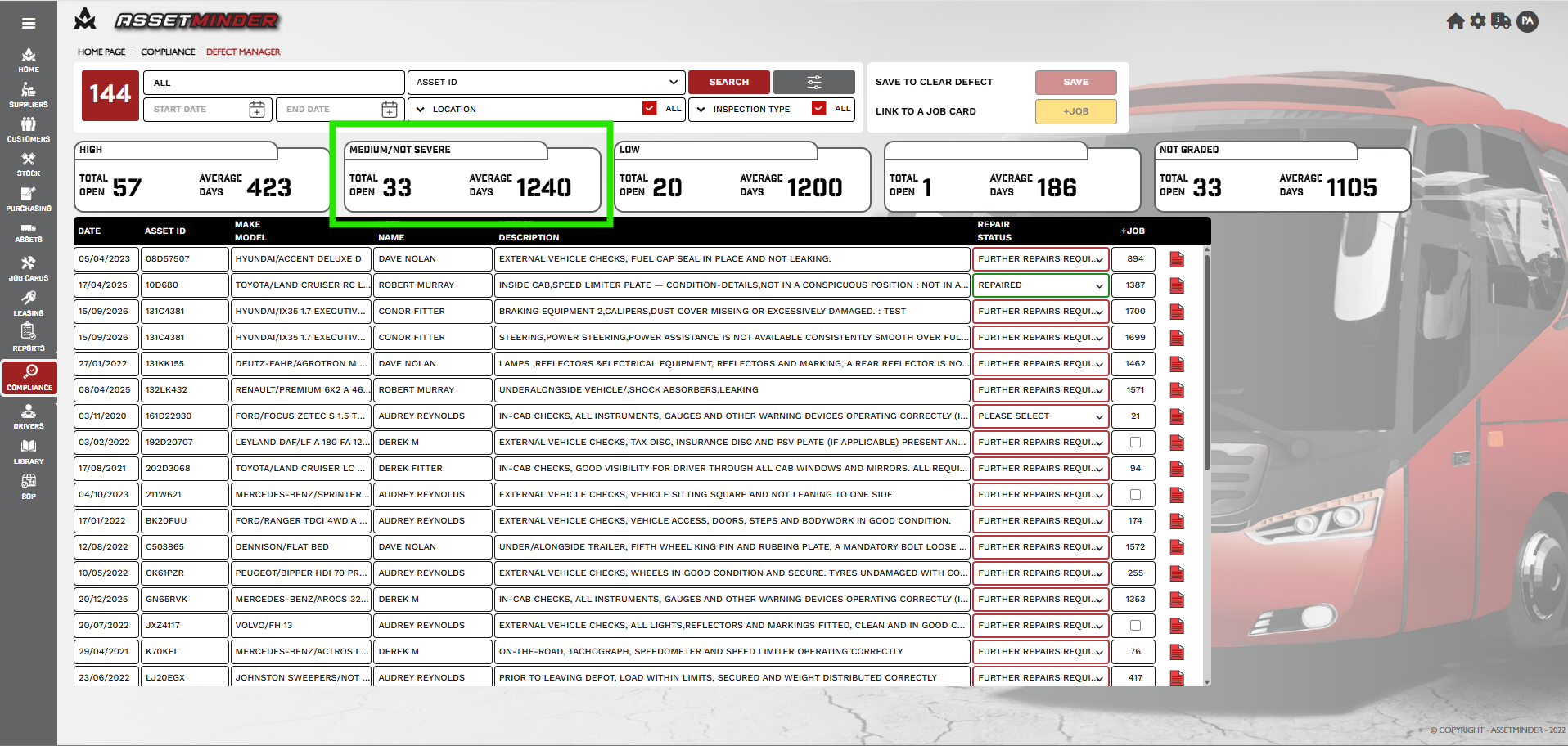
7. Click on the Medium/severe tab and the list will appear.
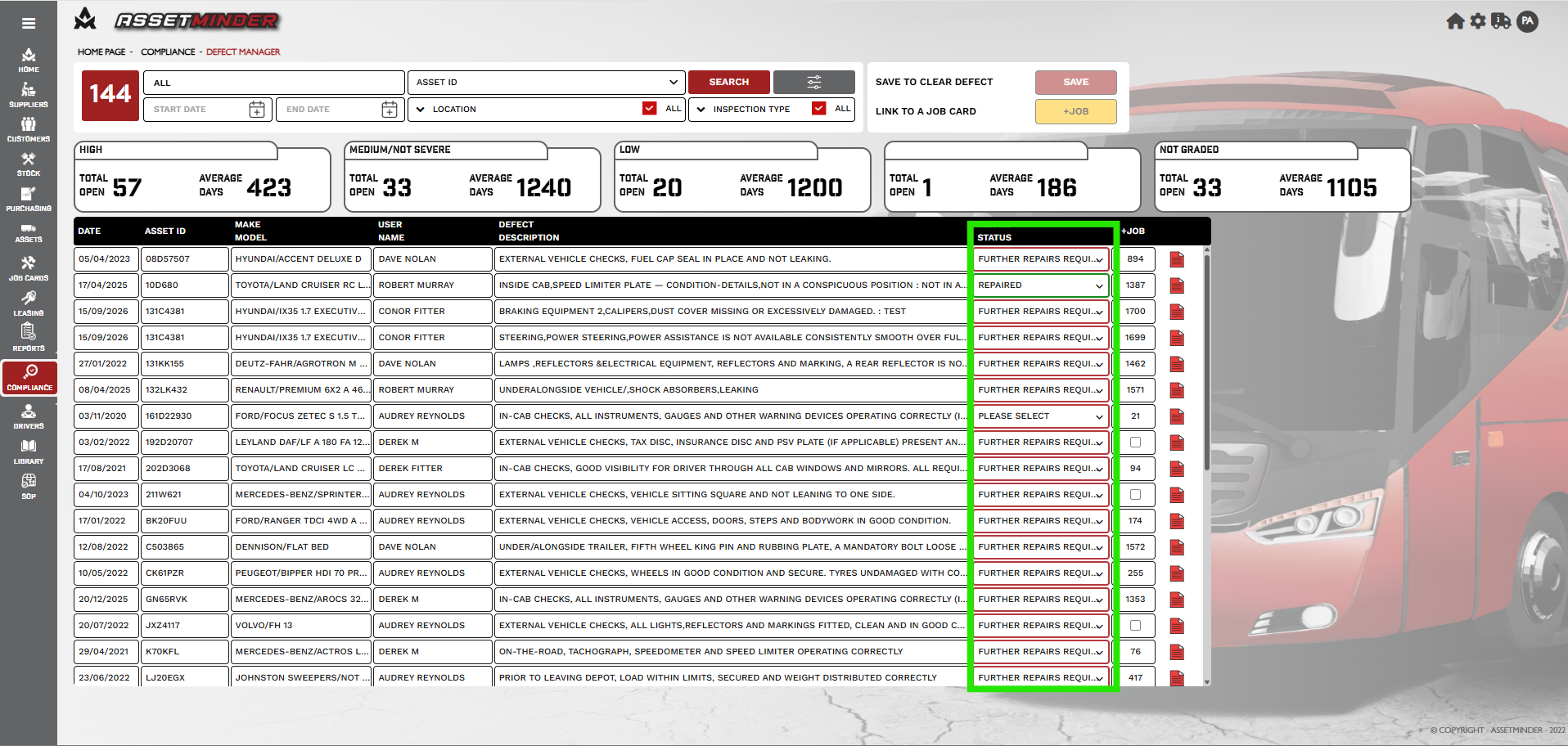
8. The repair status can be updated. Click on the status and select from the drop down menu.
9. The associated Job is displayed in this column.
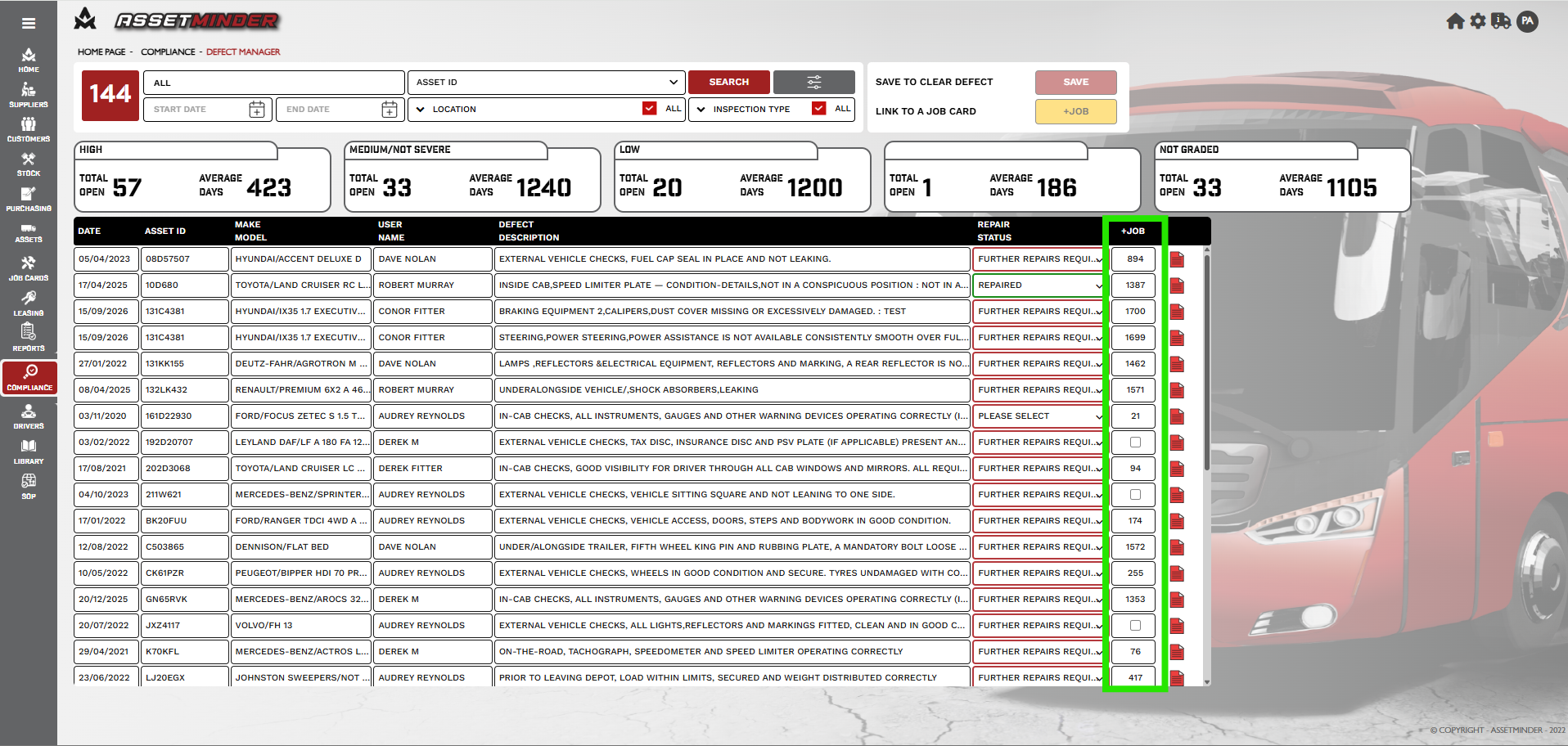
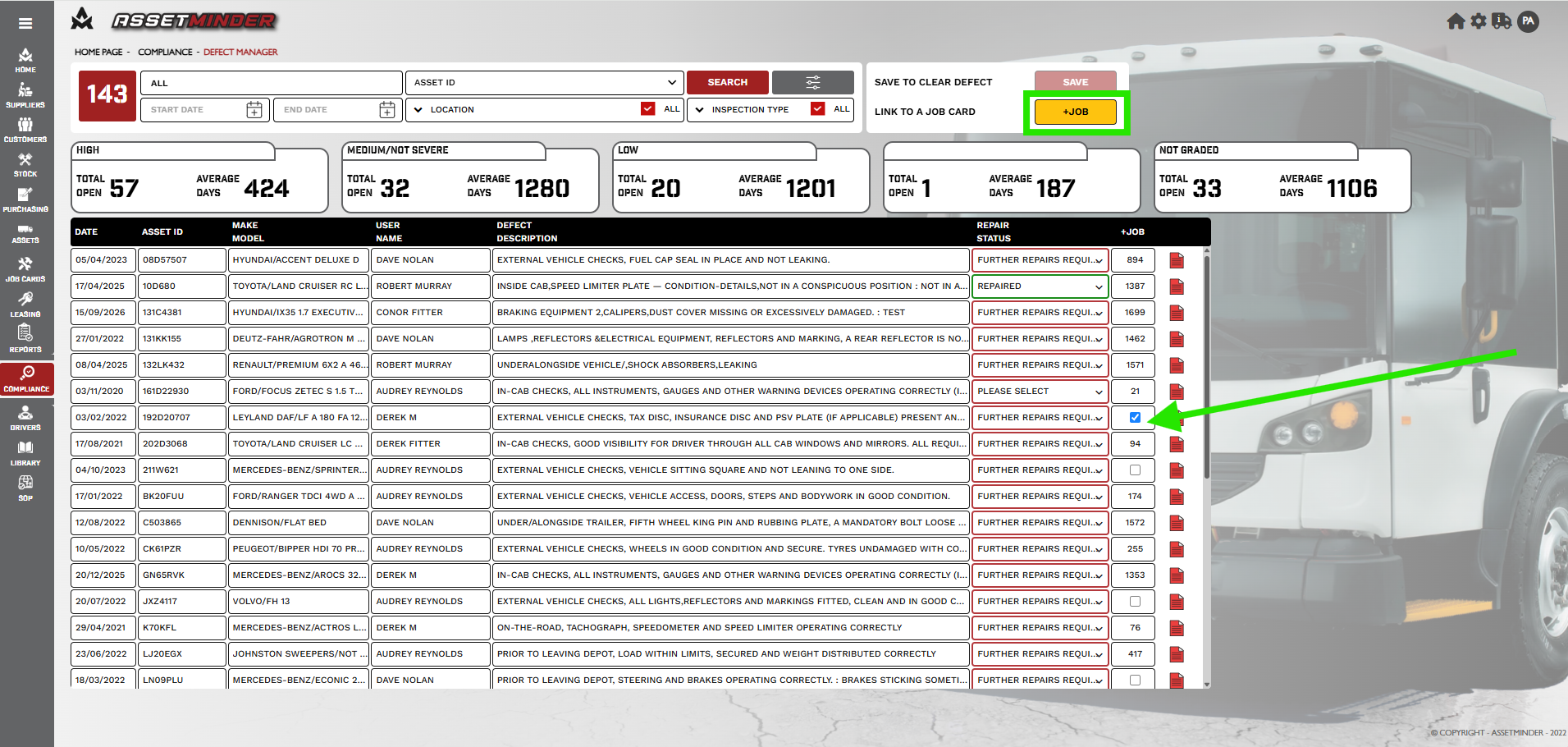
10. If a defect is not assigned to a Job Card tick the box. The Link to a Job Card button can be clicked.
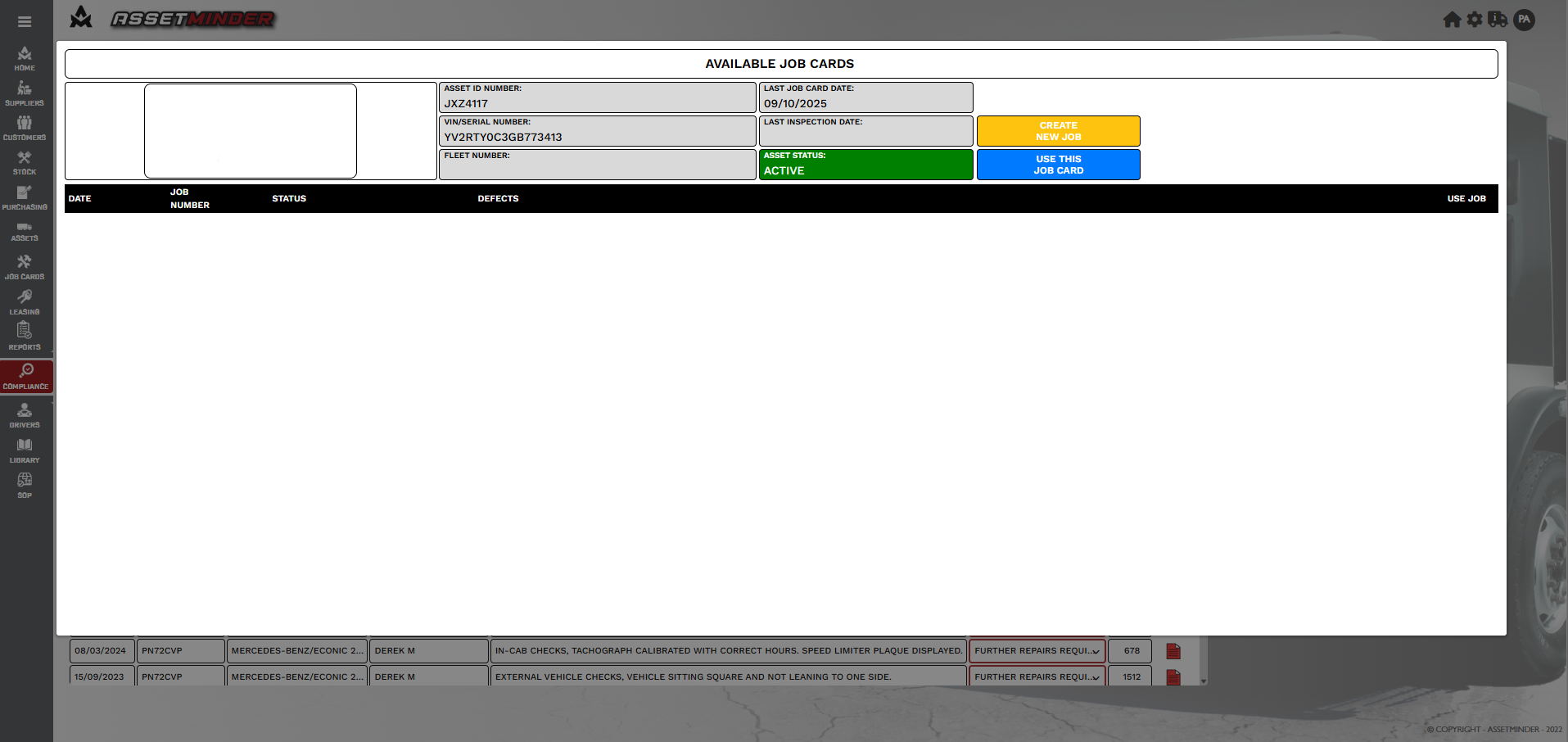
11. If there are open job cards associated with the asset the defect can be added to a job, select the Job card and Click Use this Job Card. If a new Job Card is required click on Create New Job Card.
Paul Murray
Comments